01
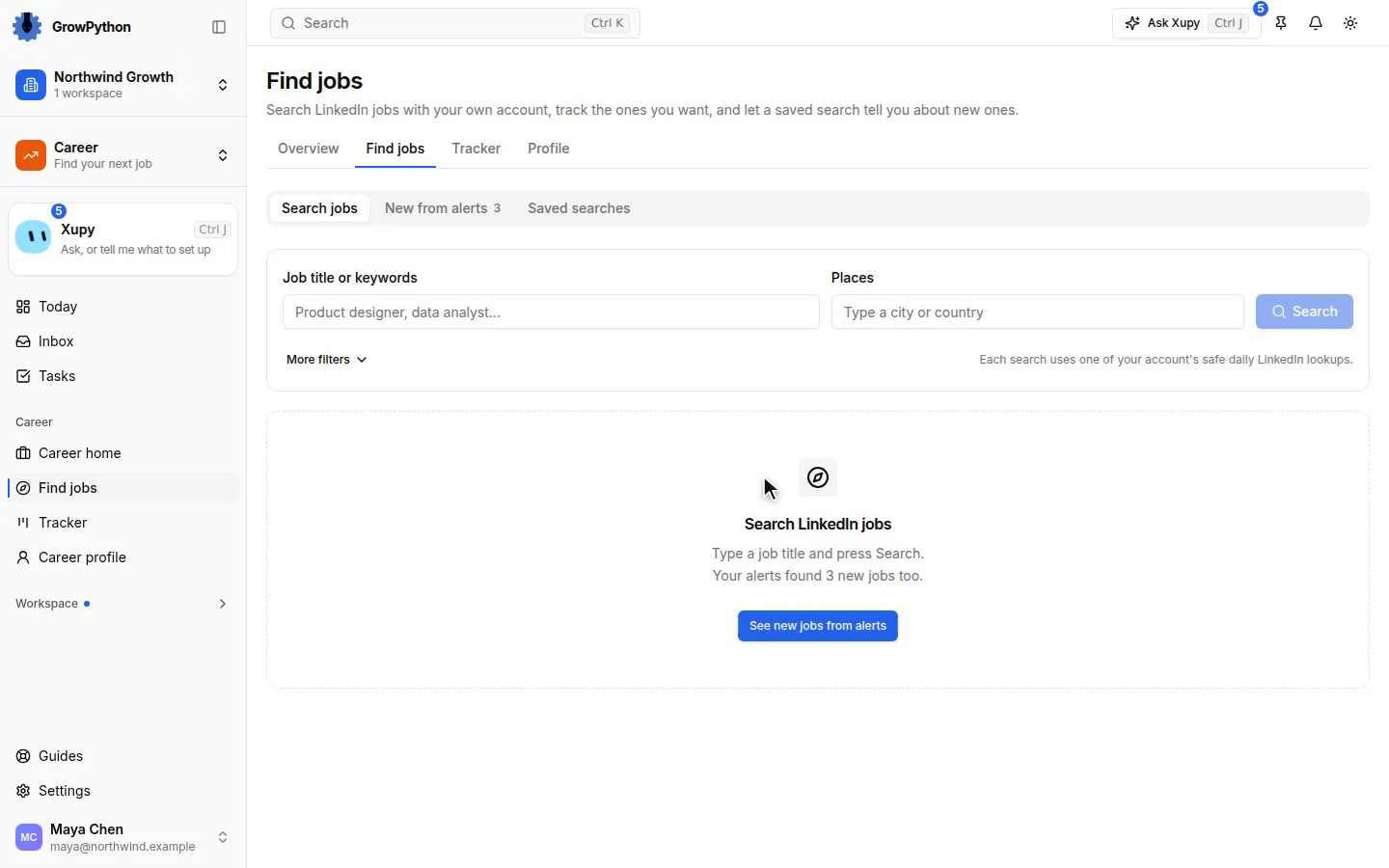
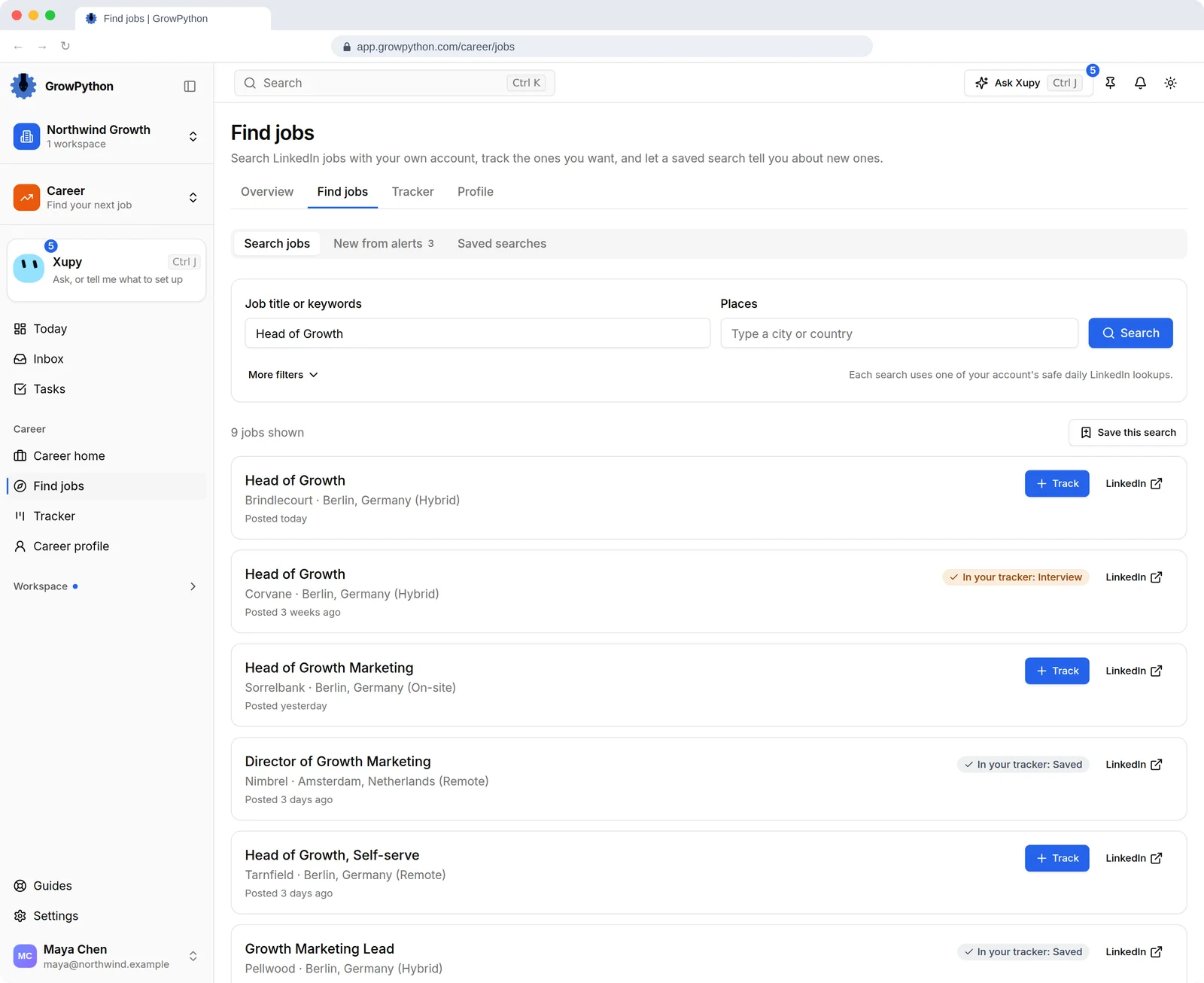
Search LinkedIn jobs with your own account
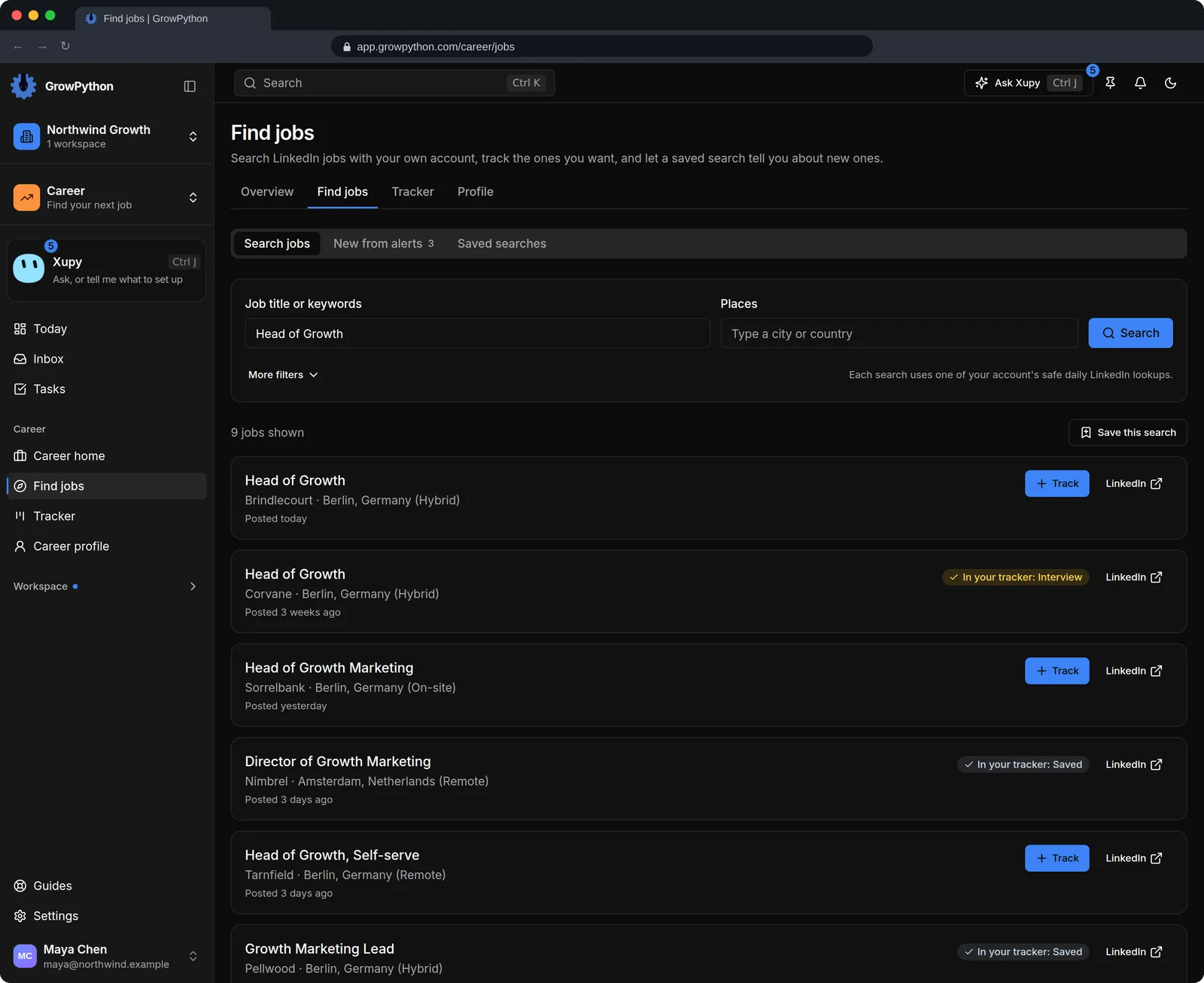
Search by title, keywords and place. The results show which jobs are already in your tracker, and one press tracks a new one. Each search is one LinkedIn lookup from your account's daily number.
02
Saved searches that tell you about new jobs
Save a search and switch on its daily alert. It looks once a day for jobs posted in the last 24 hours and tells you with one notification. Alerts are off until you turn one on.
03
The whole posting, kept
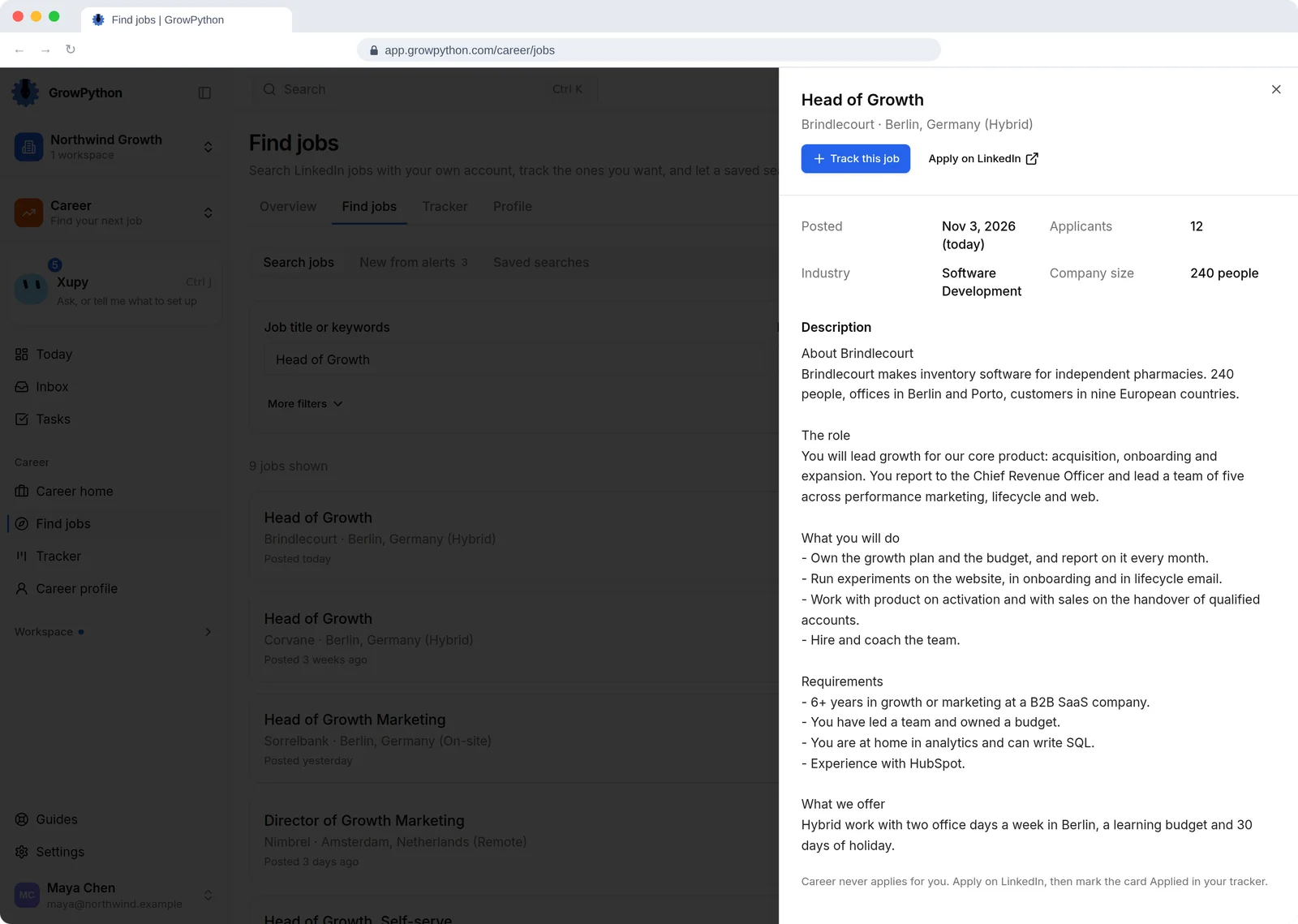
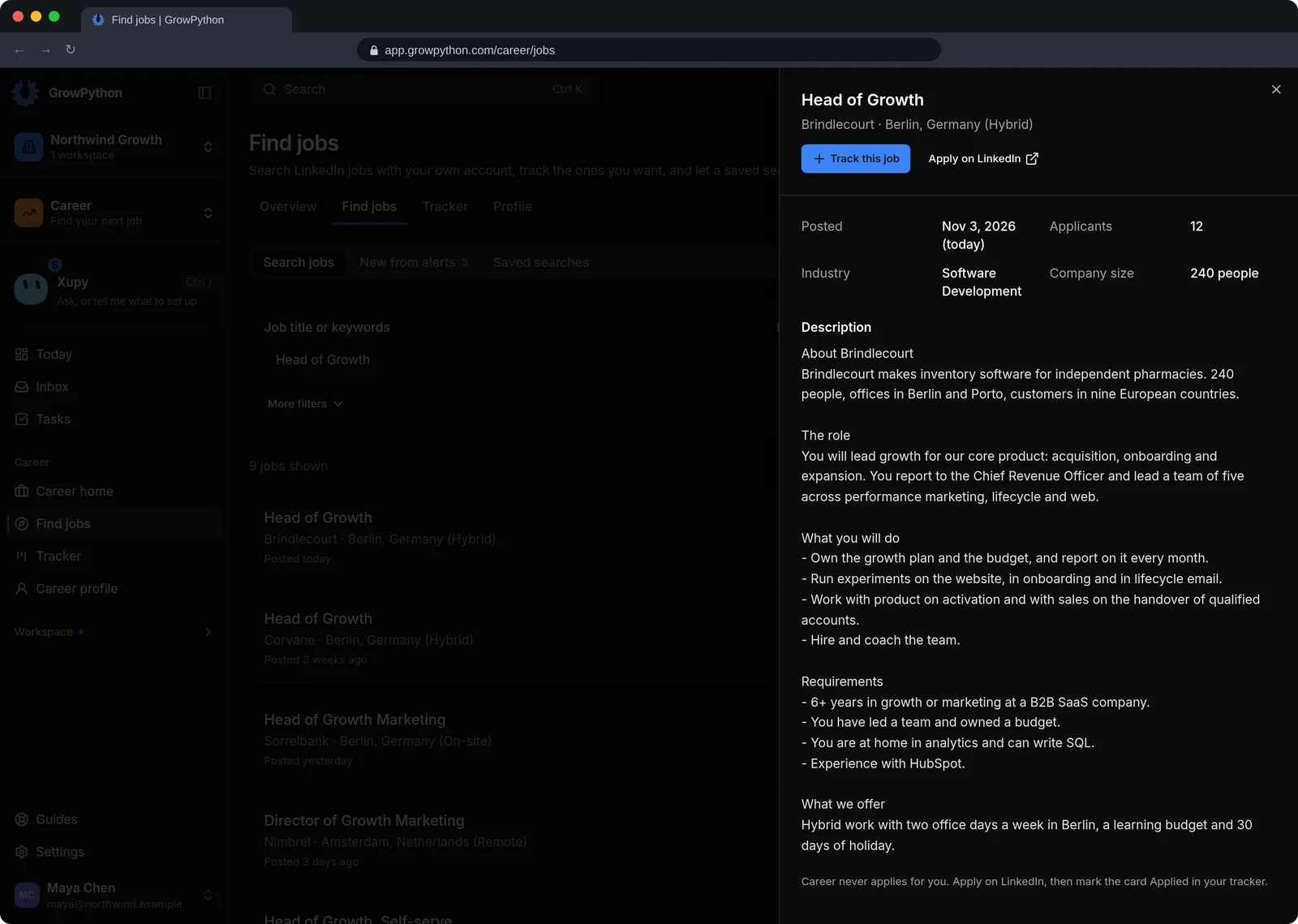
Open a job to read the full description. It is read from LinkedIn once and kept with the job, next to a button that opens the job's own page.
04
A board for every job you are going after
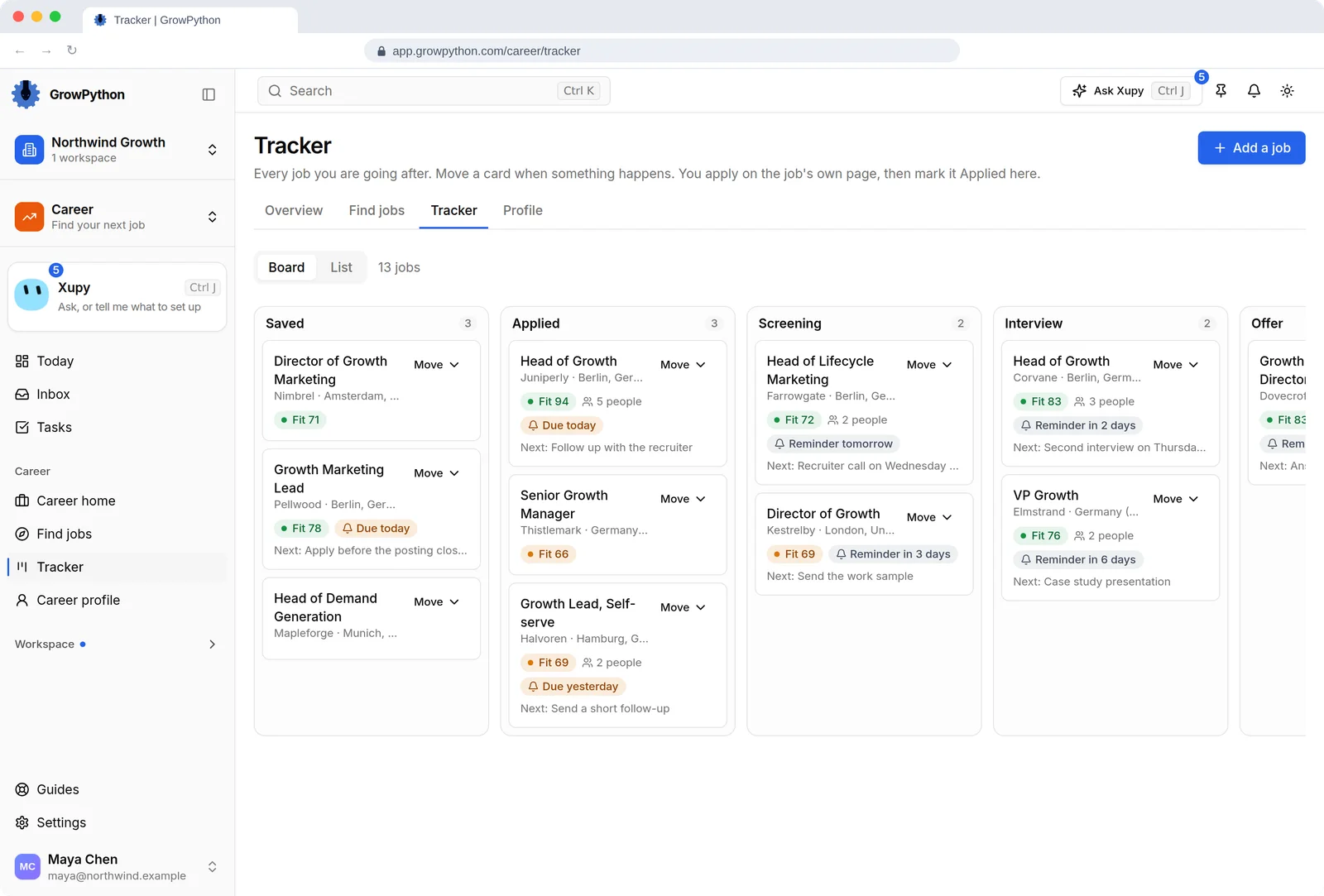
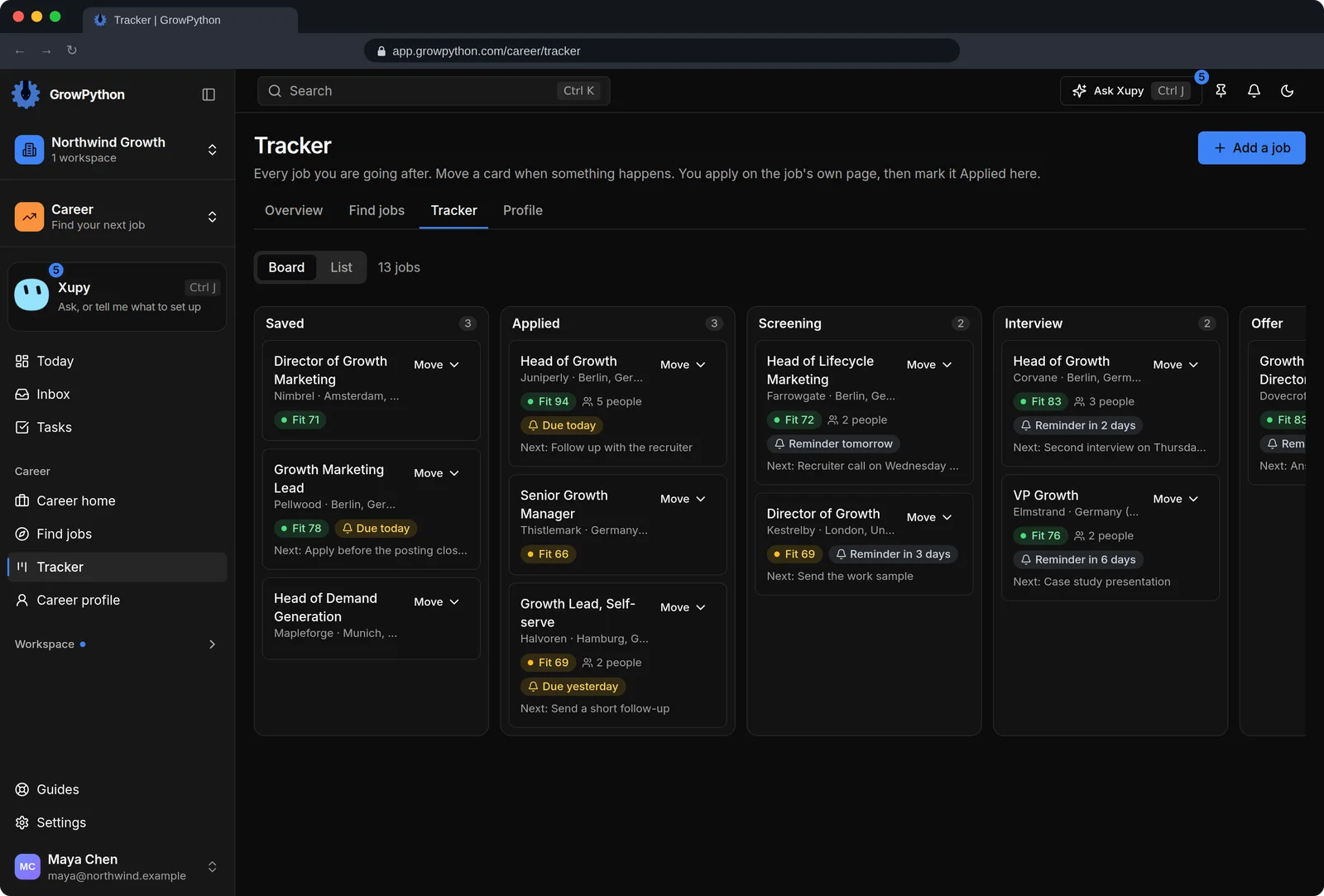
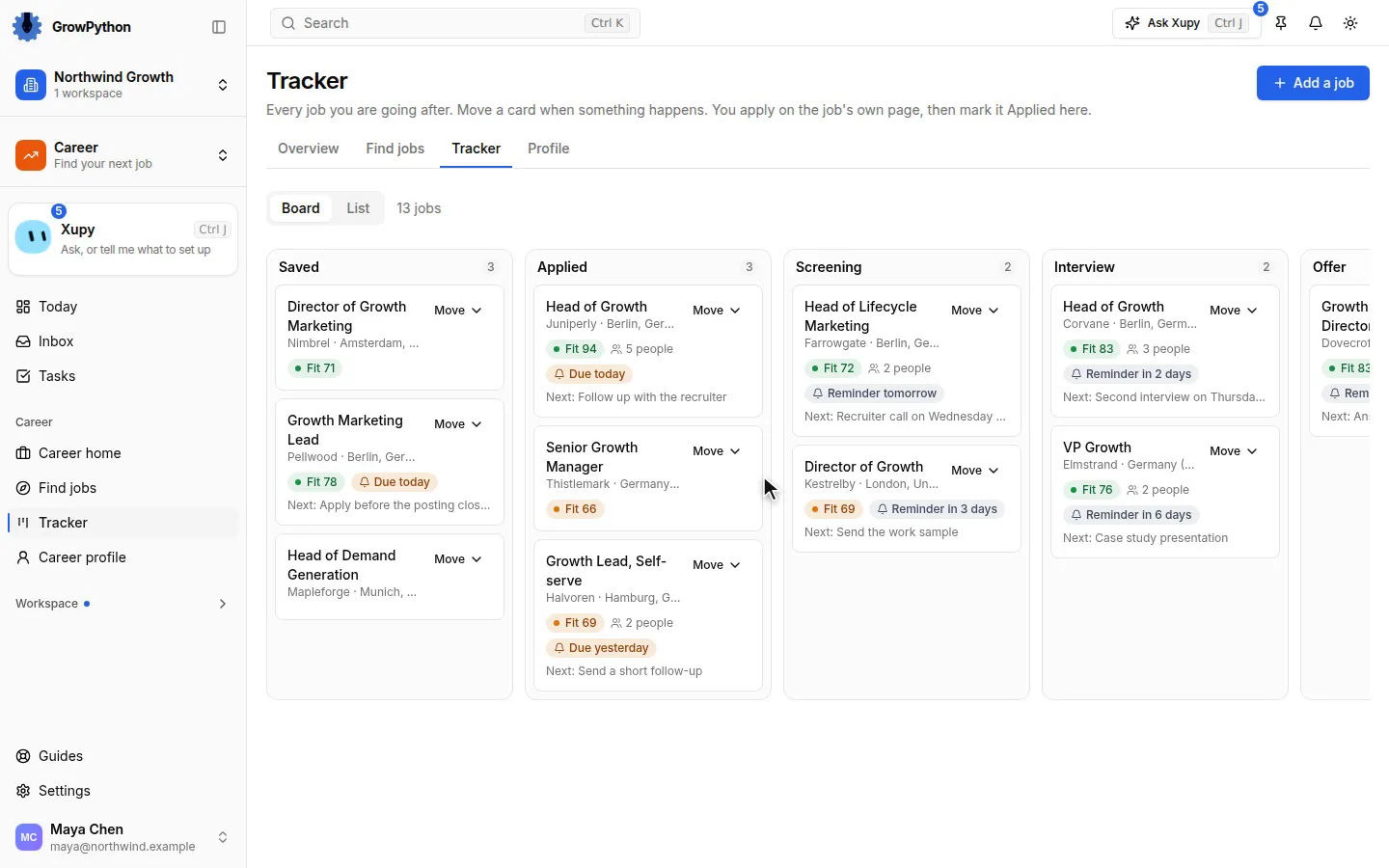
Jobs move through Saved, Applied, Screening, Interview and Offer, or Rejected and Withdrawn. Each card keeps its dates, the salary, the next step, a reminder, notes and a timeline. Add a job by hand when it is not on LinkedIn.
05
A free keyword check
See which skills and terms a posting names and whether they are found or missing in your resume and LinkedIn profile, as a score out of 100. It is instant, uses no AI and no credits, and it is the Fit number on each card.
06
Drafts written from your own facts
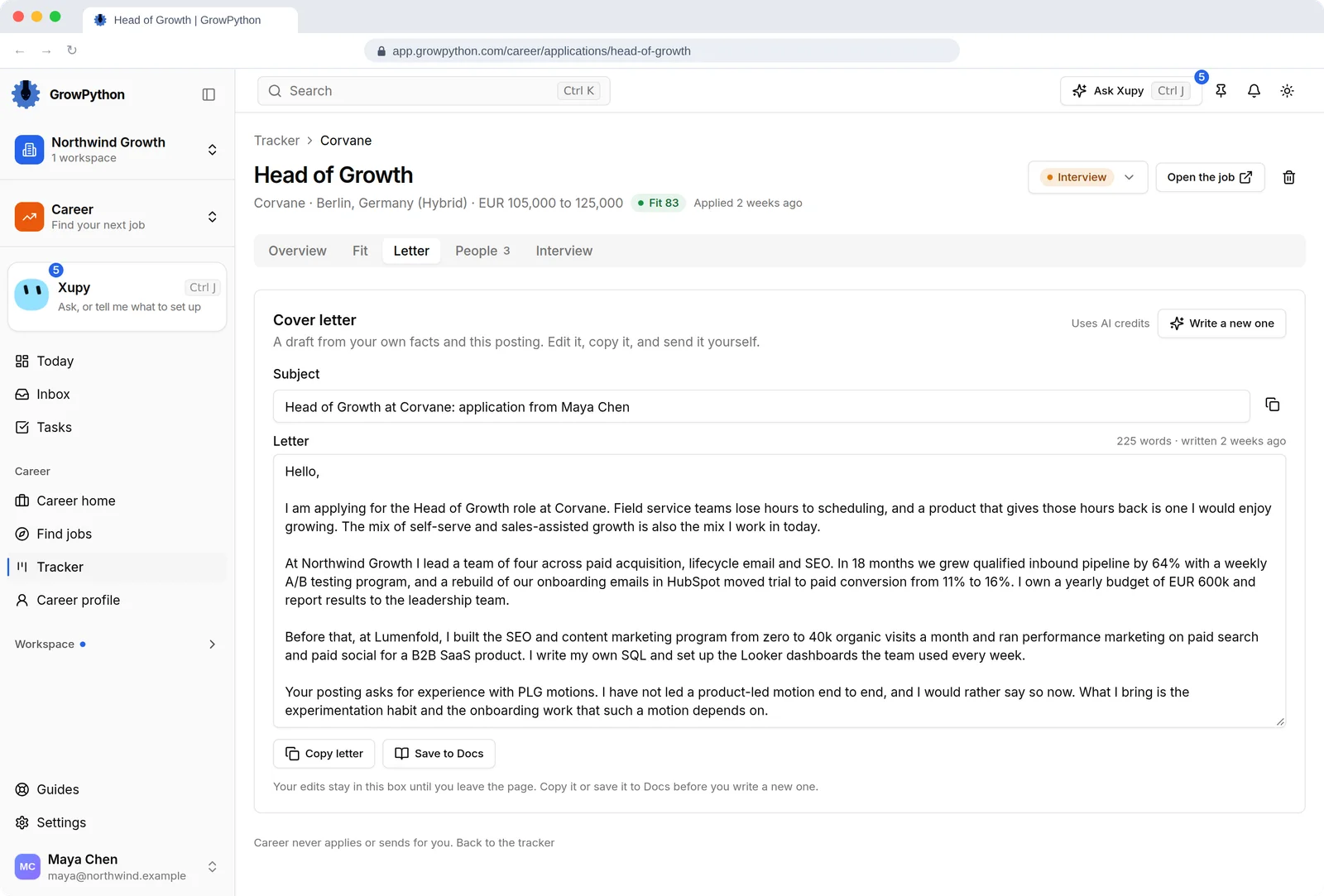
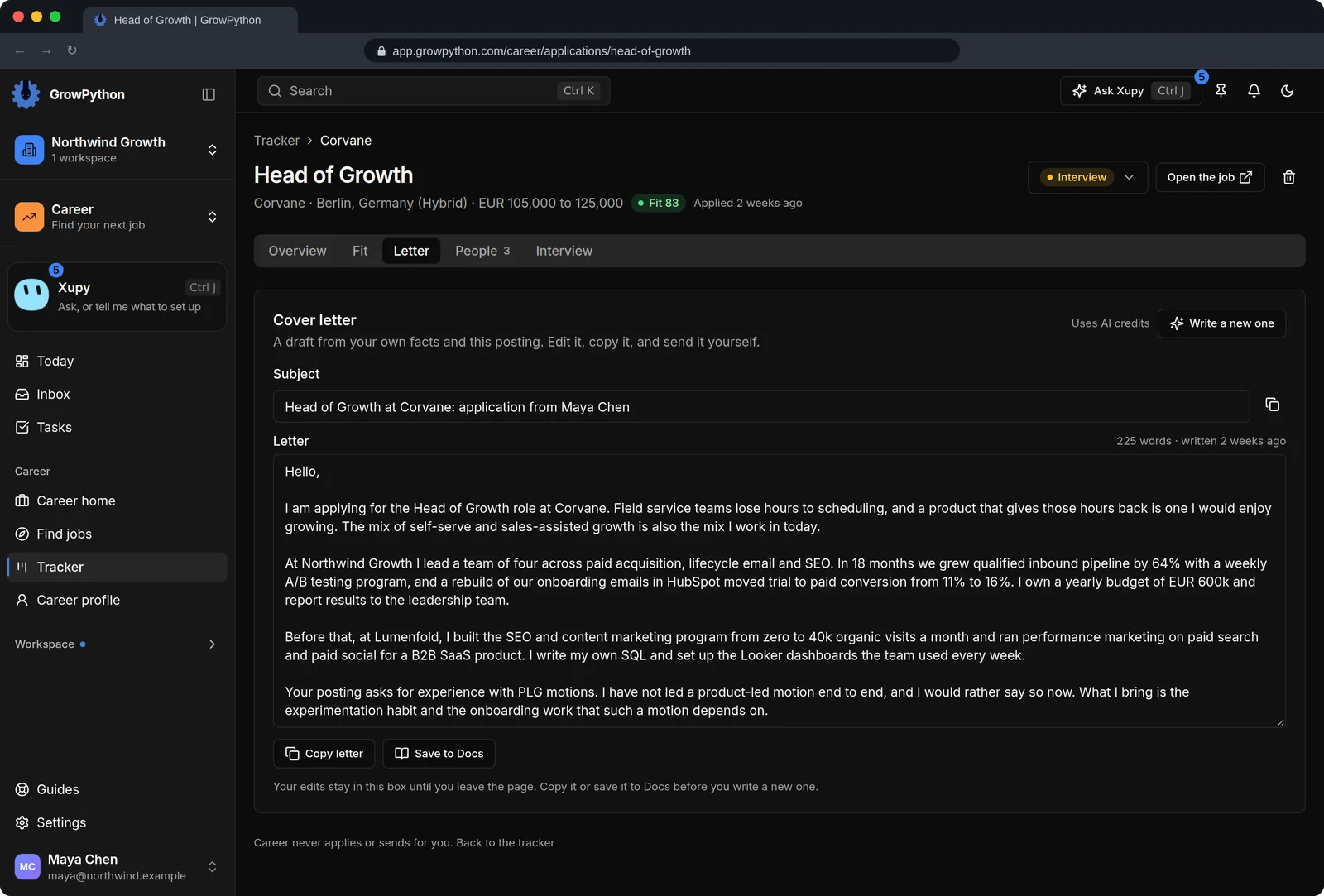
Ask AI for a fit read with strengths and gaps, a tailored resume, a cover letter or interview prep. The model is told to use only your resume, your LinkedIn profile and your highlights, and to name a gap instead of covering it. Every one is a draft you edit and use yourself.
07
The people to reach at the company
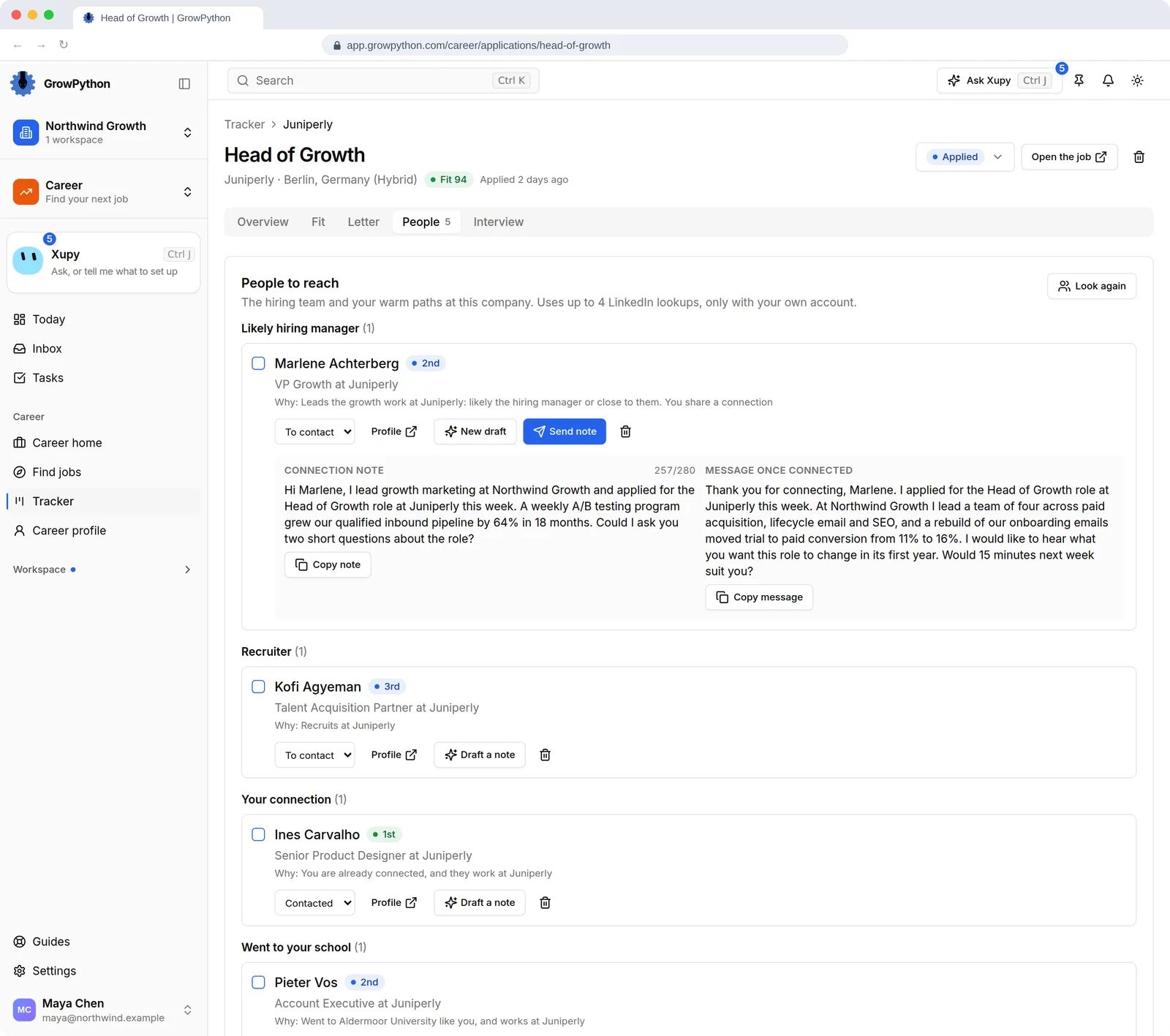
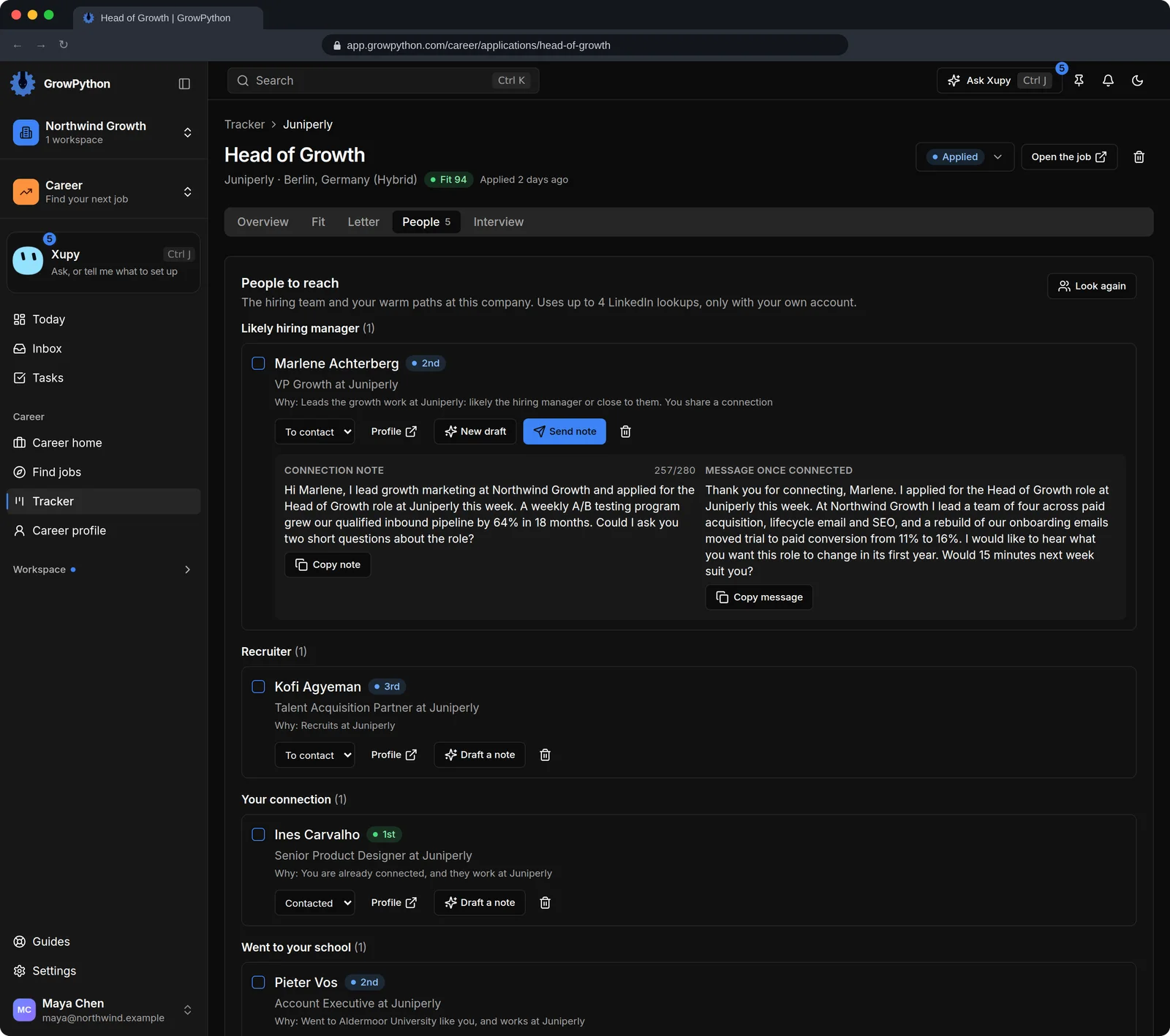
For a tracked job, find the likely hiring manager and future teammates, recruiters, your own connections there and people from your school. Each person comes with a plain reason, and up to 15 are shown.
08
A note you send yourself, one person at a time
AI drafts a short connection note and a longer message for after you connect. Copy them, or press Send note and confirm to send that one note as a connection request from your own LinkedIn account.
09
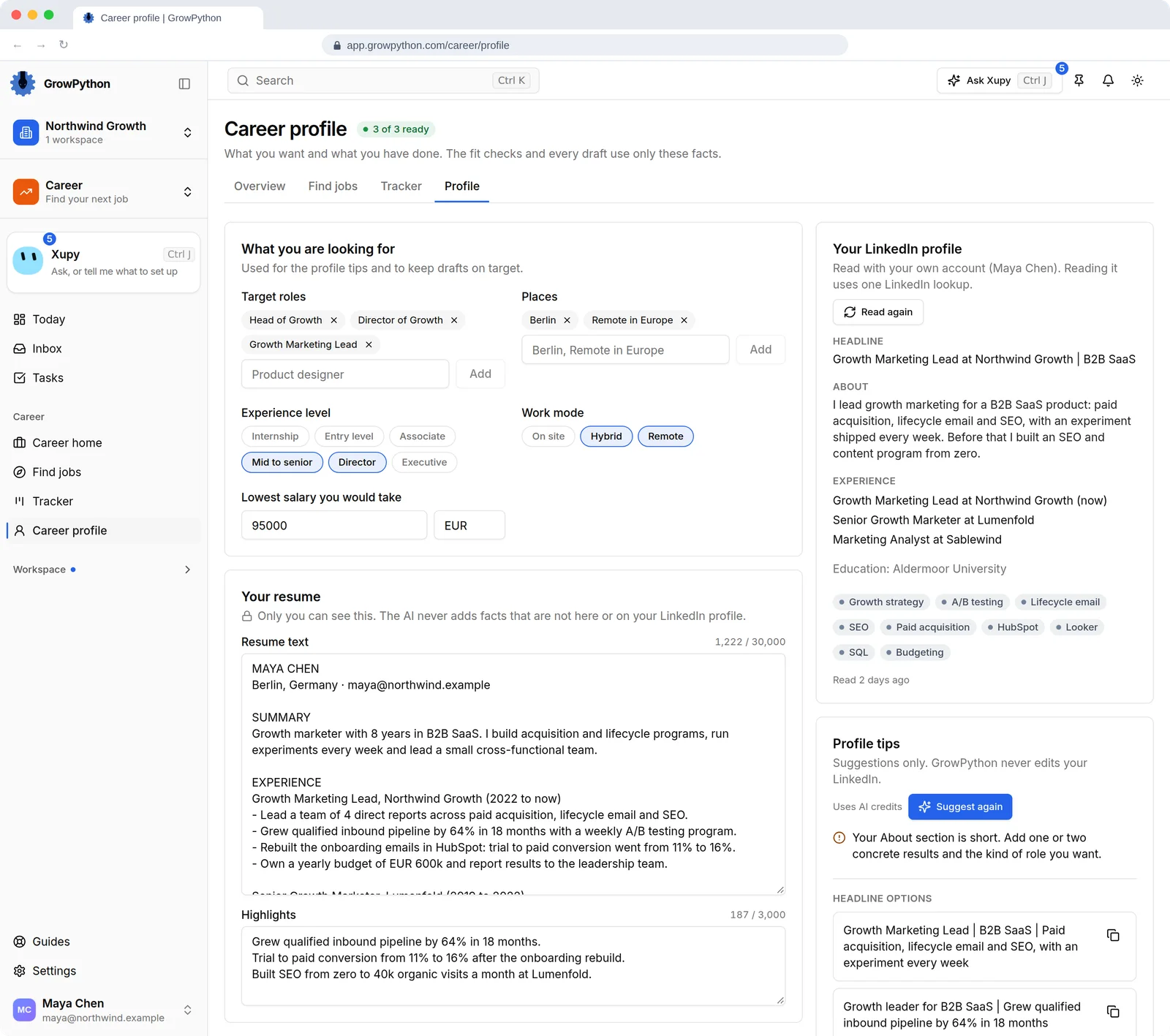
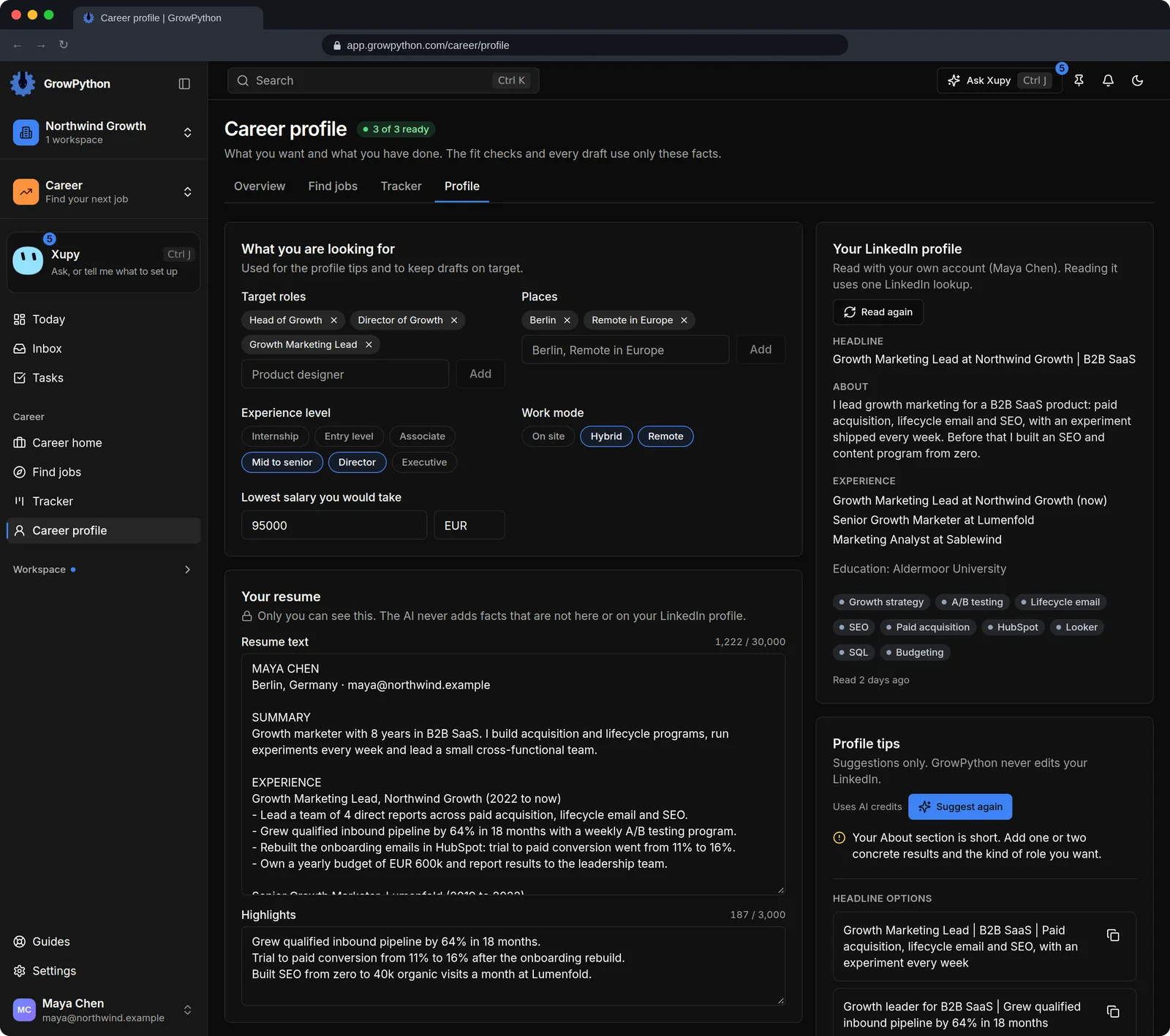
A profile that keeps drafts on target
Set your target roles, places, level, work mode and lowest salary, and paste your resume and highlights. Profile tips suggest a headline and an About section. They are suggestions: GrowPython never edits your LinkedIn.