First thing
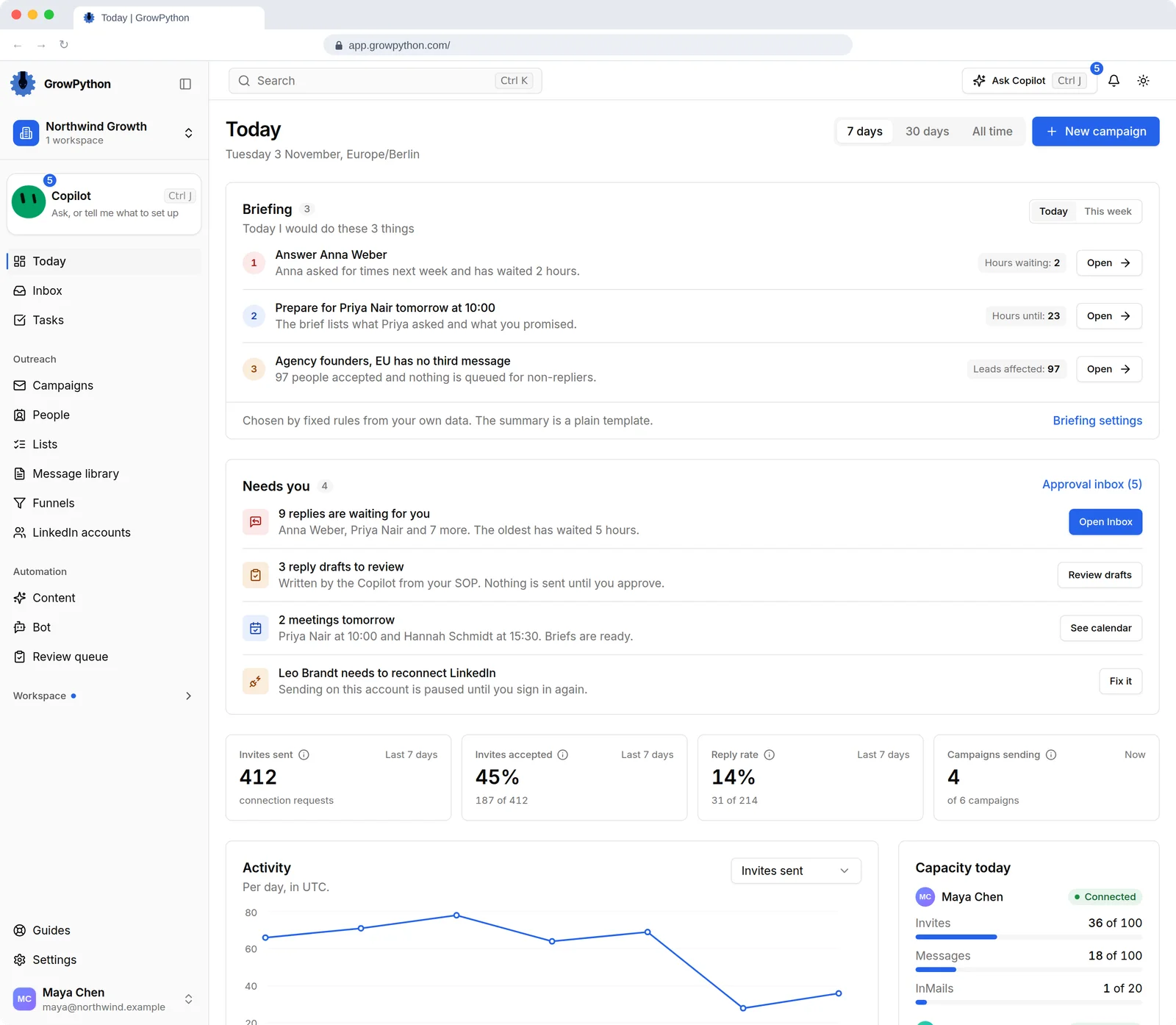
Open Today and see what needs you
A briefing of the few things to do first, the conversations waiting on you, key numbers with their counts and how much each LinkedIn account can still send today. A campaign that cannot send shows up here before it costs a day.
Mid morning
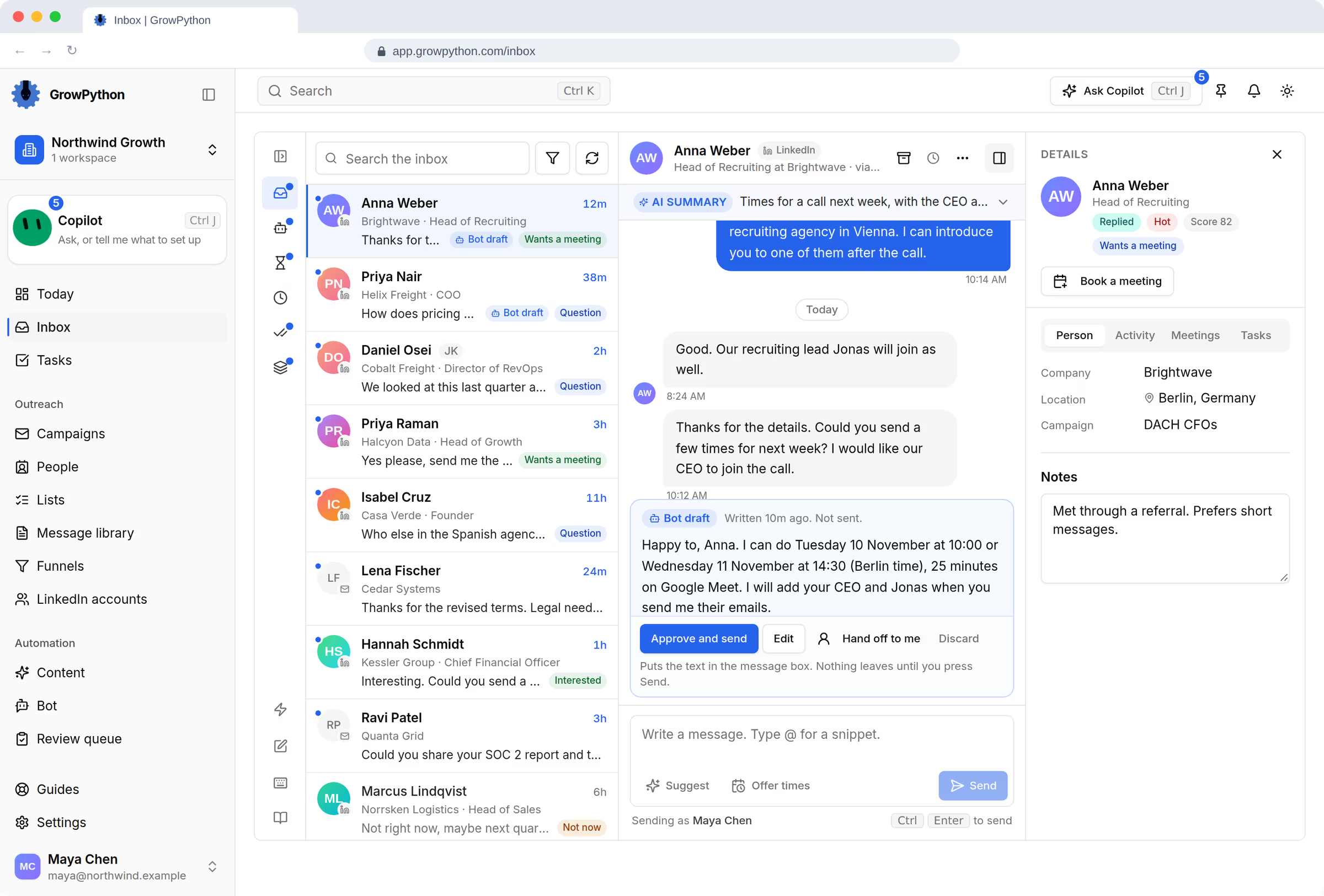
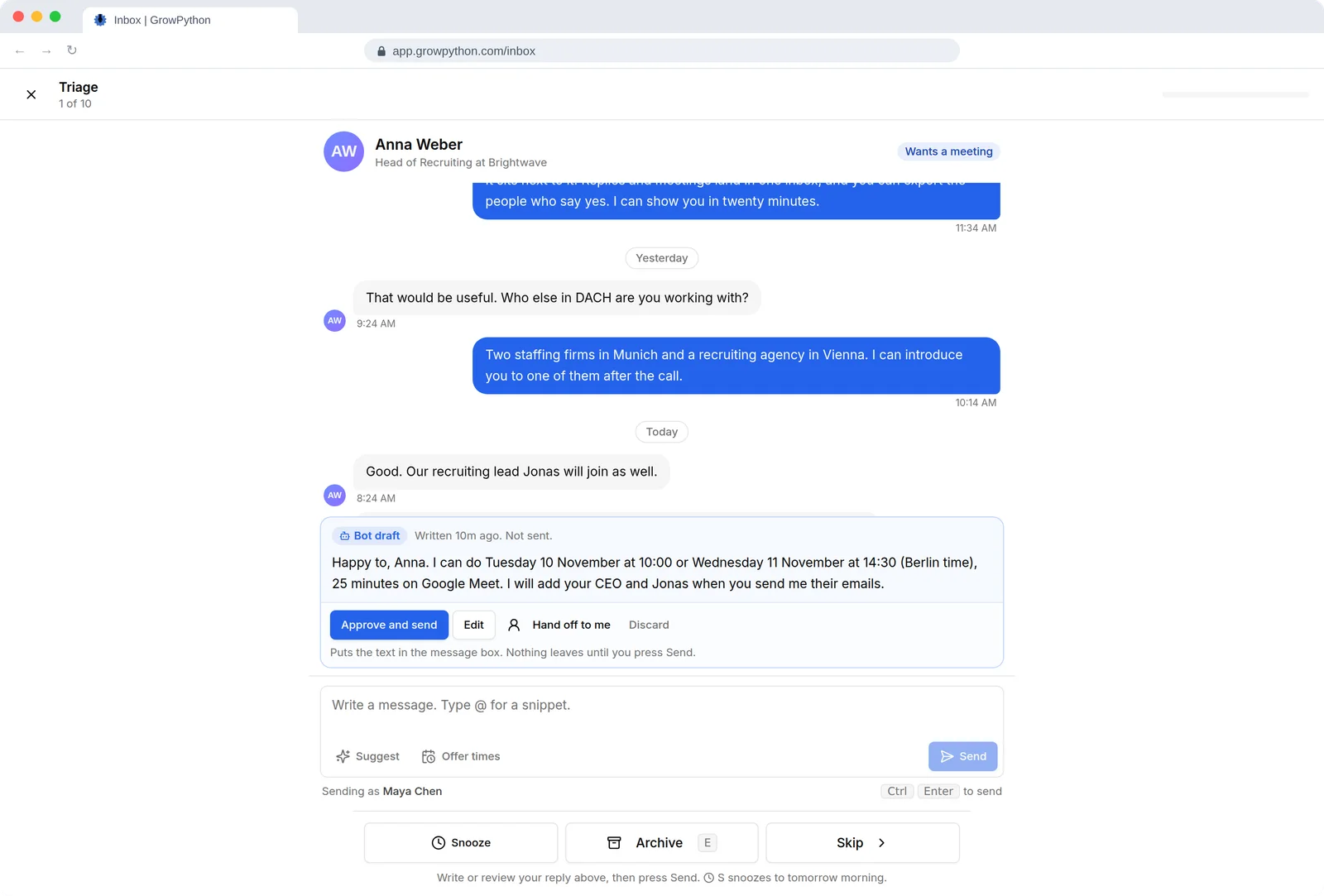
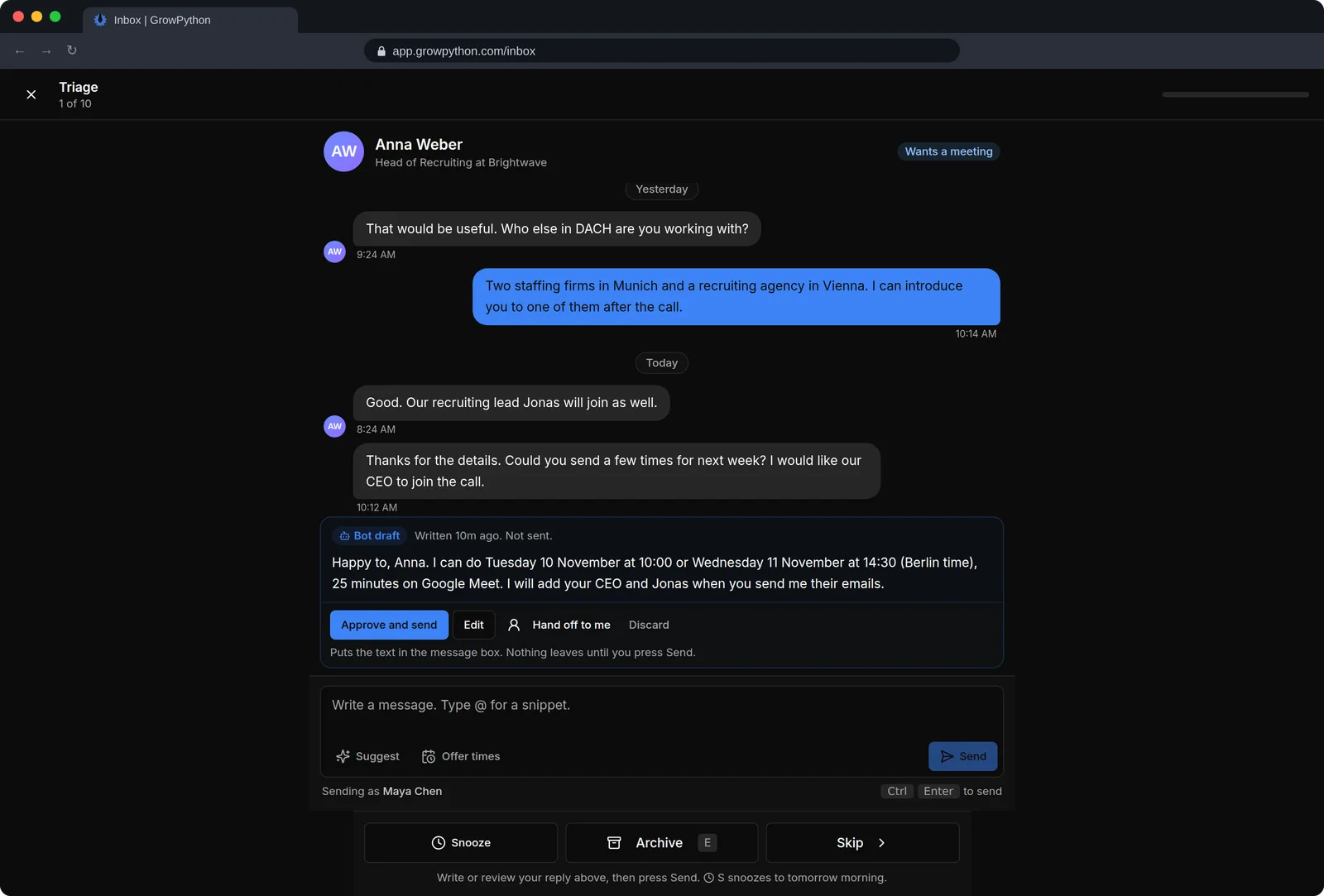
Clear the Inbox in Triage mode
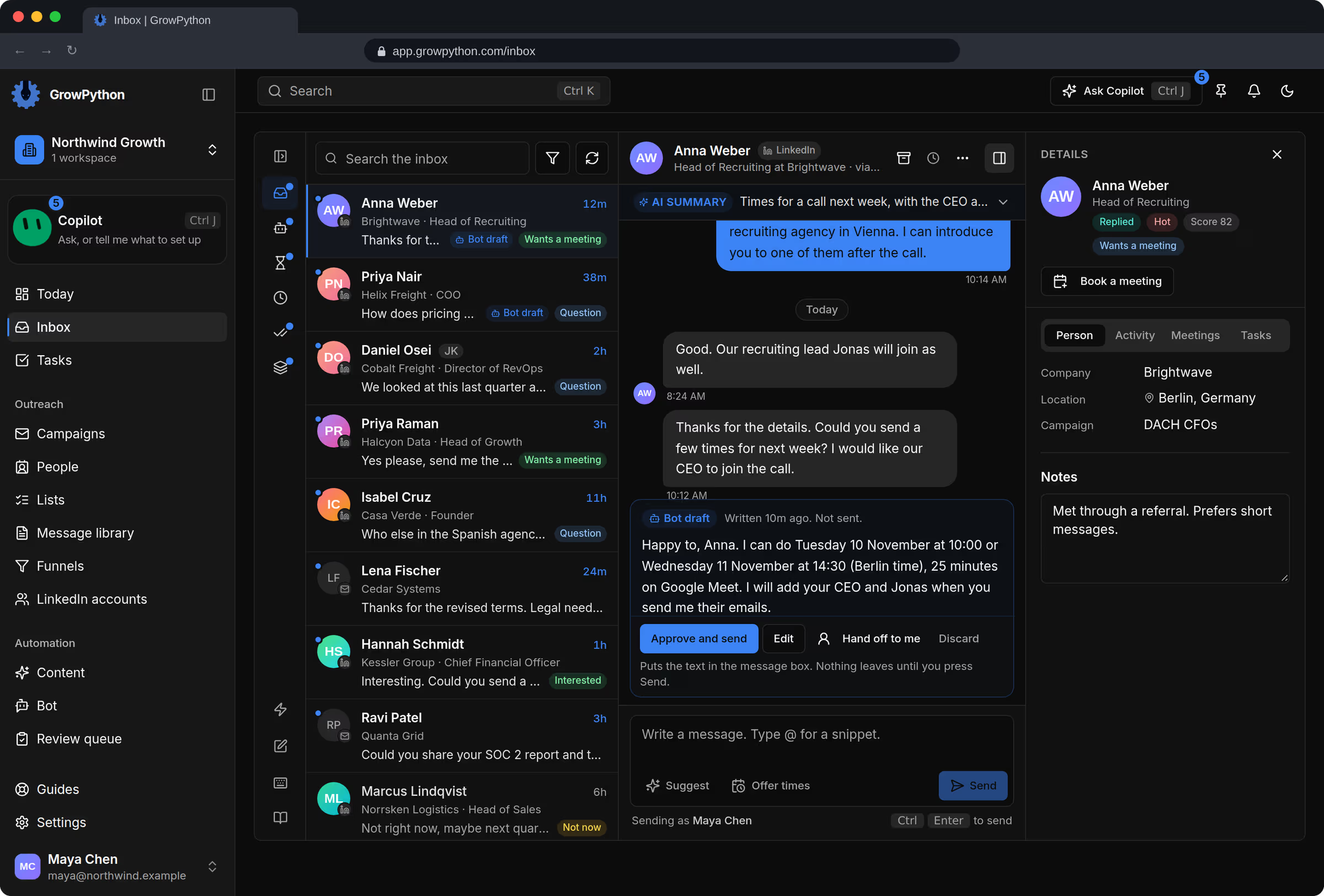
Press T and the Inbox shows one conversation at a time. Answer it, snooze it to next Monday, archive it or assign it to the account executive. Intent labels such as Wants a meeting are hints, so read the message.
Late morning
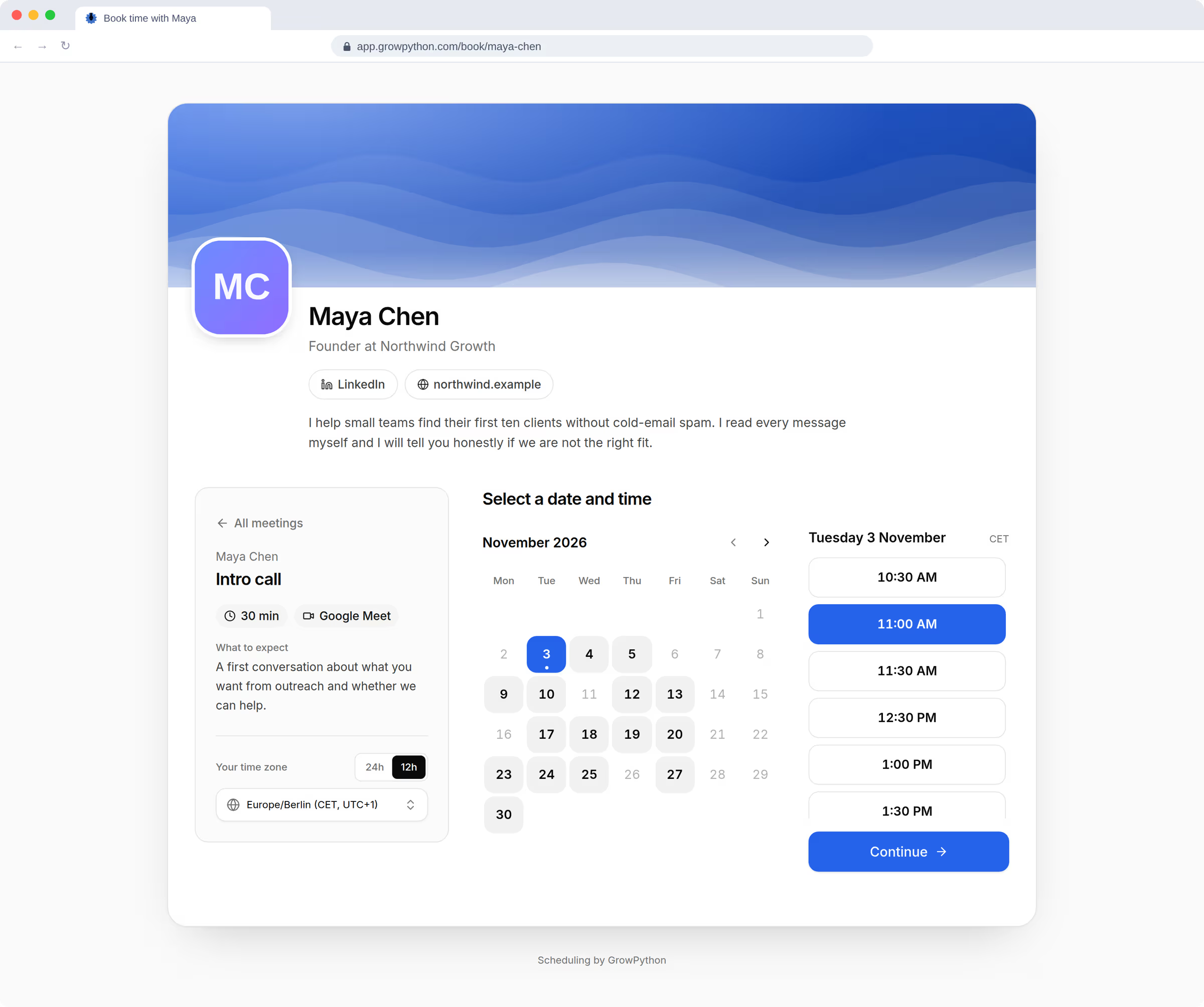
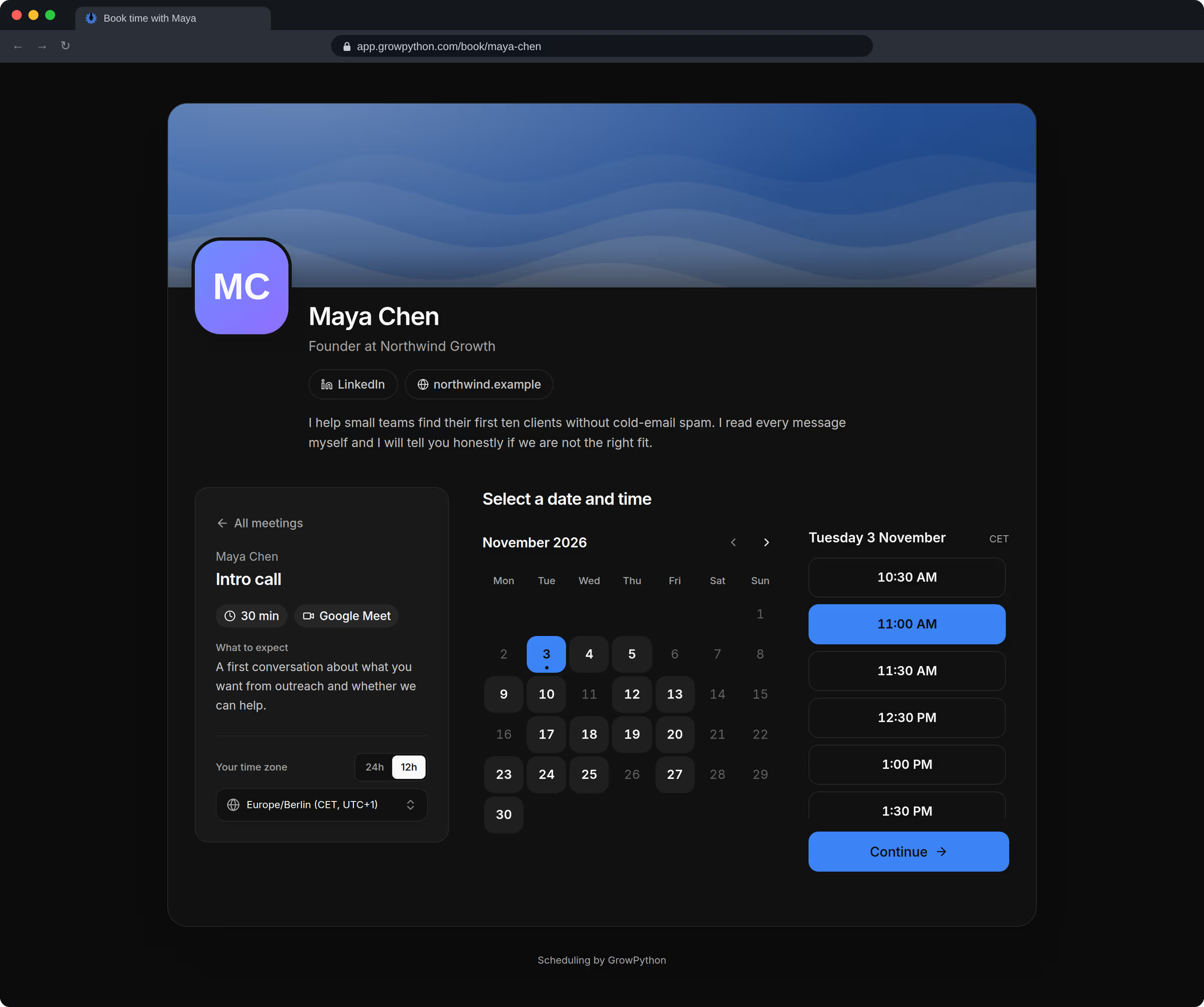
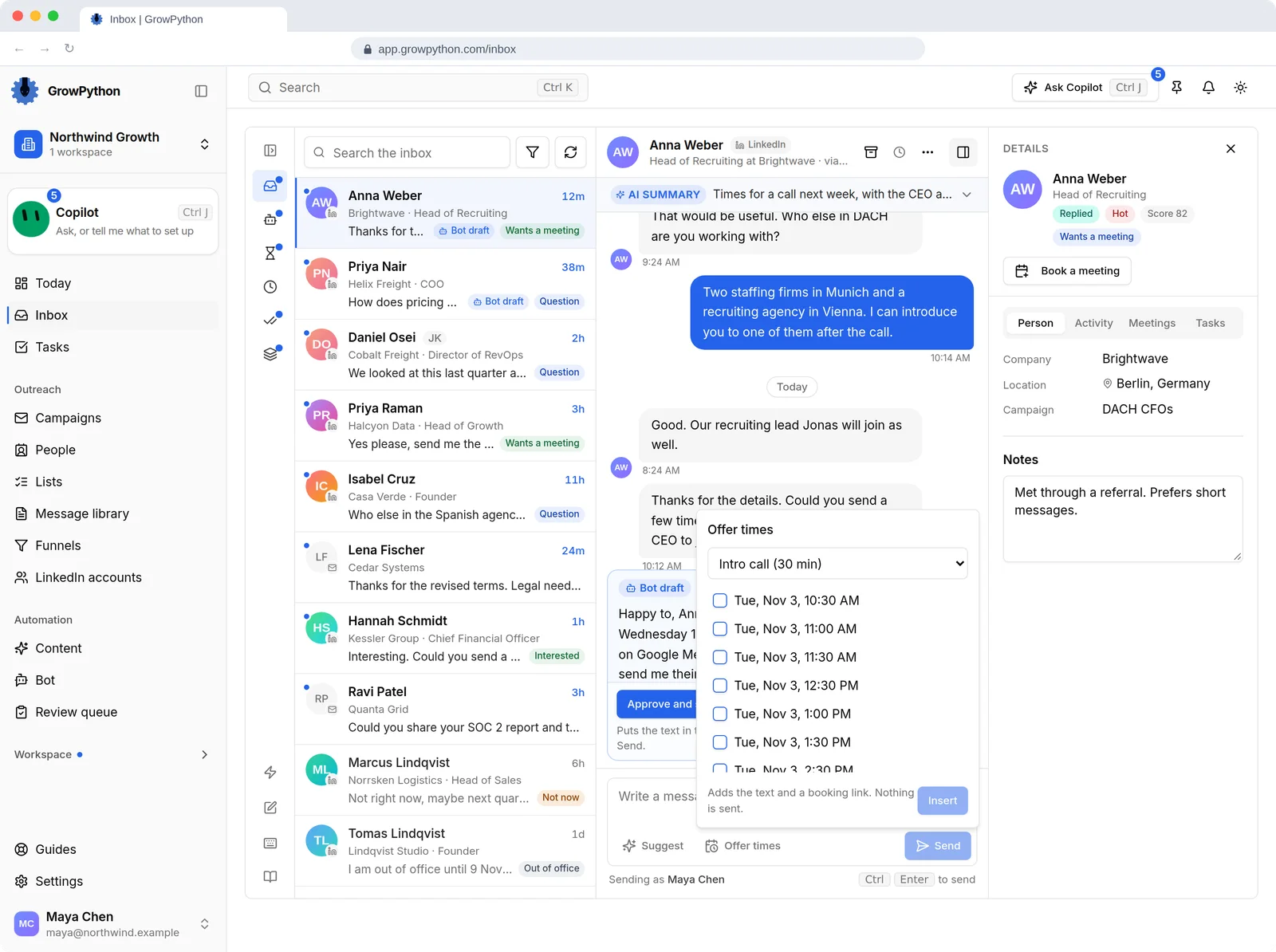
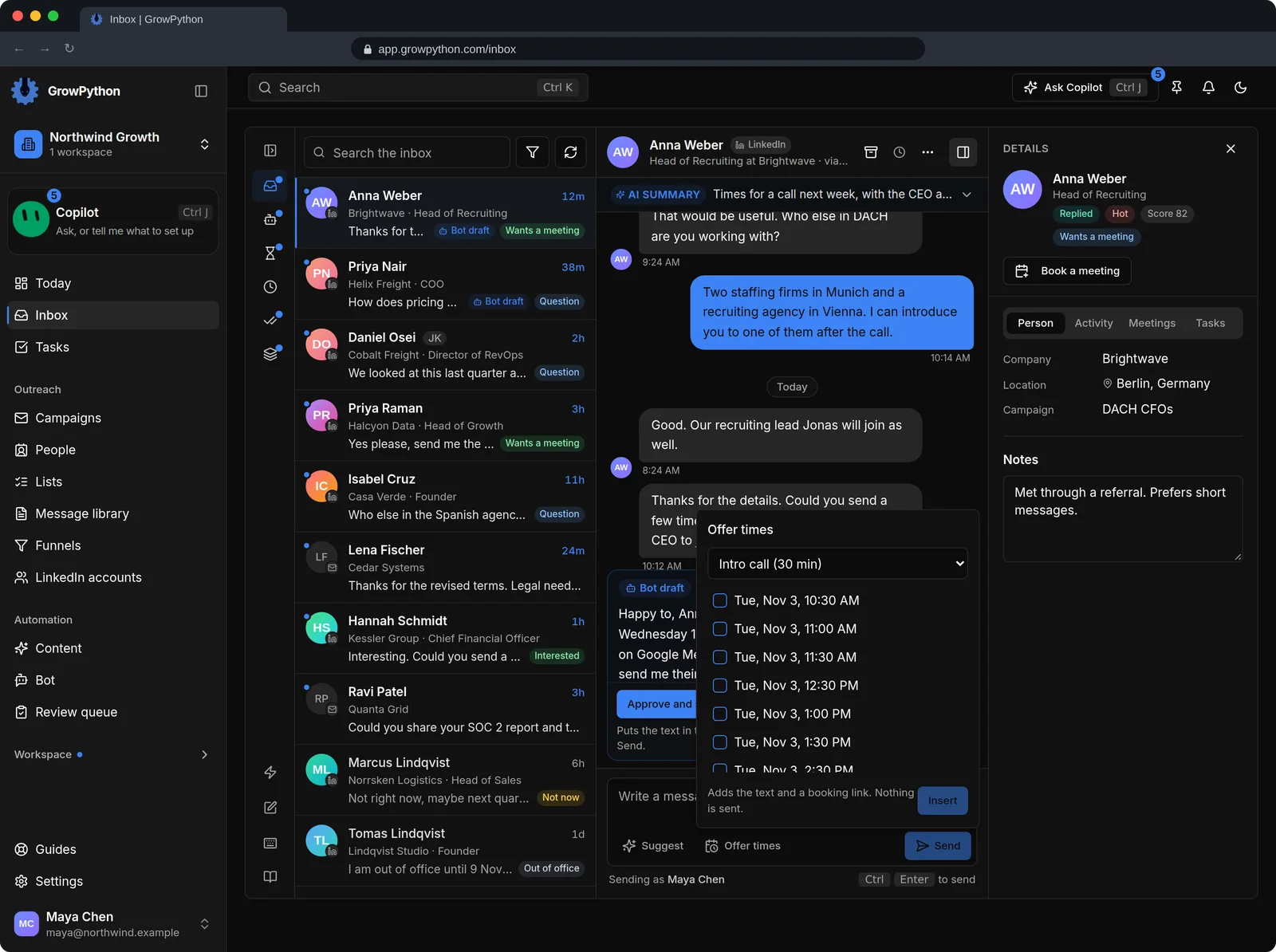
Turn a yes into a time
When someone wants to talk, Offer times adds free slots from the next ten days and a booking link made for that person. With Google Calendar connected, busy time is blocked and the meeting gets a Meet link.
After lunch
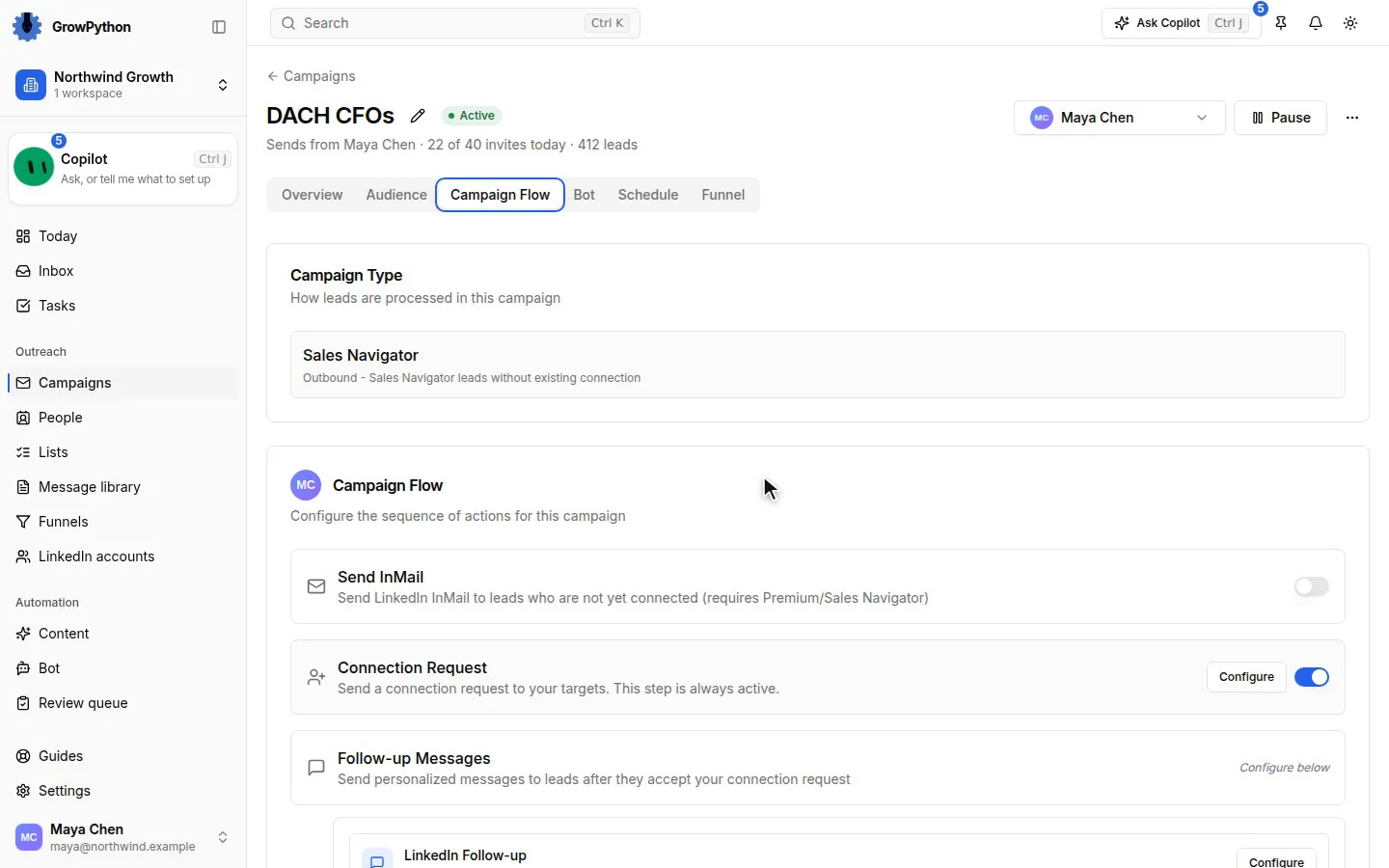
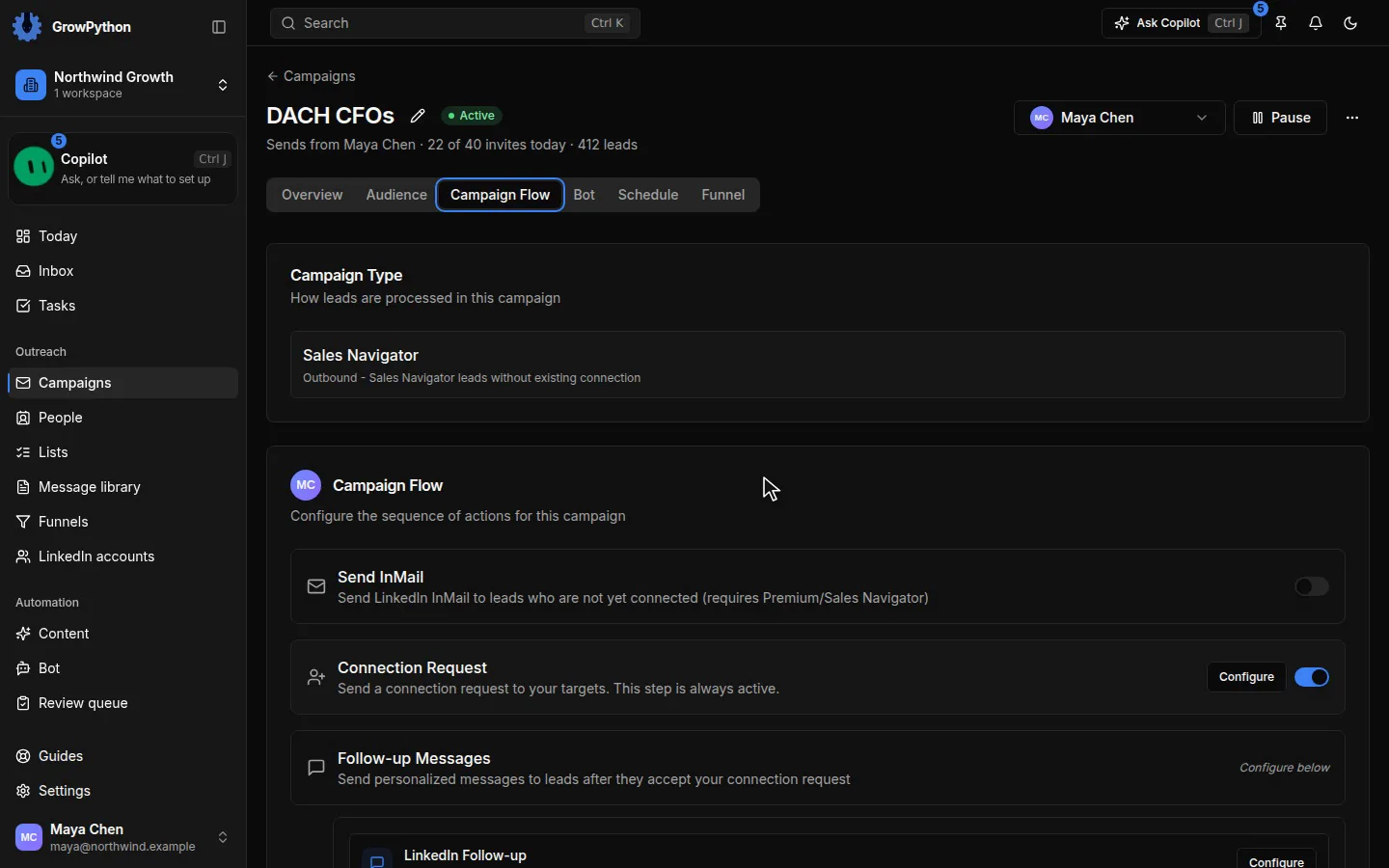
Add a step to the sequence
In Campaign Flow, add a follow-up with its own delay in days and hours, or switch on email follow-ups with their own messages for a campaign that should reach people in both places.
Afternoon
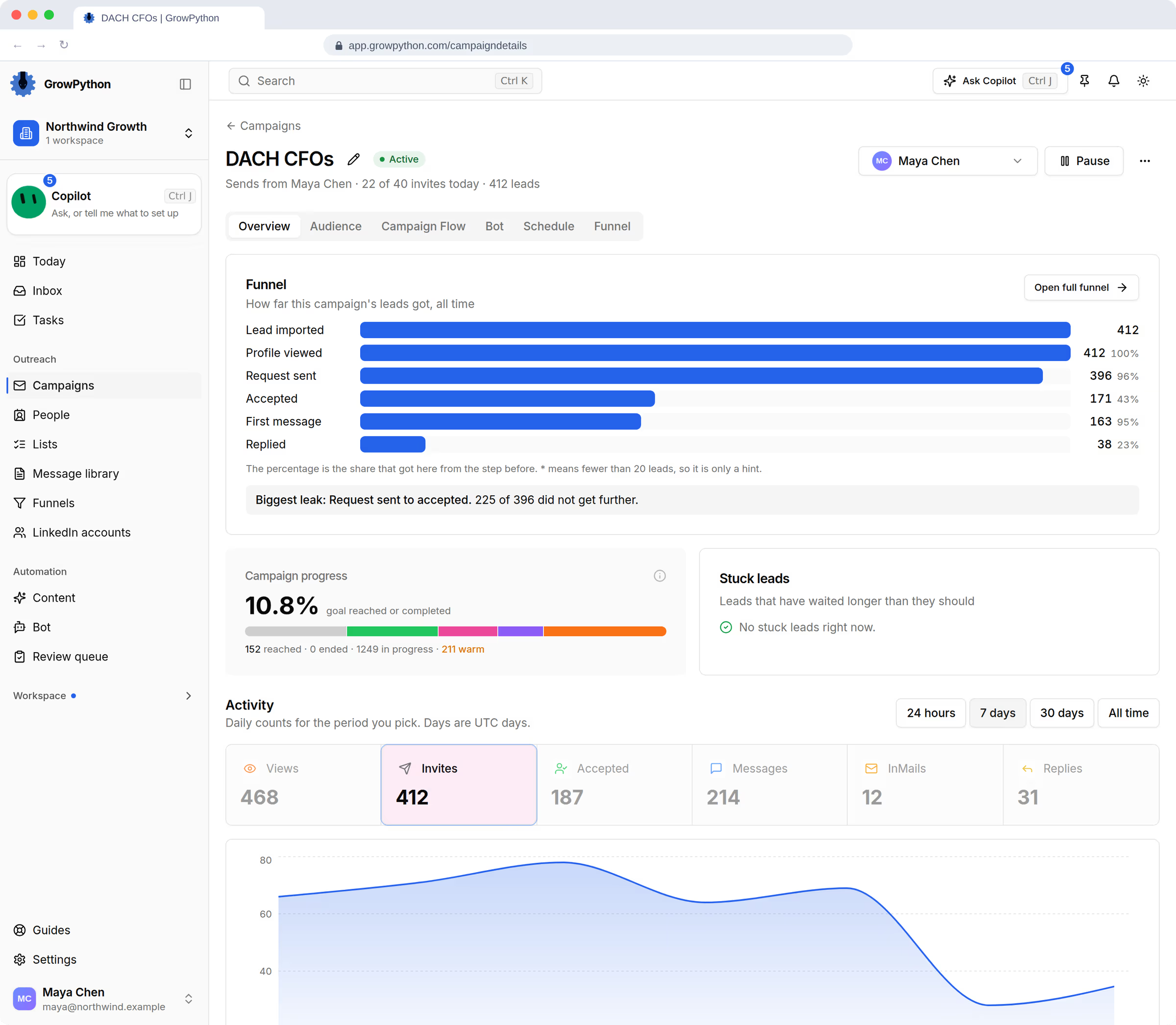
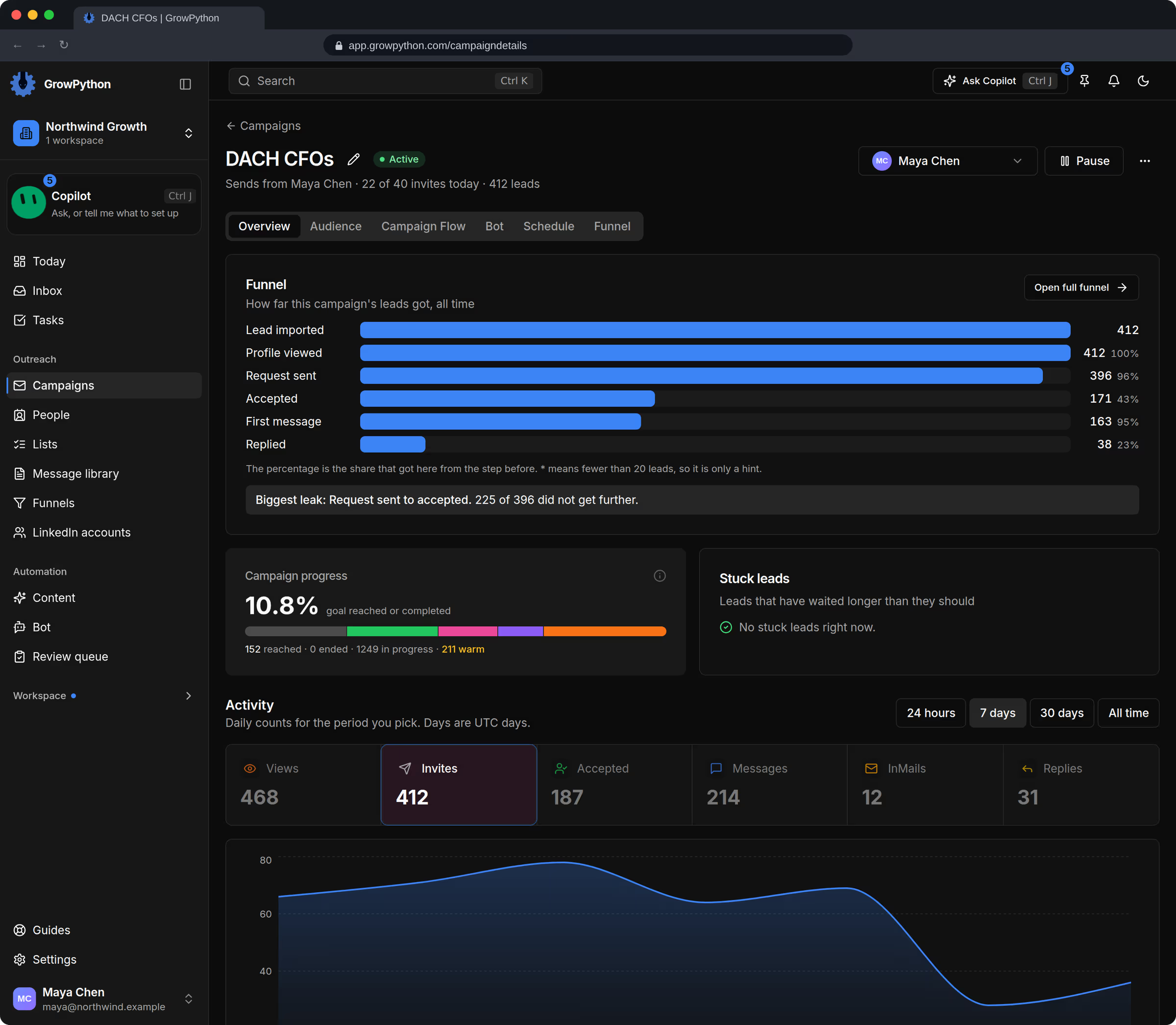
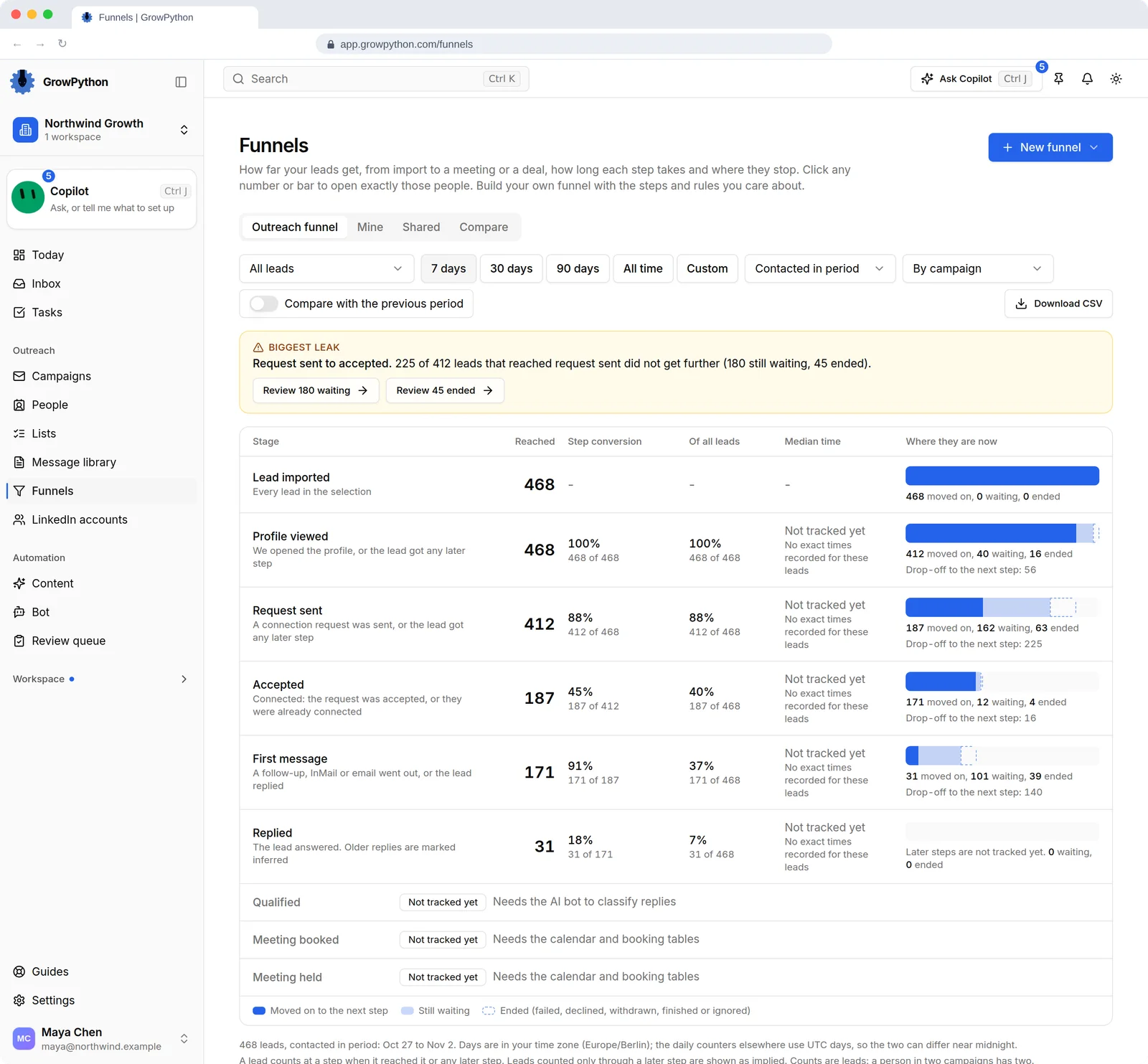
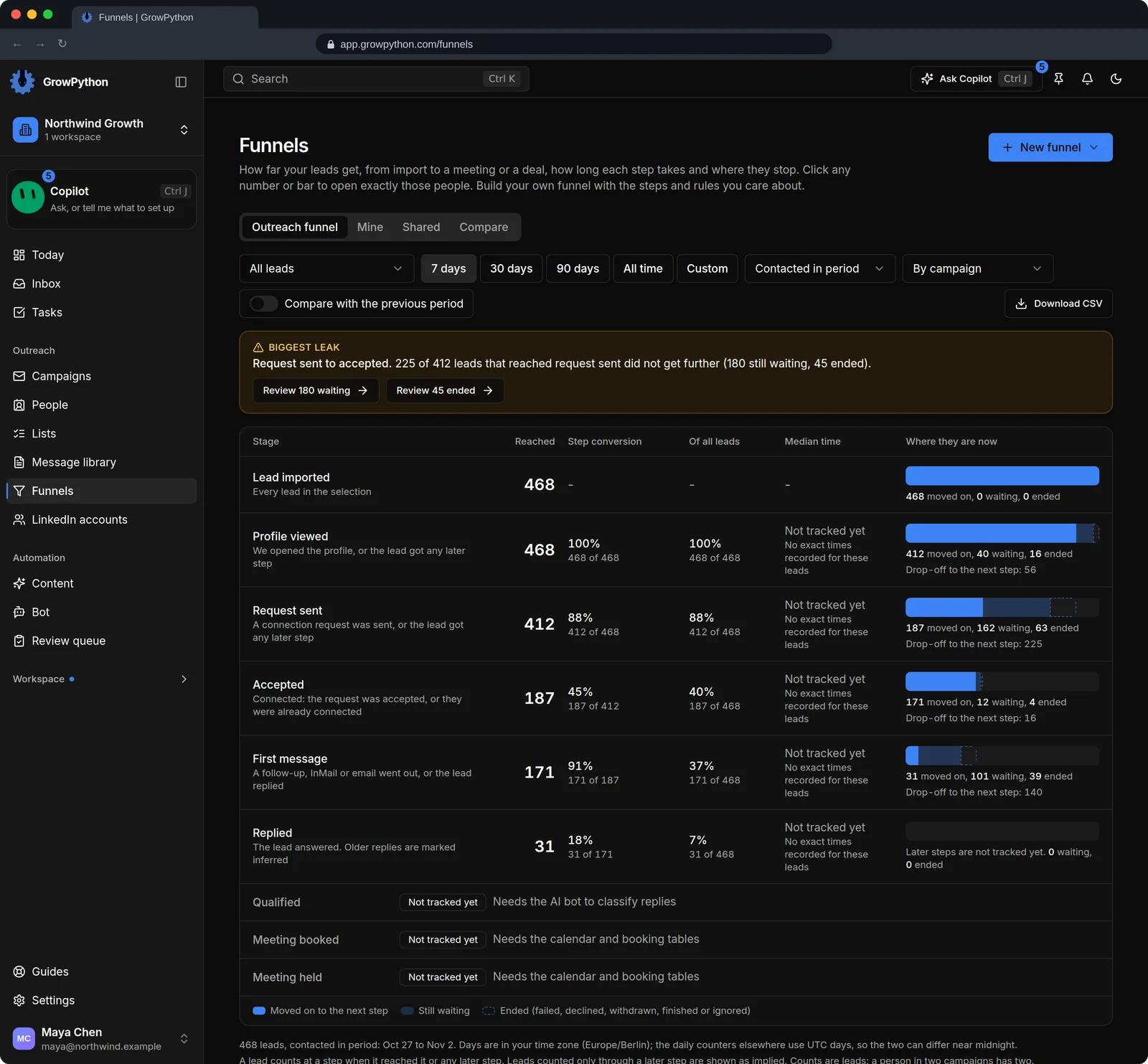
Find where the campaign leaks
The funnel shows the step that loses the most people, with the count behind every rate, so a manager and a rep look at the same numbers before changing the message.
End of day
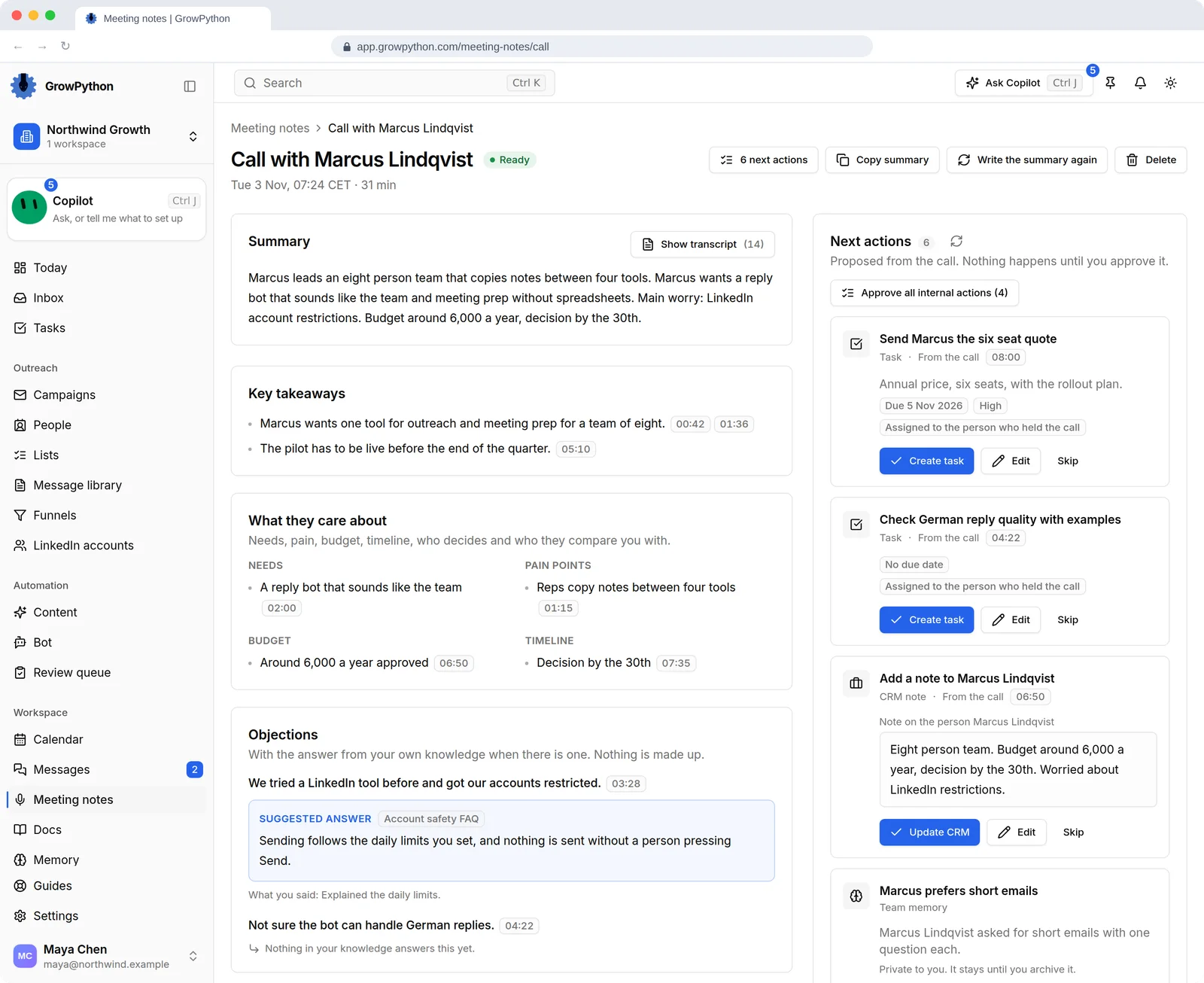
Write up the call
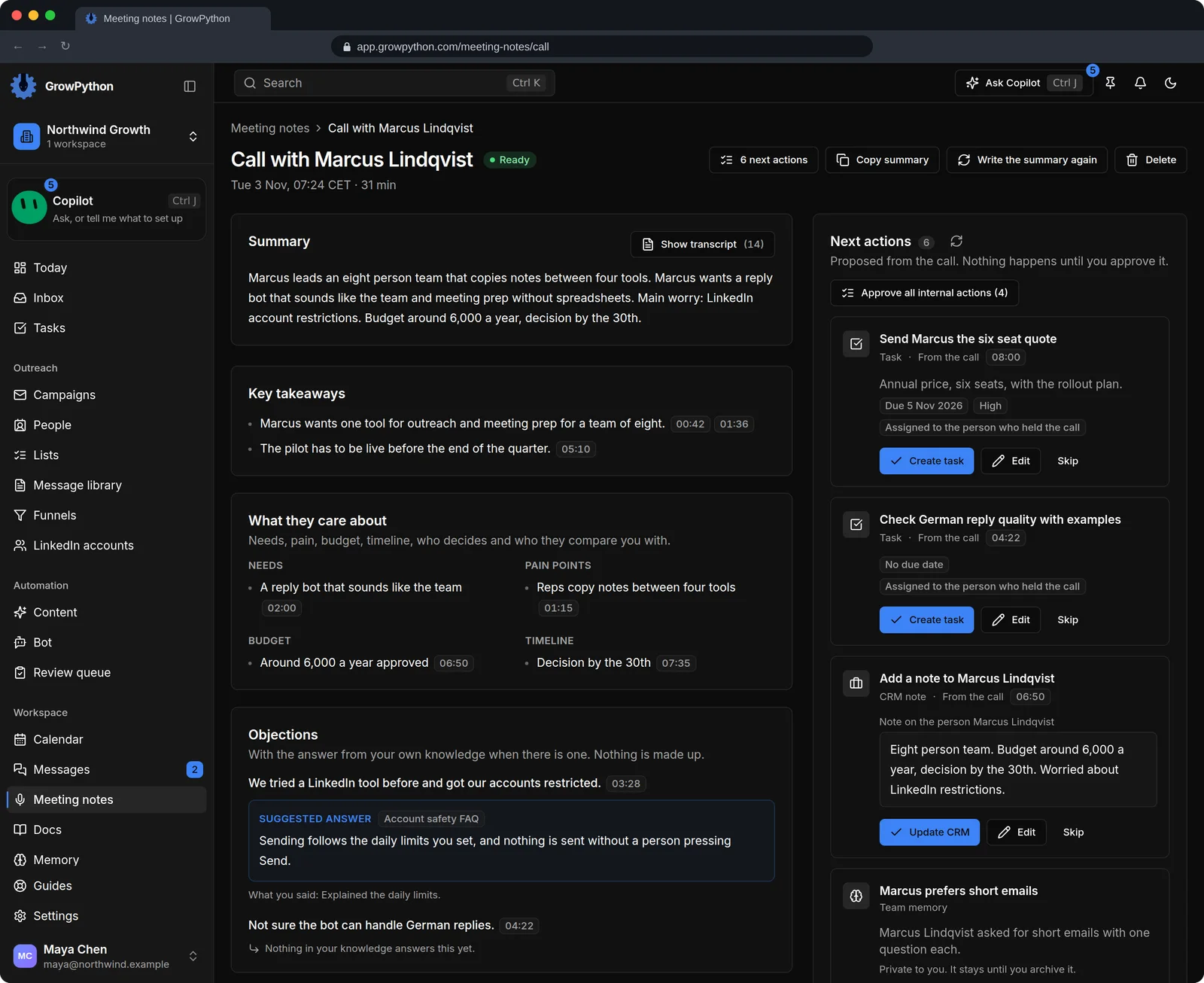
Record the Google Meet or Zoom call with the browser extension, or upload the recording. Meeting notes give a transcript, a summary and action items, and the follow-ups are proposals you approve.