Skip to content

MARKETERS

Draft LinkedIn posts from the trends in your field, in a voice you wrote down once, and schedule them after you approve. Then import the people who reacted or commented, reach them on LinkedIn and email, and see in a funnel how far they got.

Sound familiar?

If this sounds like your content calendar

The problems this page is about, in the words marketers use for them.

  • “Our post did well, and nobody followed up with a single person who liked it.”

    In GrowPython

    Make a list from a post's engagers, then run a short sequence that can open with the post they reacted to.

  • “I lose the morning staring at a blank post.”

    In GrowPython

    Trends watches your keywords and shows what people in your field are talking about. Create post turns a trend into a draft you edit.

  • “AI posts all sound the same, and sometimes they make things up.”

    In GrowPython

    Drafts follow the voice, words to avoid and red lines in your Business profile. Where a fact is missing, the draft leaves a placeholder for you to fill instead of inventing one.

  • “Sales says content brings no pipeline, and I cannot show otherwise.”

    In GrowPython

    Funnels follow a list from import to replies, meetings and won deals, with the count behind every rate. A list of post engagers has its own funnel.

A week in GrowPython

A marketer's week, from trend to conversation

One way a marketer might run a week in GrowPython. An example with demo data. Every screen is the real product.

  1. Set the keywords and the audience

    Write your keywords and who you write for once. Trends and feed comments use the same keyword list as your Business profile.
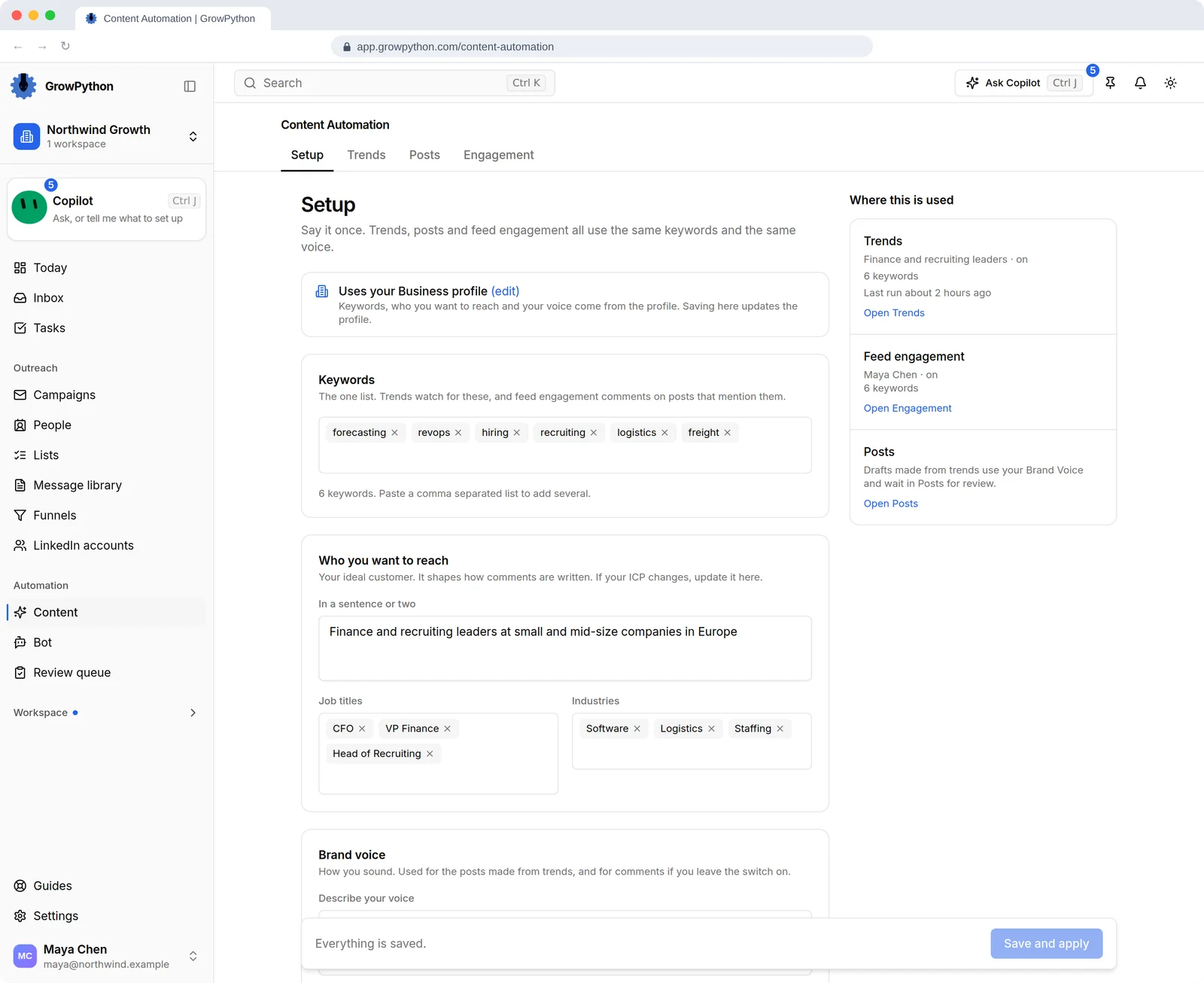
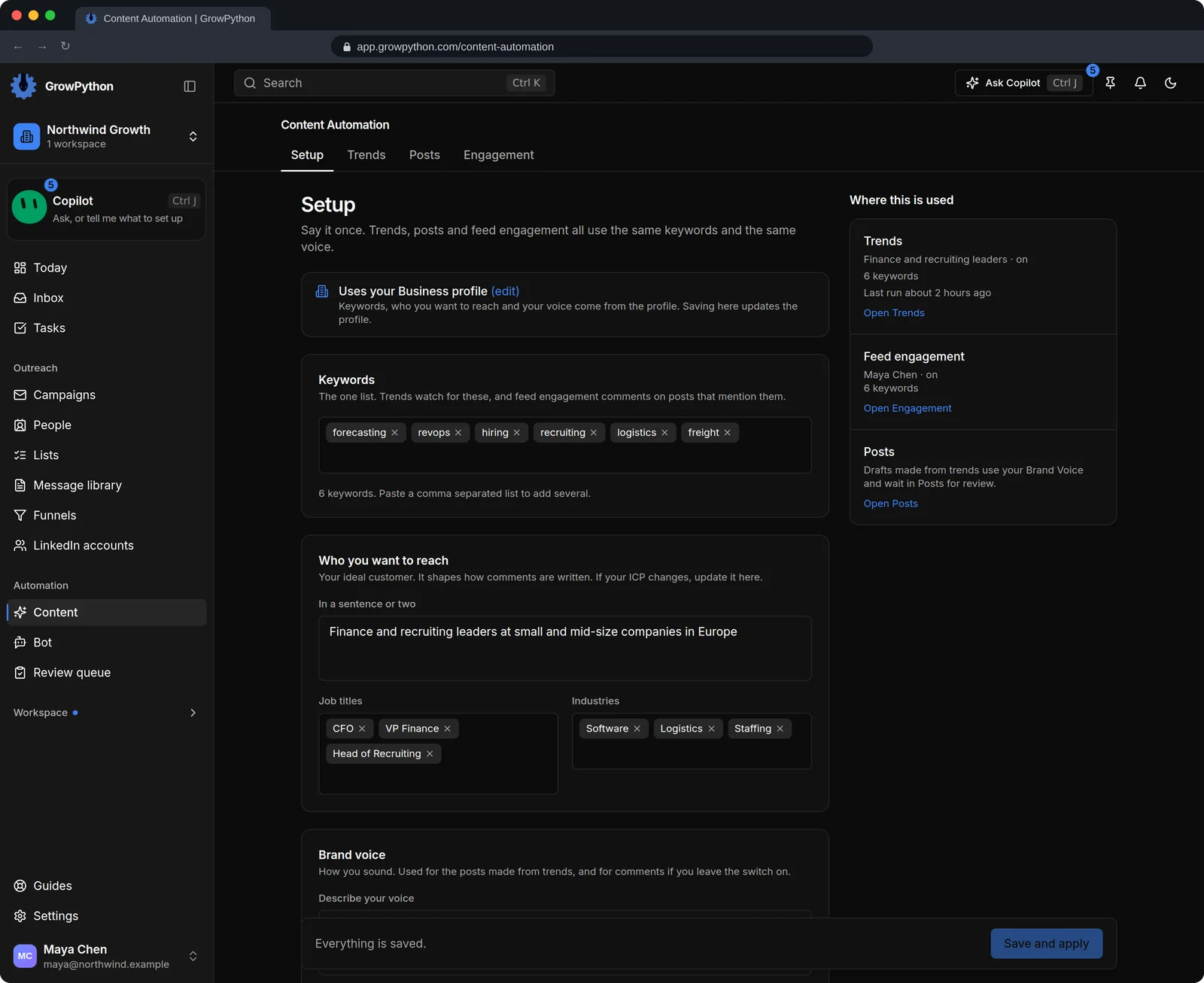
    The Setup tab of Content Automation with a keyword list such as forecasting and revops, a sentence describing the audience with job titles CFO and VP Finance and industries, a Brand voice section, and a Where this is used panel showing Trends and Feed engagement are on.The Setup tab of Content Automation with a keyword list such as forecasting and revops, a sentence describing the audience with job titles CFO and VP Finance and industries, a Brand voice section, and a Where this is used panel showing Trends and Feed engagement are on. Shown in the dark theme.
  2. Pick the trends worth a point of view

    The Trends tab shows what came up for your keywords since the last run. Create post on one gives a draft in your voice for the Posts tab.
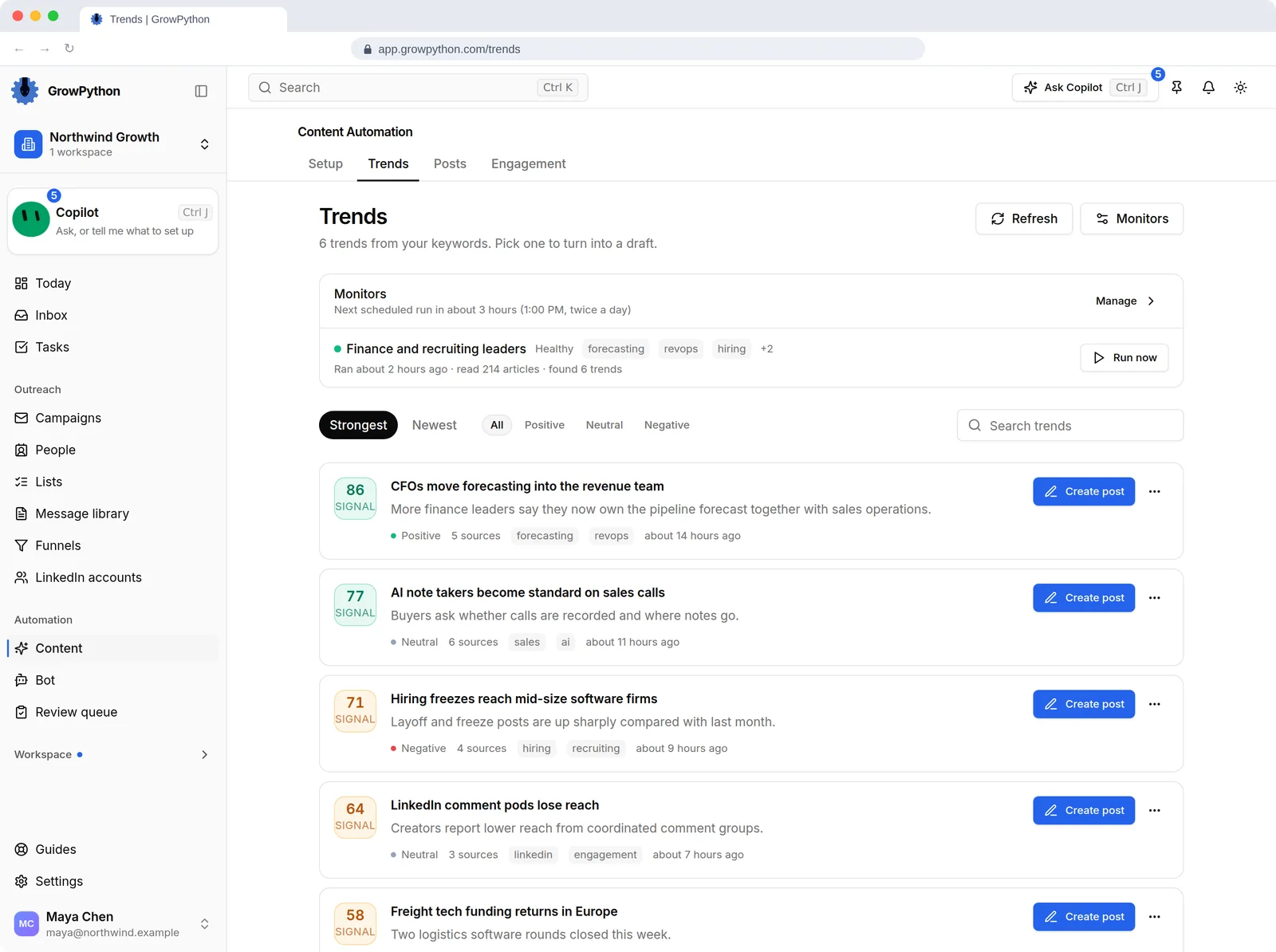
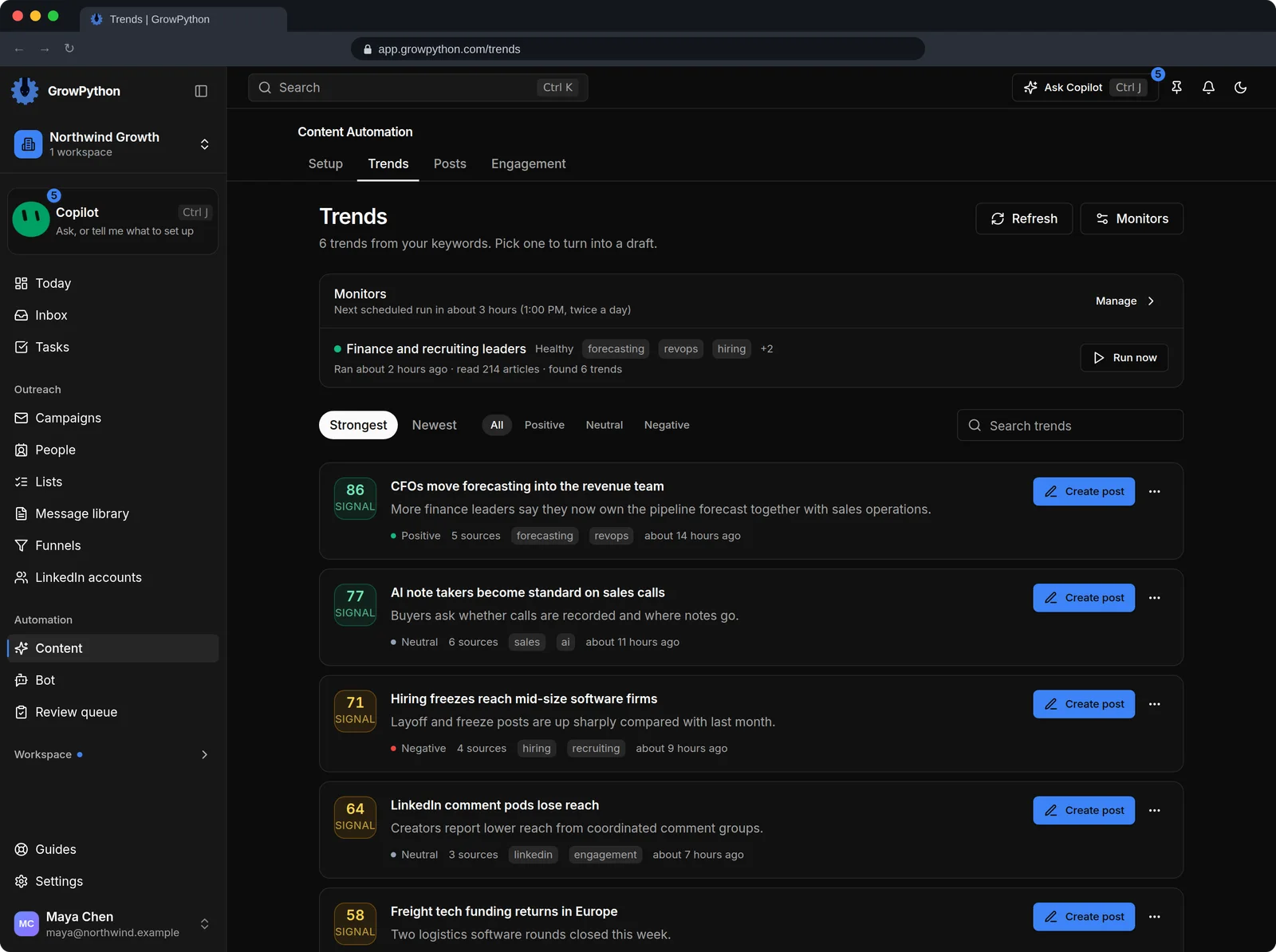
    The Trends tab of Content Automation. A monitor called Finance and recruiting leaders shows it ran about two hours ago and found 6 trends. Below it are trends ranked by signal score, such as CFOs move forecasting into the revenue team at 86, each with sentiment, number of sources, keywords and a Create post button.The Trends tab of Content Automation. A monitor called Finance and recruiting leaders shows it ran about two hours ago and found 6 trends. Below it are trends ranked by signal score, such as CFOs move forecasting into the revenue team at 86, each with sentiment, number of sources, keywords and a Create post button. Shown in the dark theme.
  3. Decide how much engagement runs

    Engagement likes and comments on posts in your feed that match your keywords, within a daily limit you set. There is no approval step on that page, so keep the limit low and pause it any time.
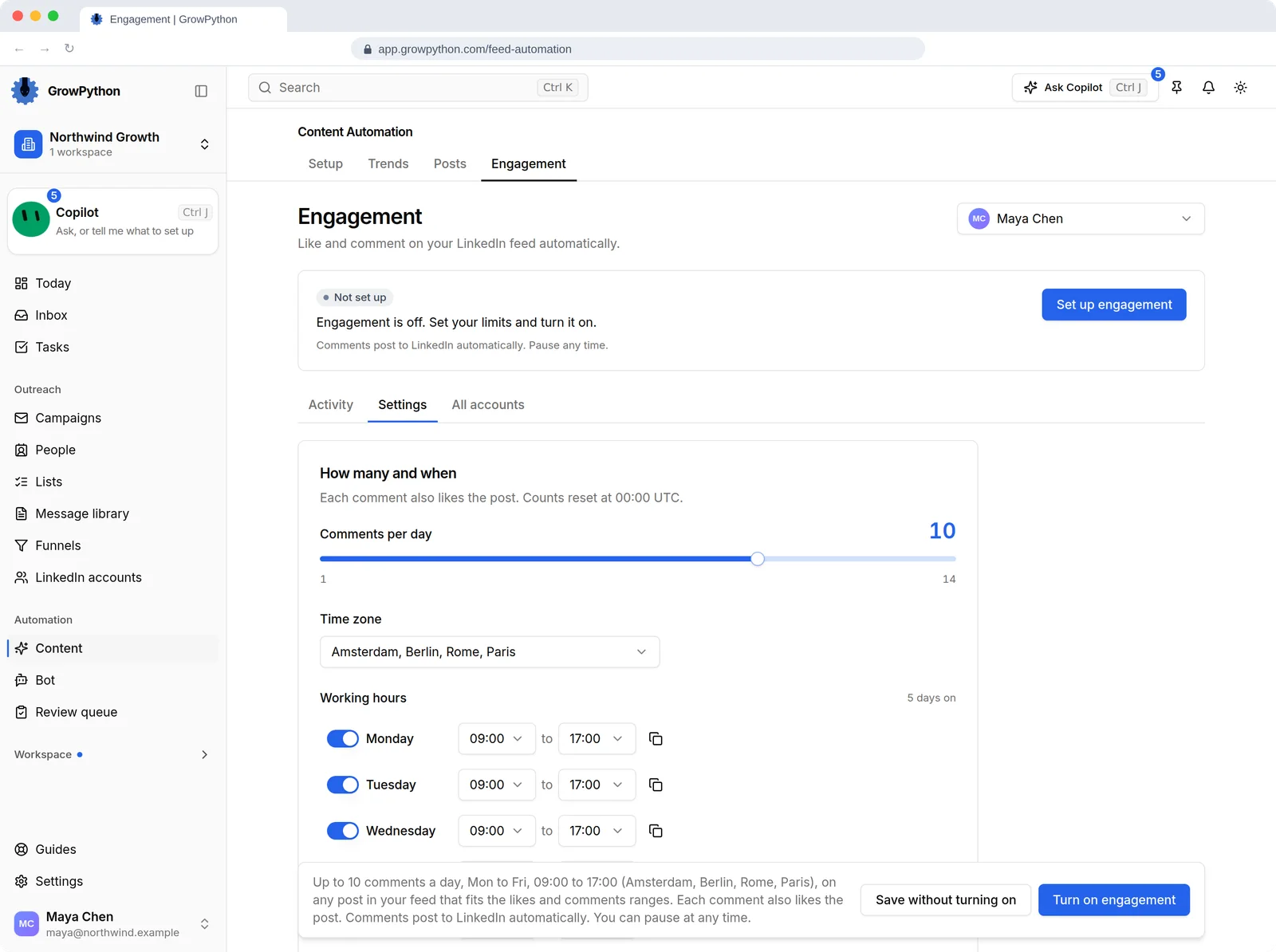
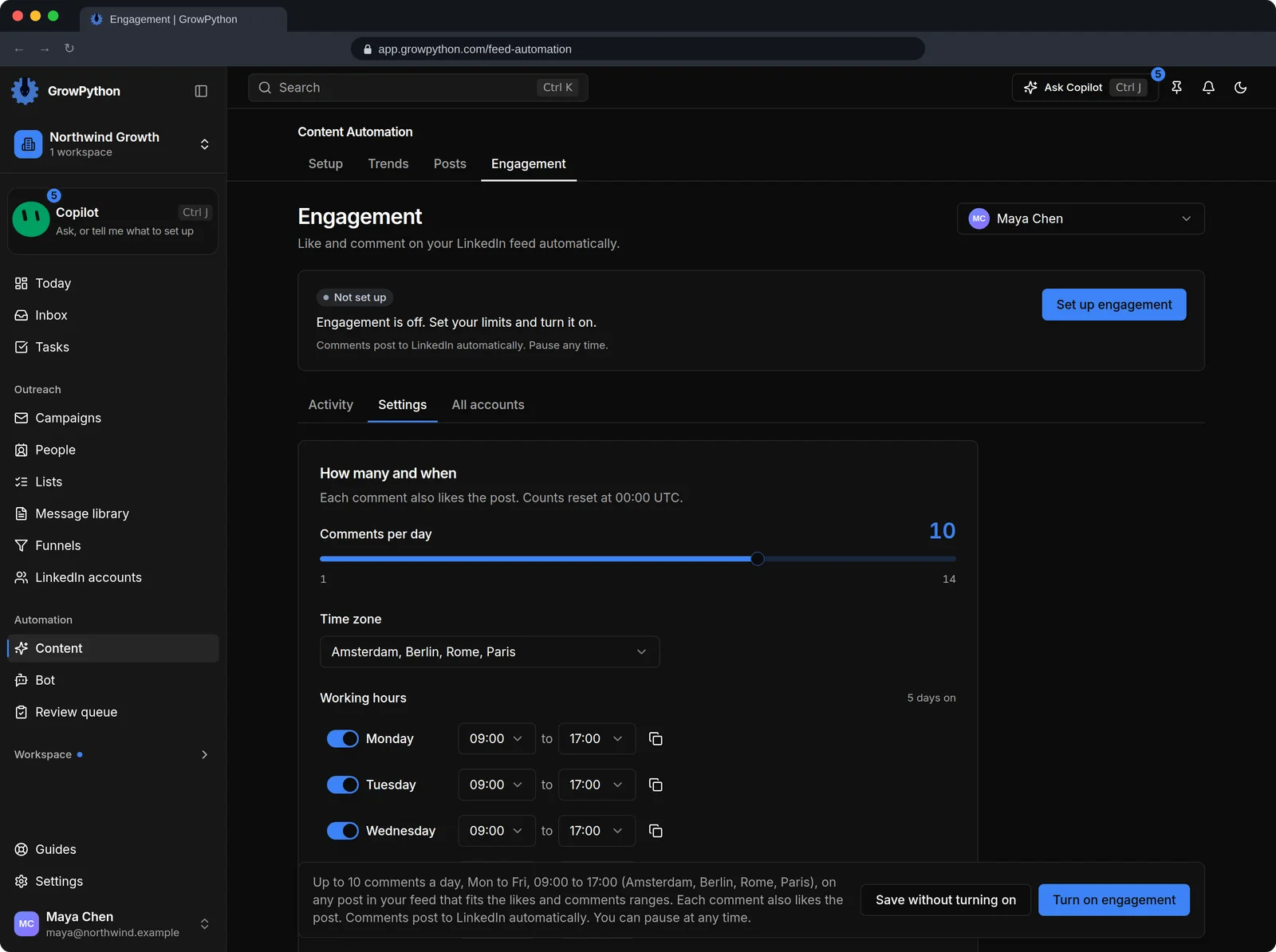
    The Engagement tab of Content Automation for the account Maya Chen. A status strip says it is not set up yet, and the Settings panel shows a Comments per day slider at 10, a time zone and working hours Monday to Friday.The Engagement tab of Content Automation for the account Maya Chen. A status strip says it is not set up yet, and the Settings panel shows a Comments per day slider at 10, a time zone and working hours Monday to Friday. Shown in the dark theme.
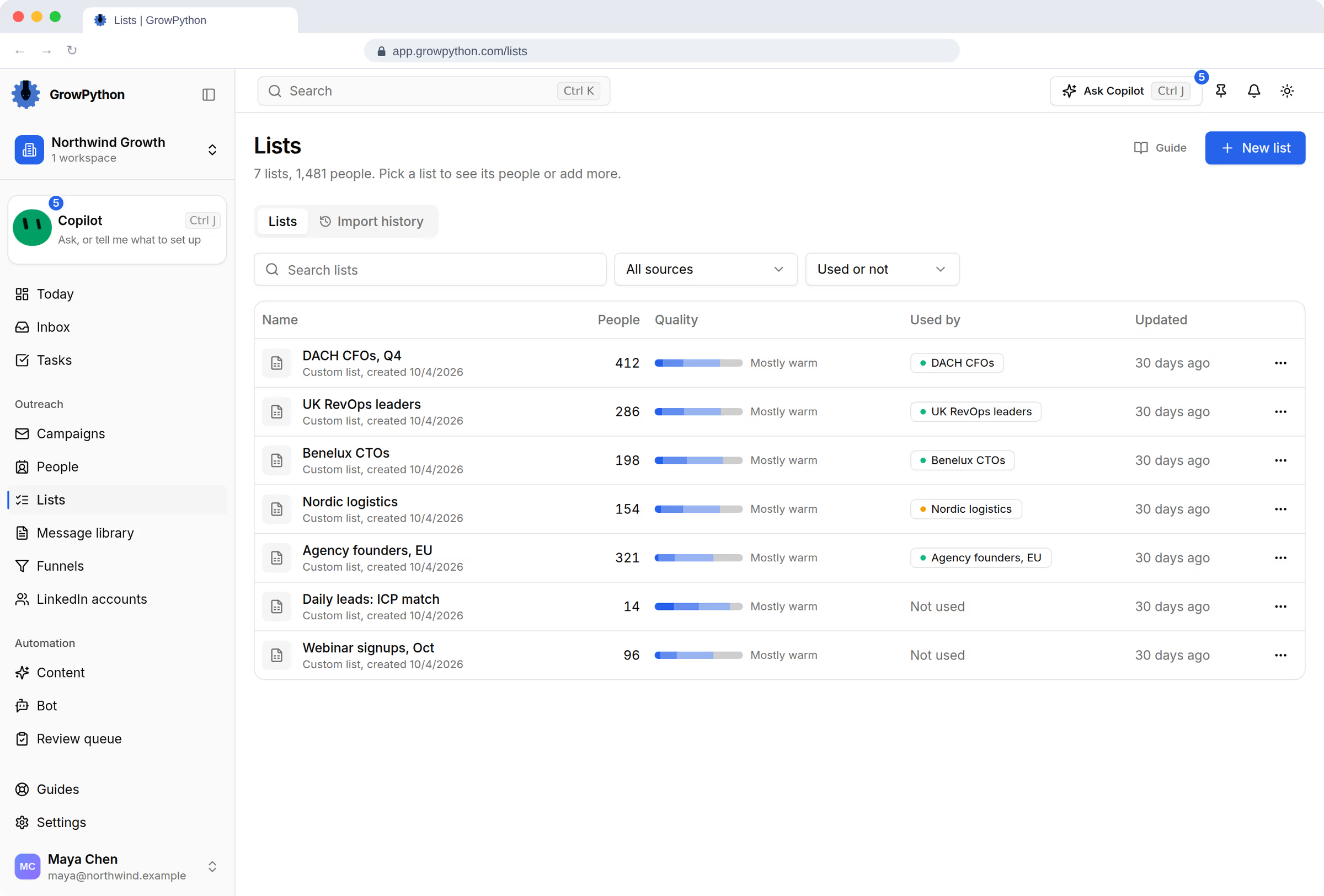
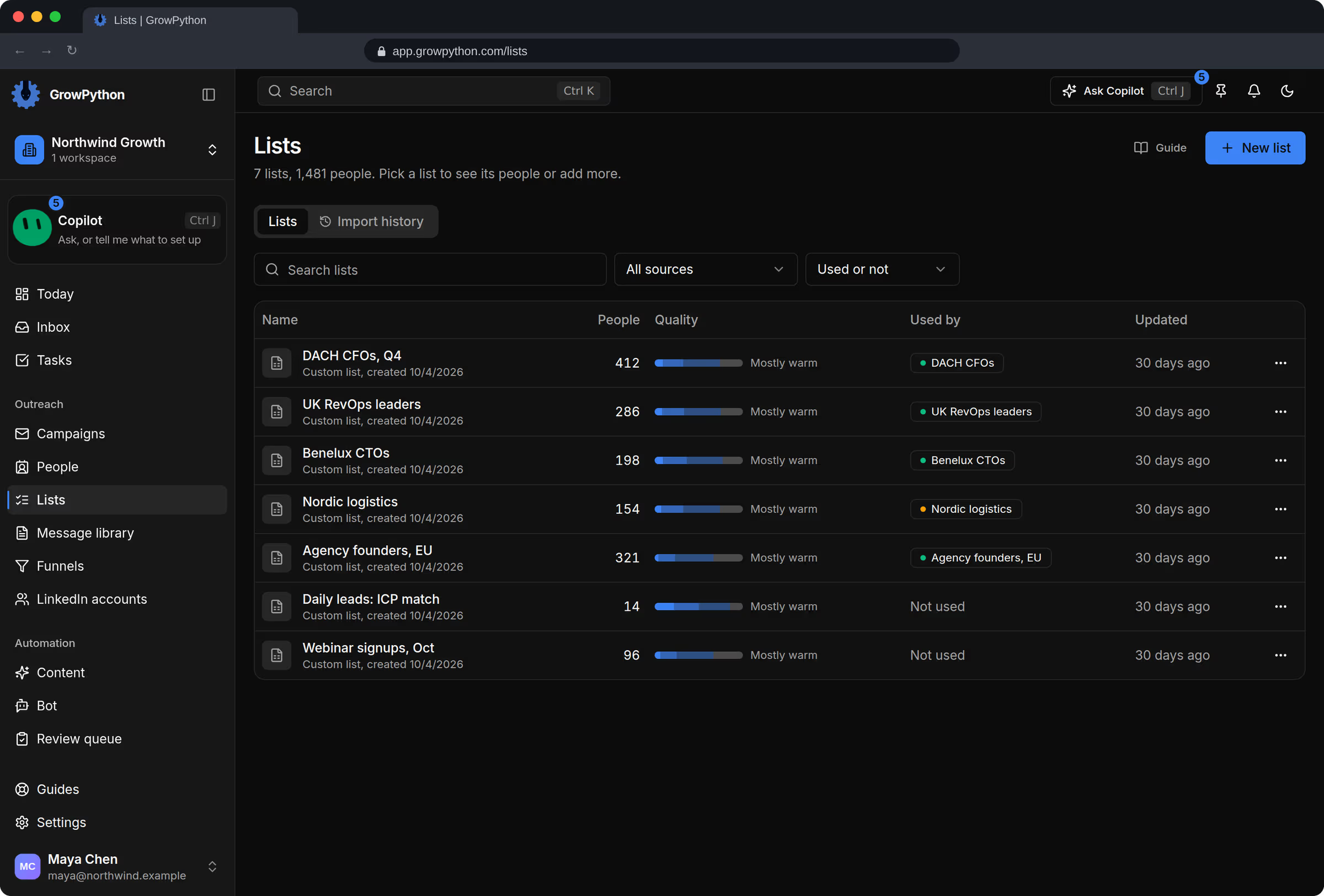
  4. Turn engagers into a list

    Make a new list of the type Post engagers, point it at the post and import the people who reacted or commented. Importing contacts no one.
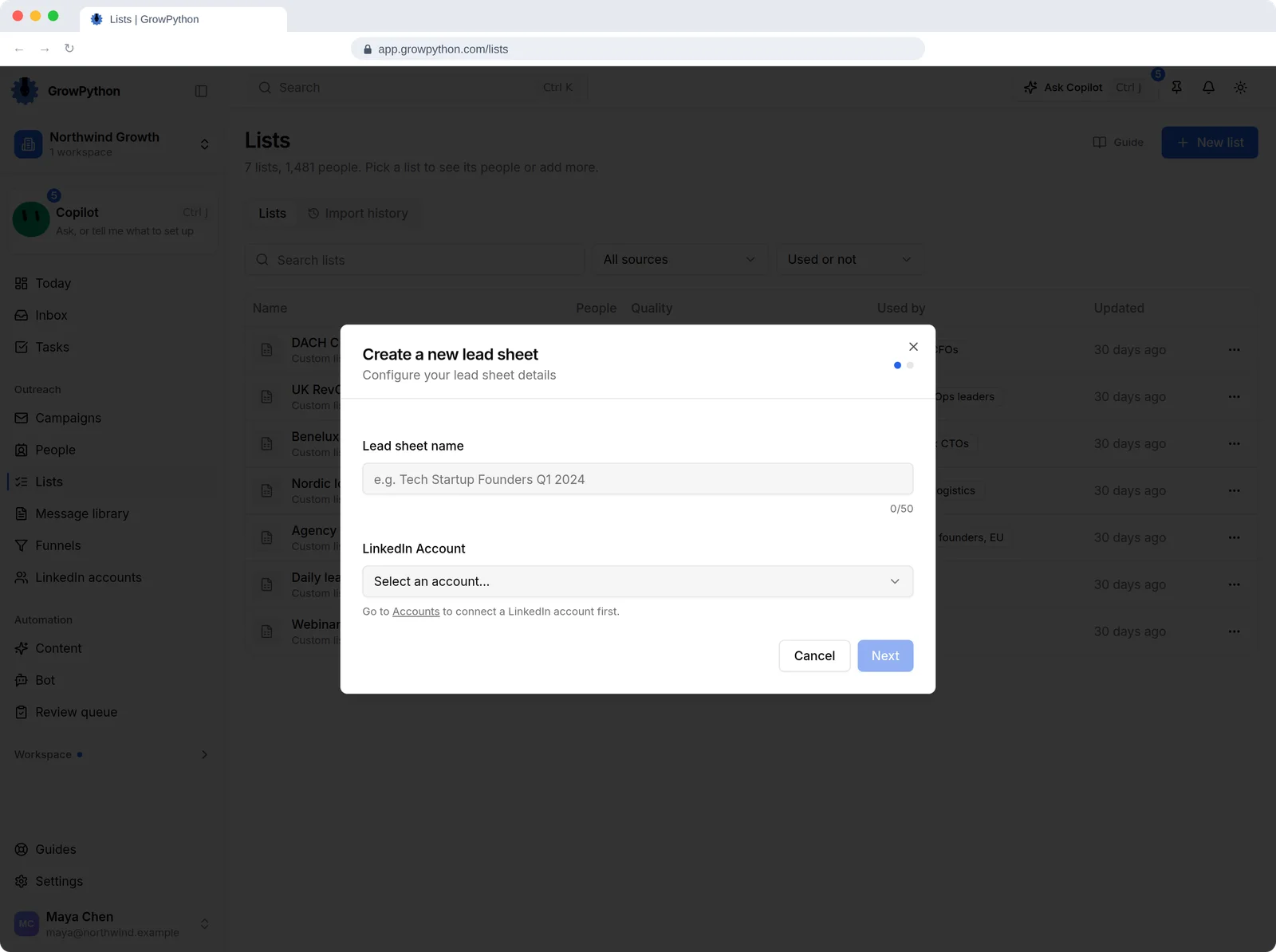
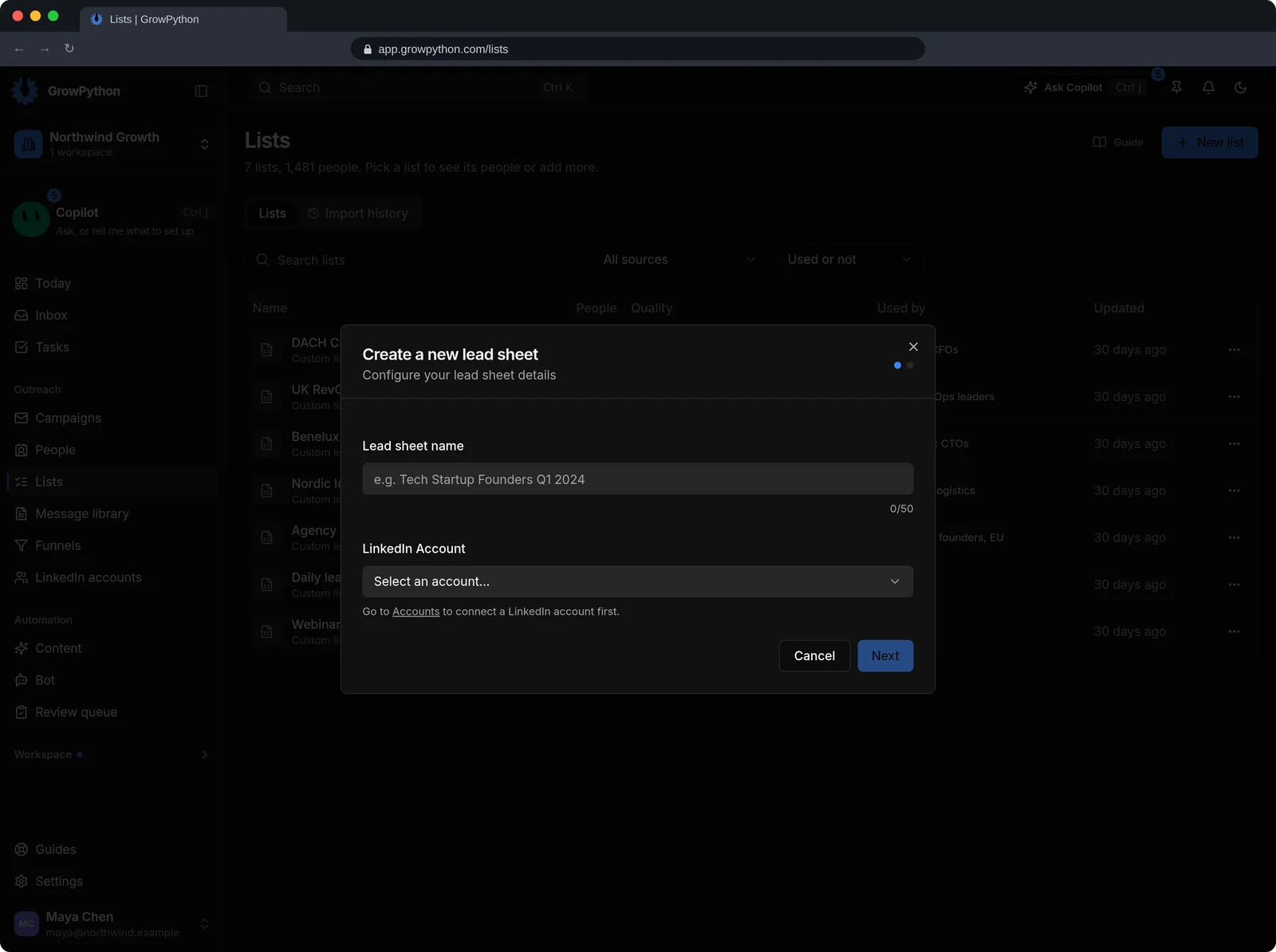
    The Create a new lead sheet dialog on the Lists page, asking for a lead sheet name and which LinkedIn account to use, with Cancel and Next buttons.The Create a new lead sheet dialog on the Lists page, asking for a lead sheet name and which LinkedIn account to use, with Cancel and Next buttons. Shown in the dark theme.
  5. Send a short, honest follow-up

    A connection request and one or two follow-ups that mention the post, with an email follow-up if you connected a mailbox. You press Start.
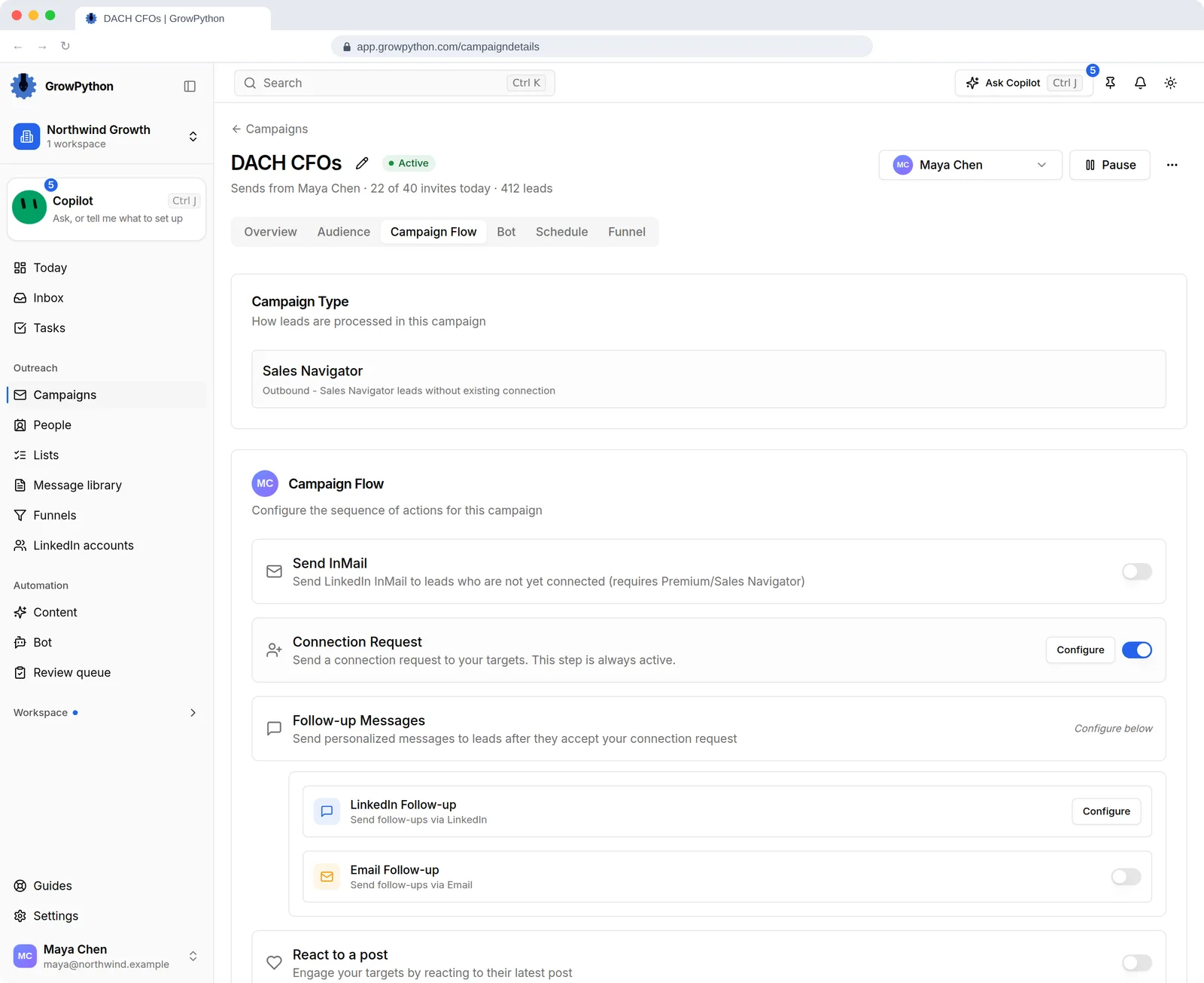
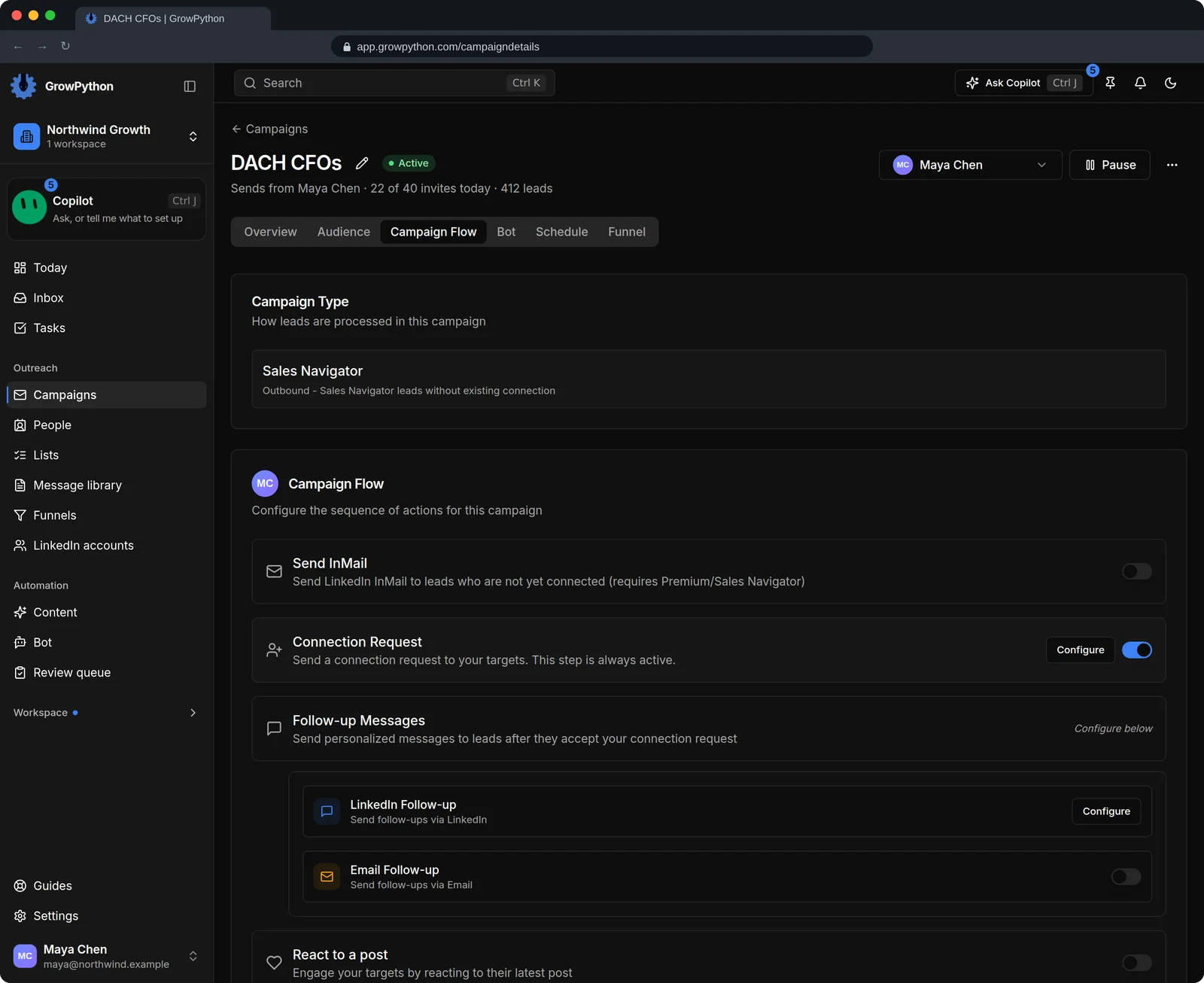
    The Campaign Flow tab of the DACH CFOs campaign. It lists the steps: a connection request that is always on, follow-up messages sent after the request is accepted by LinkedIn or by email, and optional steps such as reacting to a post, each with a switch and a Configure button.The Campaign Flow tab of the DACH CFOs campaign. It lists the steps: a connection request that is always on, follow-up messages sent after the request is accepted by LinkedIn or by email, and optional steps such as reacting to a post, each with a switch and a Configure button. Shown in the dark theme.
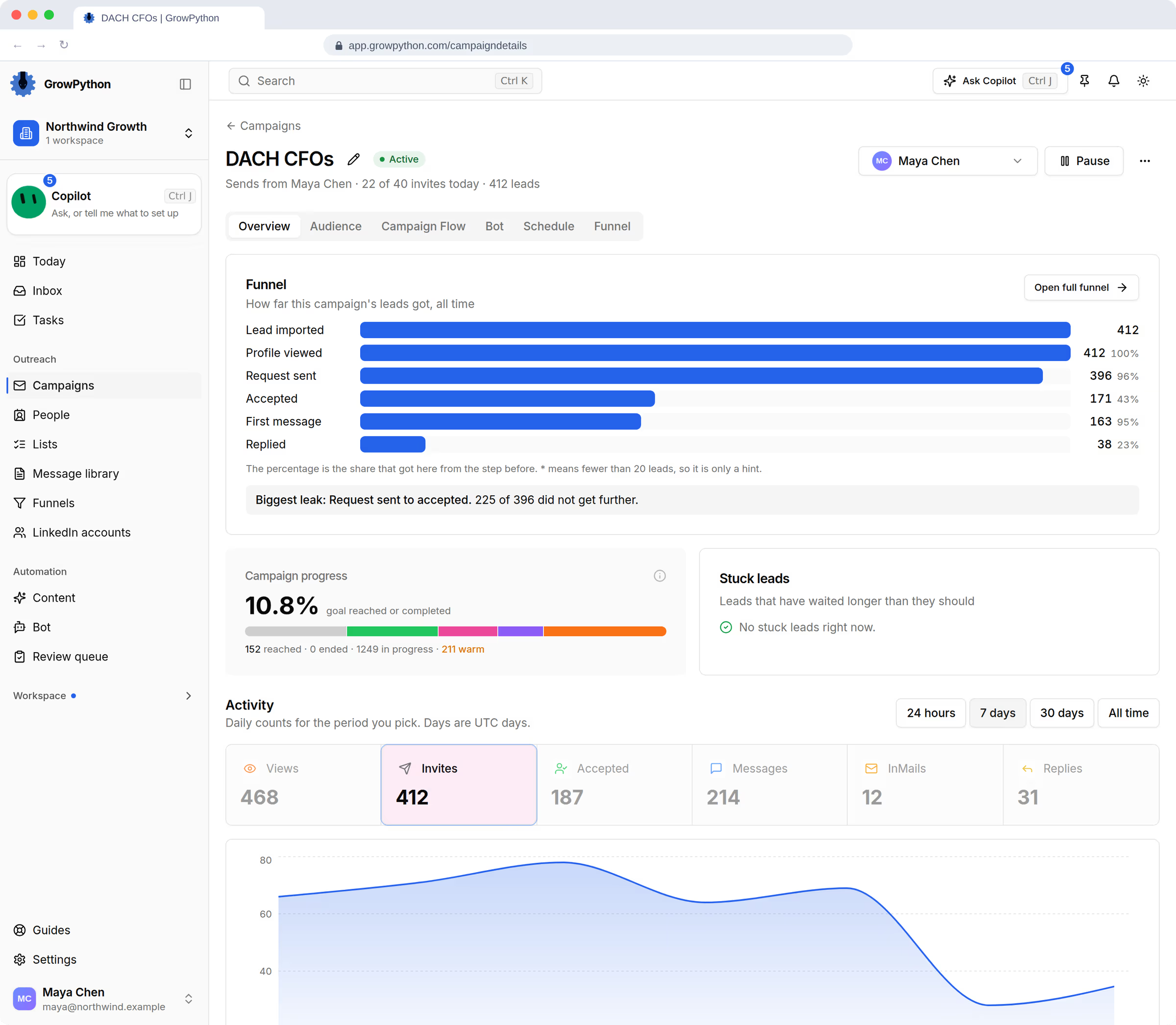
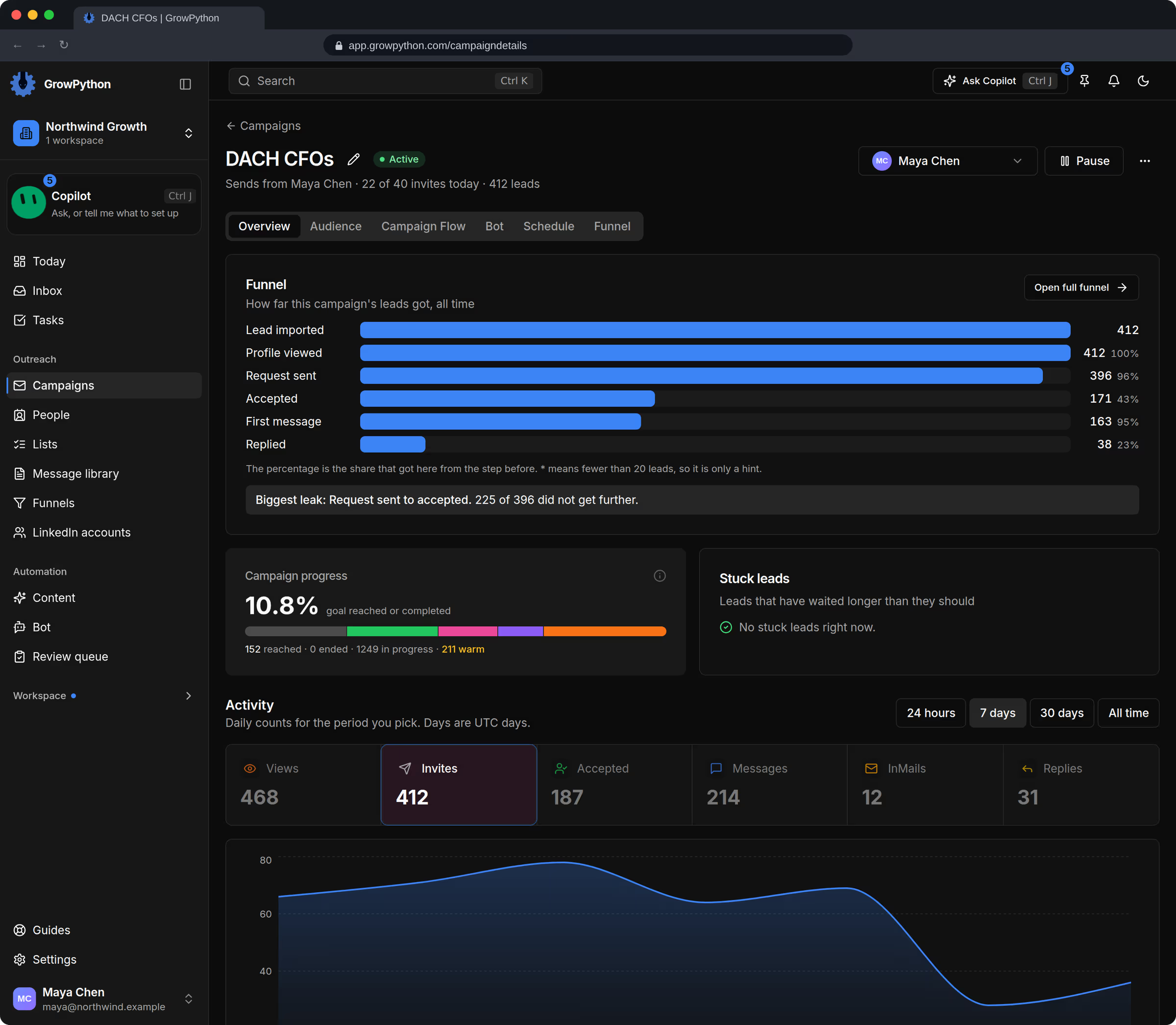
  6. Read the funnel

    The Outreach funnel for that list shows how far people got, step by step, with the biggest drop highlighted and the count behind every rate. Compare it with a list from another source.
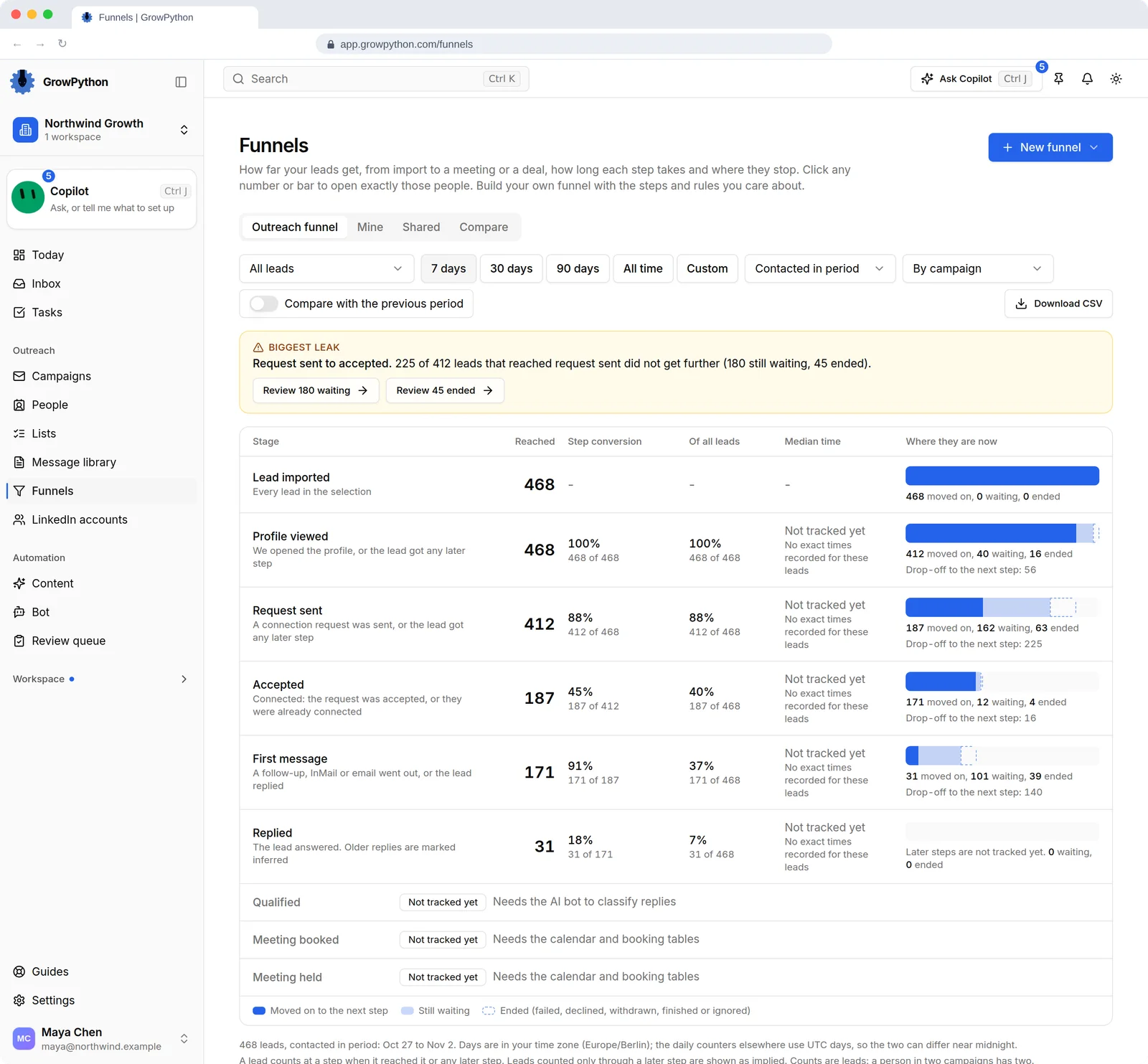
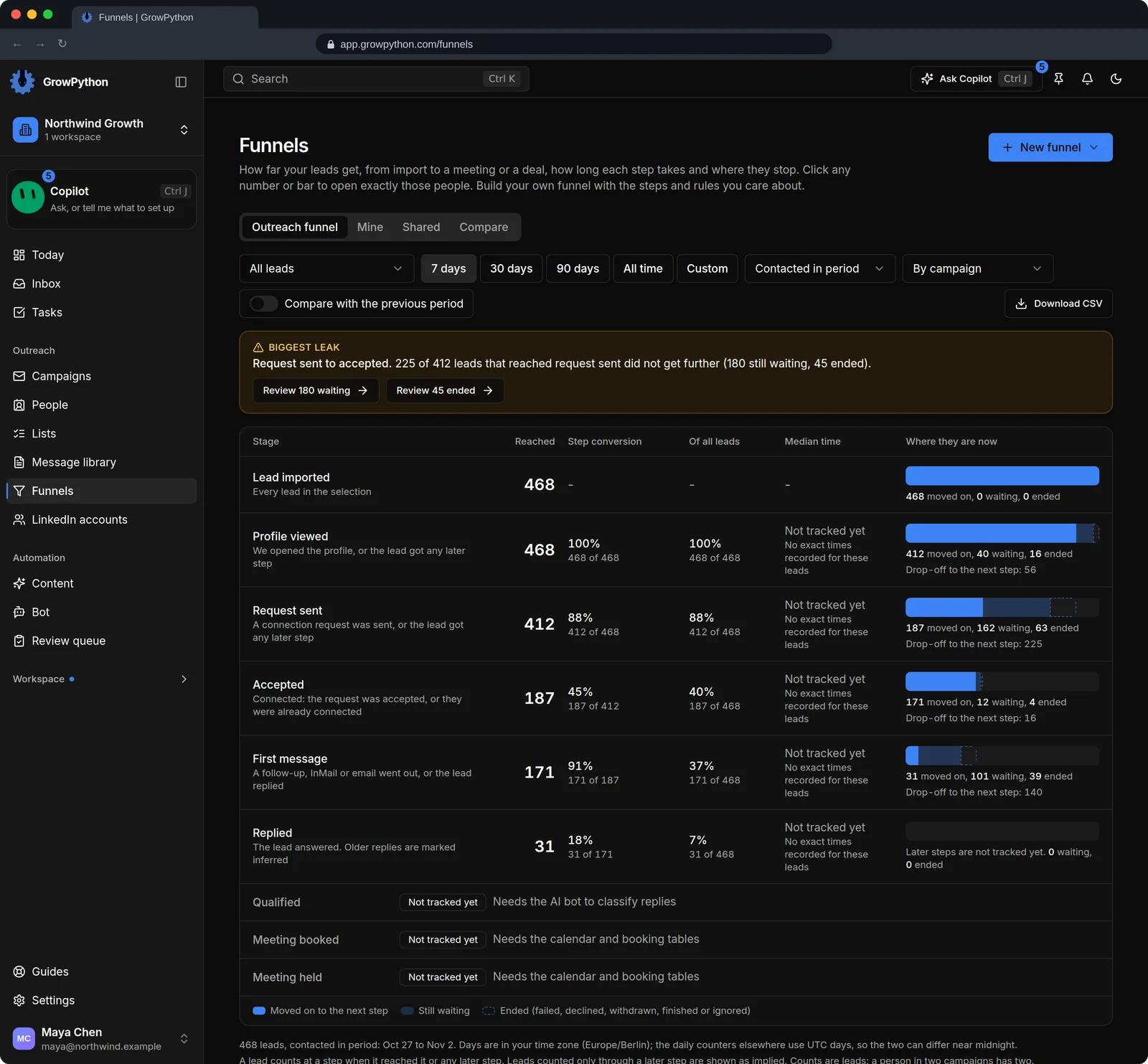
    The Funnels page showing the built-in Outreach funnel for the last 7 days. A highlighted biggest leak says 225 of 412 leads that reached request sent did not get further. The table lists each stage from Lead imported at 468 to Replied at 31 with reached counts, step conversion, share of all leads and a bar for where leads are now.The Funnels page showing the built-in Outreach funnel for the last 7 days. A highlighted biggest leak says 225 of 412 leads that reached request sent did not get further. The table lists each stage from Lead imported at 468 to Replied at 31 with reached counts, step conversion, share of all leads and a bar for where leads are now. Shown in the dark theme.
The Setup tab of Content Automation with a keyword list such as forecasting and revops, a sentence describing the audience with job titles CFO and VP Finance and industries, a Brand voice section, and a Where this is used panel showing Trends and Feed engagement are on.The Setup tab of Content Automation with a keyword list such as forecasting and revops, a sentence describing the audience with job titles CFO and VP Finance and industries, a Brand voice section, and a Where this is used panel showing Trends and Feed engagement are on. Shown in the dark theme.

What you will use, and why

What a marketer uses most

Content, a written voice, the bridge from engagement to outreach, and numbers you can show.

Content automation

Setup, Trends, Posts and Engagement. Posts move from draft to review to scheduled to published, and nothing publishes until you approve and schedule it for the account you choose.

Why it matters to you

A steady posting rhythm, without writing every post from a blank page.

A voice written down once

The Business profile holds your keywords, your voice, words to avoid and red lines. Posts, feed comments, reply drafts and Xupy all read the same description.

Why it matters to you

One voice across posts, comments and replies, set in one place instead of in every prompt.

From engagement to outreach

Lists of people who reacted to or commented on a post, then a sequence on LinkedIn with email follow-ups, paced by weekly limits per account.

Why it matters to you

People who engaged already know your name, which makes a first message easy to write honestly.

Funnels with the counts

The built-in Outreach funnel for the workspace, a campaign or a list, saved funnels from a builder, and two funnels compared side by side. Every rate shows the count behind it.

Why it matters to you

You can show what a content-sourced list did, with numbers you did not assemble by hand.

After 30 days

What is different after a month

No promise about reach or leads. This is what changes in how you work.

  • A queue of drafts, not a blank page. Trends keep turning into drafts you review, so a quiet week still has posts ready.
  • Your voice is a document. Voice, words to avoid and red lines sit in the Business profile, and every AI draft reads them.
  • Every good post has a next step. The people who engaged are in lists, and the right ones are in a short sequence.
  • Content shows up in the funnel. Lists that started from posts have their own funnel to set beside other sources.

FAQ

Objections, answered

Does it post to LinkedIn without me?

Posts publish only after you approve and schedule them. Feed engagement is different: once you switch it on, likes and comments go out on posts that match your keywords without an approval step, within a daily limit you set from 1 to 14. Keep it low and pause it any time.

Will the drafts invent facts?

Drafts follow your Business profile and leave a placeholder where a fact is missing. AI can still be wrong, so read every draft before you schedule it.

Can I run it for more than one brand?

Yes, with a workspace per brand. Each workspace has its own Business profile, keywords and voice.

Which networks does it publish to?

LinkedIn. Content automation drafts, schedules and engages on LinkedIn only.

Is feed engagement safe for my account?

It works within the daily limit you set, and LinkedIn's own rules still apply. Start low and keep comments useful; no tool can promise an account will never be restricted.

Give every good post a next step.

Start the trial, write your voice into the Business profile and turn this week's best post into a list.

New customers get a 5-day free trial. Cancel from Billing.