Skip to content

Lead discovery

Lead discovery for outreach: build a list of the right people

Build a list from a LinkedIn search, a Sales Navigator search, people who engaged with a post, your own connections or a CSV file. See how well each person fits before a campaign uses the list. Importing never contacts anyone.

Does the job oflead list exportsspreadsheets of LinkedIn profiles

What it does

A small list of the right people, built in minutes.

  1. Many ways in

    Run a LinkedIn people search, paste the address of a LinkedIn or Sales Navigator search, pick up people who reacted to a post, bring in your connections or upload a CSV file.
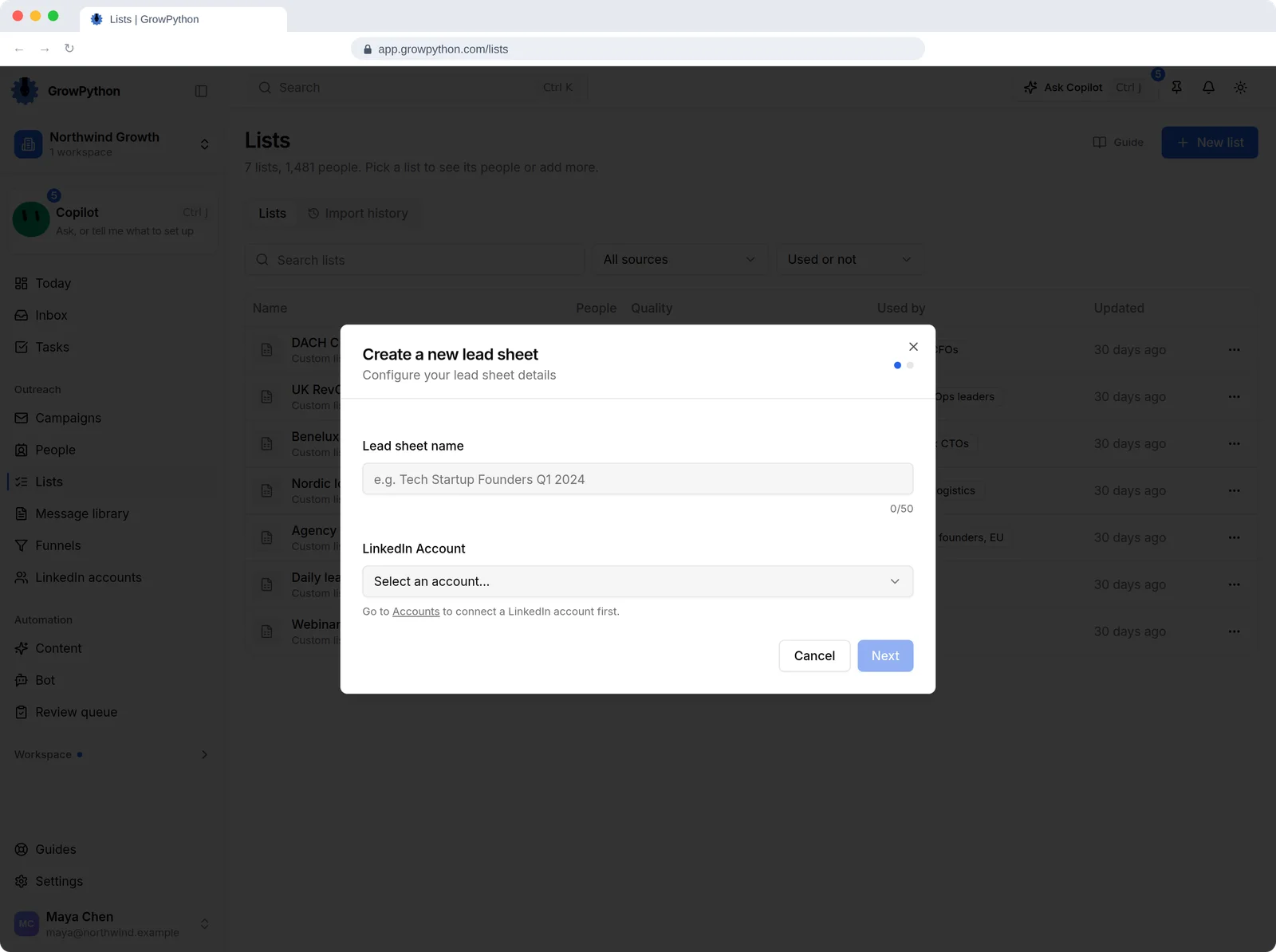
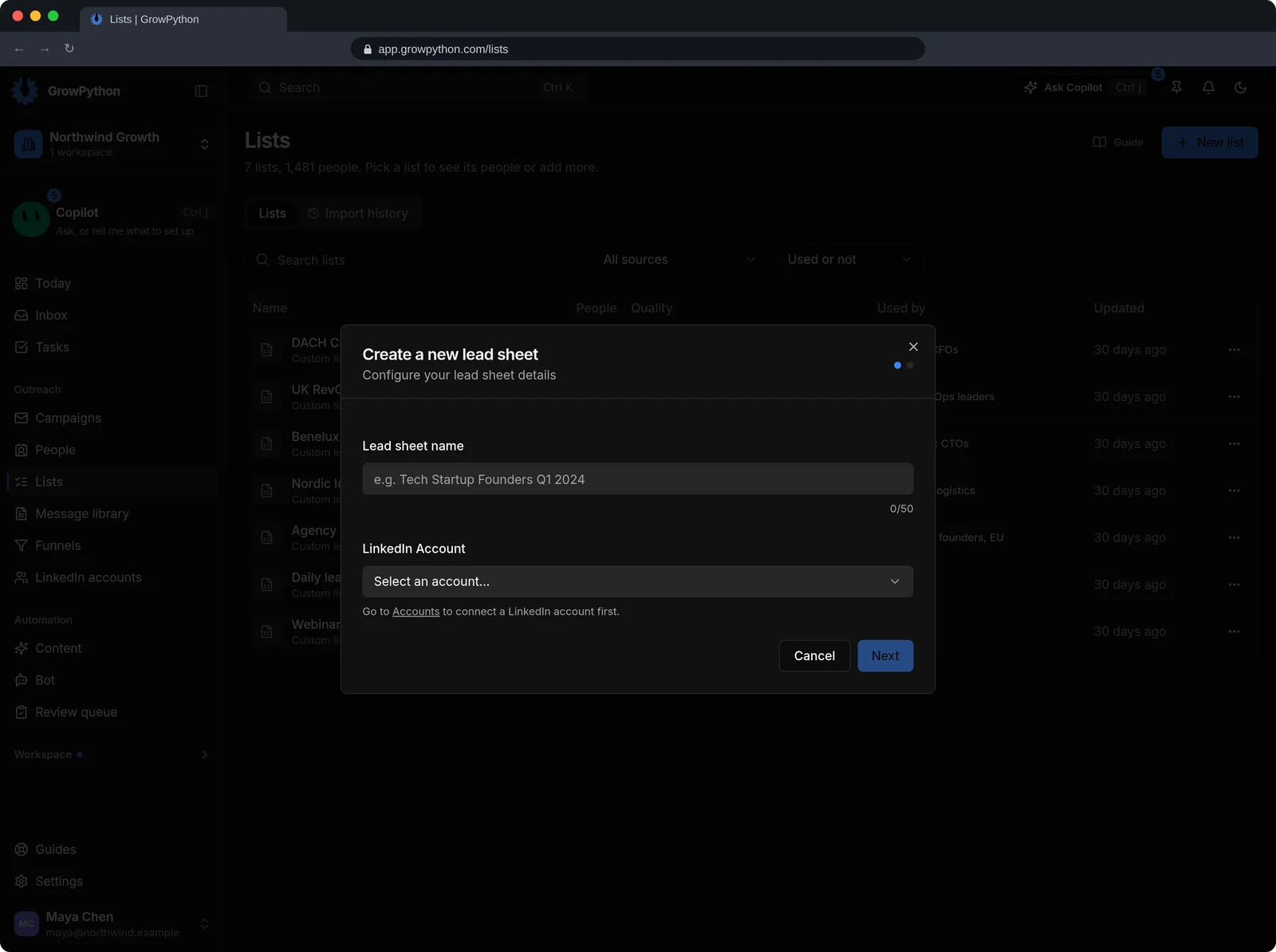
    The Create a new lead sheet dialog on the Lists page, asking for a lead sheet name and which LinkedIn account to use, with Cancel and Next buttons.The Create a new lead sheet dialog on the Lists page, asking for a lead sheet name and which LinkedIn account to use, with Cancel and Next buttons. Shown in the dark theme.
  2. A dry run for every CSV

    The import wizard shows how many rows are new, already in the list, repeated in the file or unusable before it adds anyone. You can download the rejected rows.
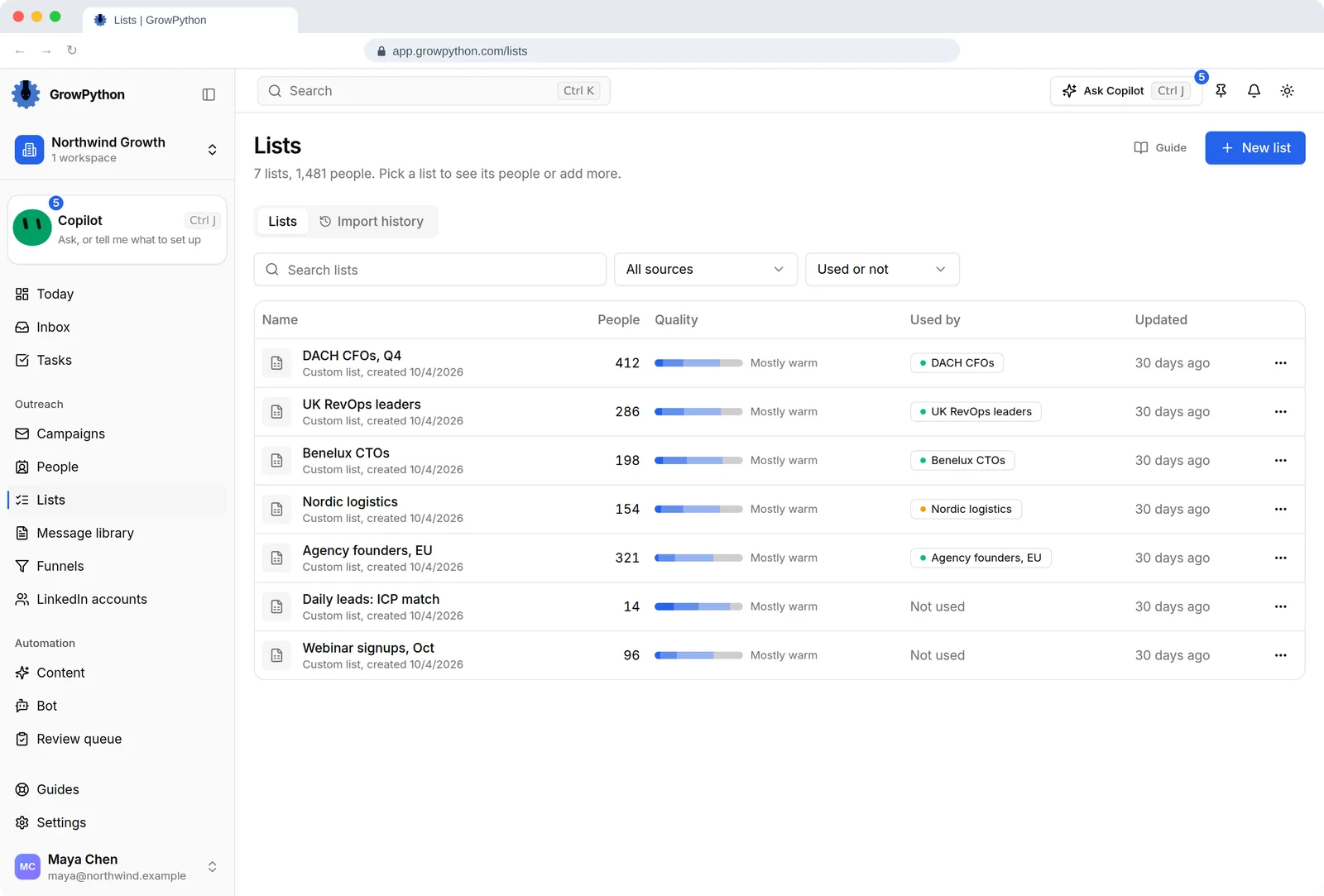
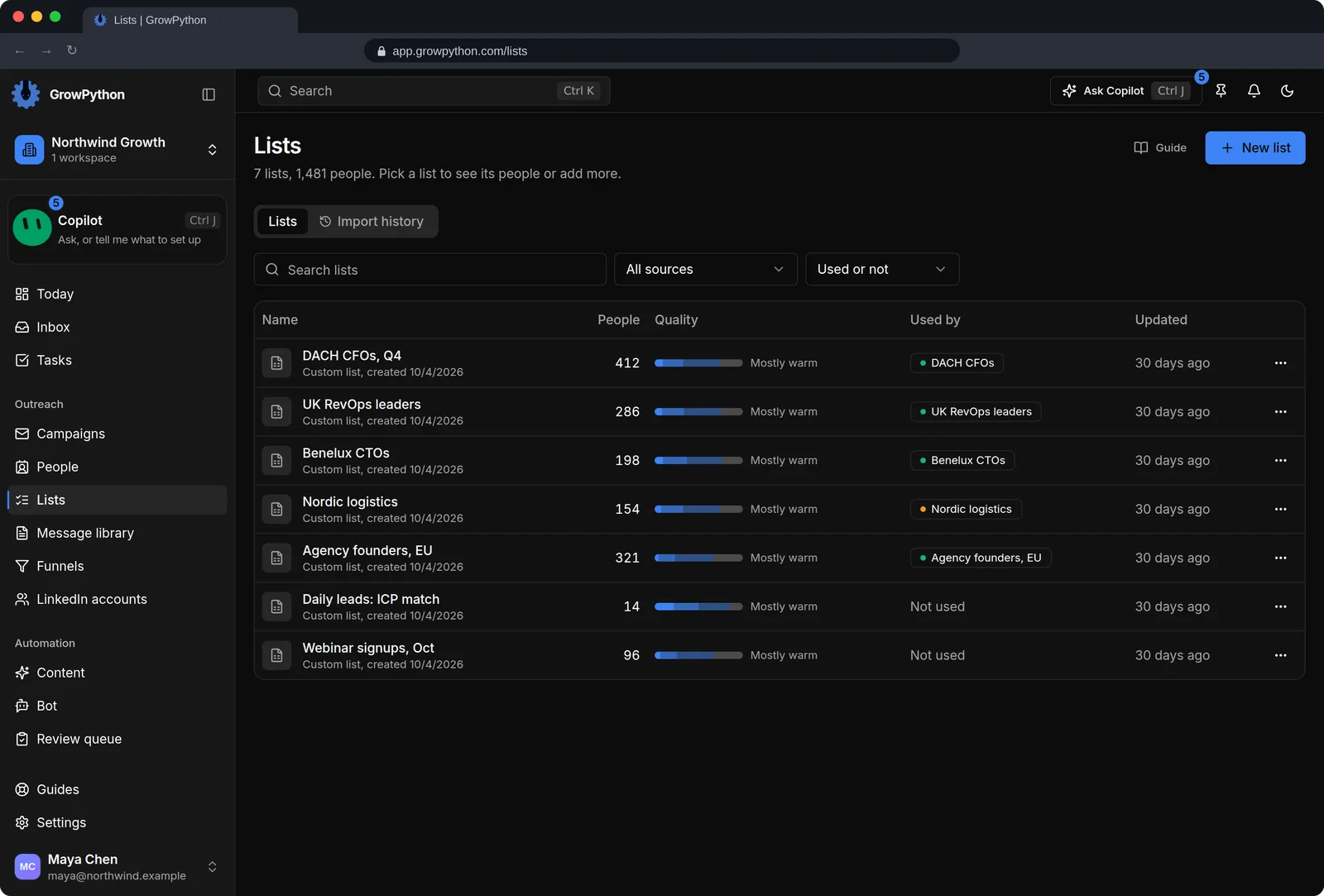
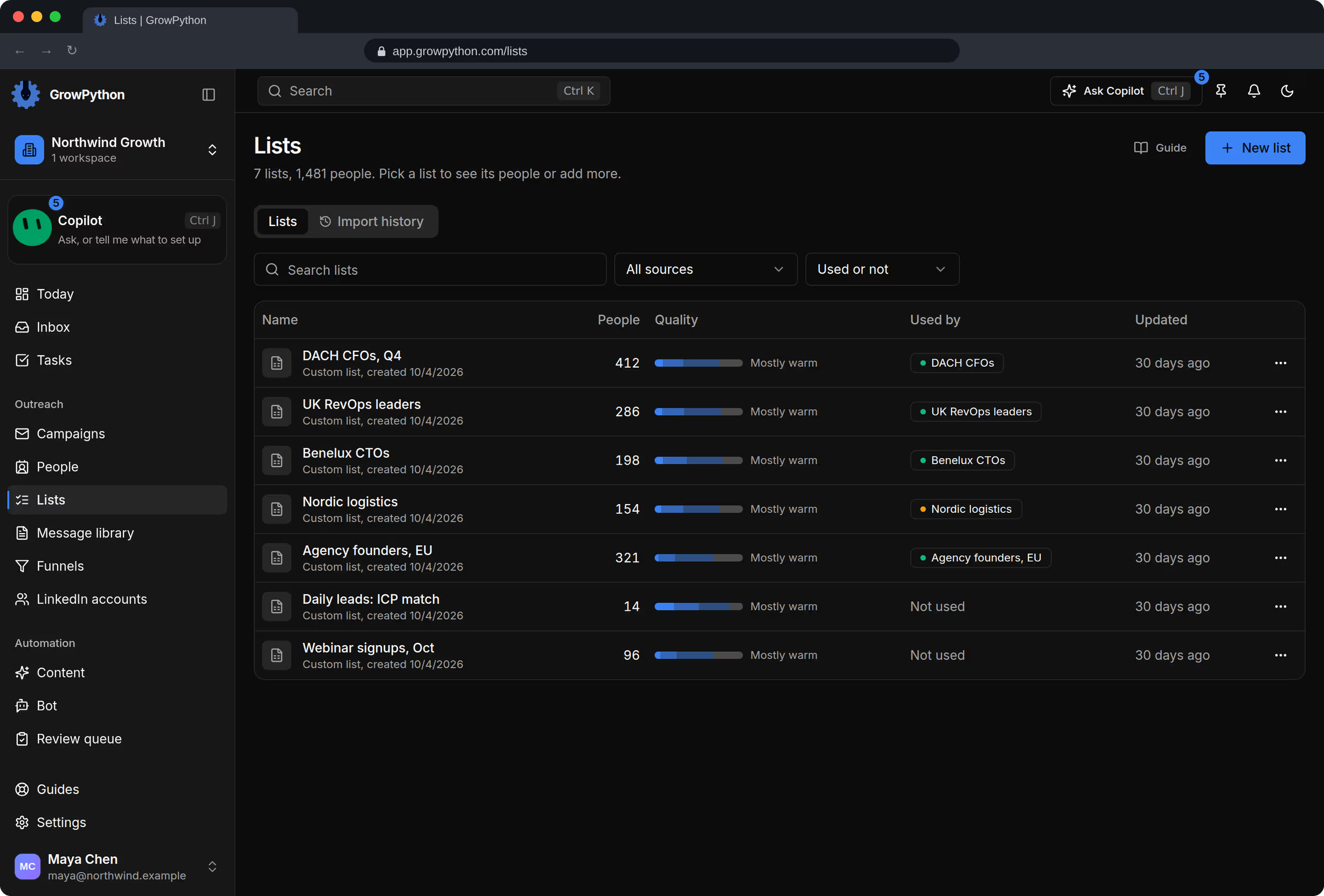
    The Lists page with seven lists such as DACH CFOs Q4 with 412 people, each with a quality bar, the campaign that uses it, and the last update.The Lists page with seven lists such as DACH CFOs Q4 with 412 people, each with a quality bar, the campaign that uses it, and the last update. Shown in the dark theme.
  3. Quality at a glance

    Each list carries a bar of Elite, Hot, Warm and Cold people, so you see the mix before a campaign sends a single message.

    The Lists page with seven lists such as DACH CFOs Q4 with 412 people, each with a quality bar, the campaign that uses it, and the last update.The Lists page with seven lists such as DACH CFOs Q4 with 412 people, each with a quality bar, the campaign that uses it, and the last update. Shown in the dark theme.
  4. Daily ICP leads

    Describe your ideal customer once. New decision makers from companies that are hiring for what you sell arrive in a batch that waits for your review. Switched on per workspace.

    The Create a new lead sheet dialog on the Lists page, asking for a lead sheet name and which LinkedIn account to use, with Cancel and Next buttons.The Create a new lead sheet dialog on the Lists page, asking for a lead sheet name and which LinkedIn account to use, with Cancel and Next buttons. Shown in the dark theme.
  5. Company facts and buying signals

    A daily lead can show the company's headcount, an estimated revenue range marked Est., technologies it uses and the signal that put it on the list.
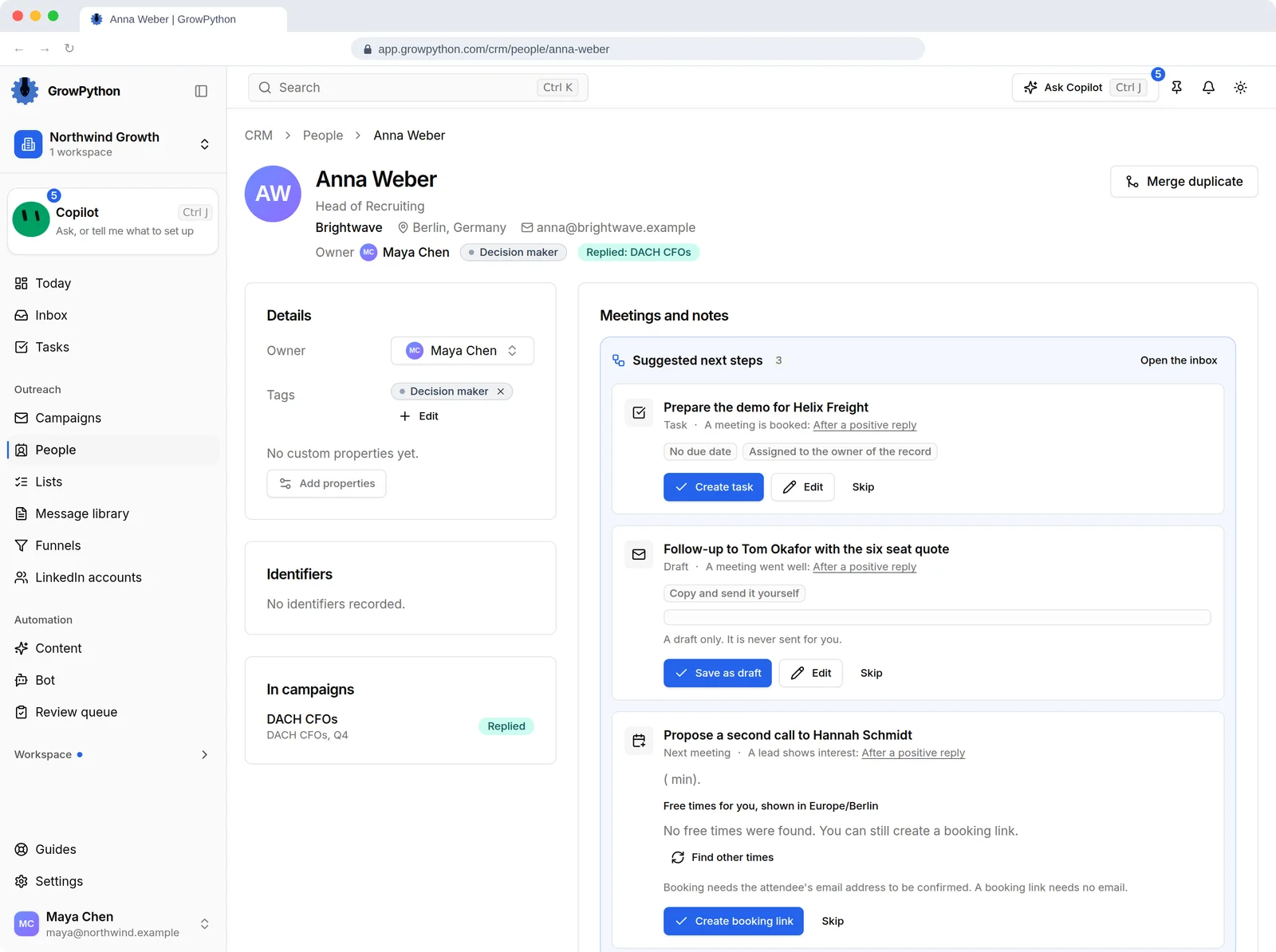
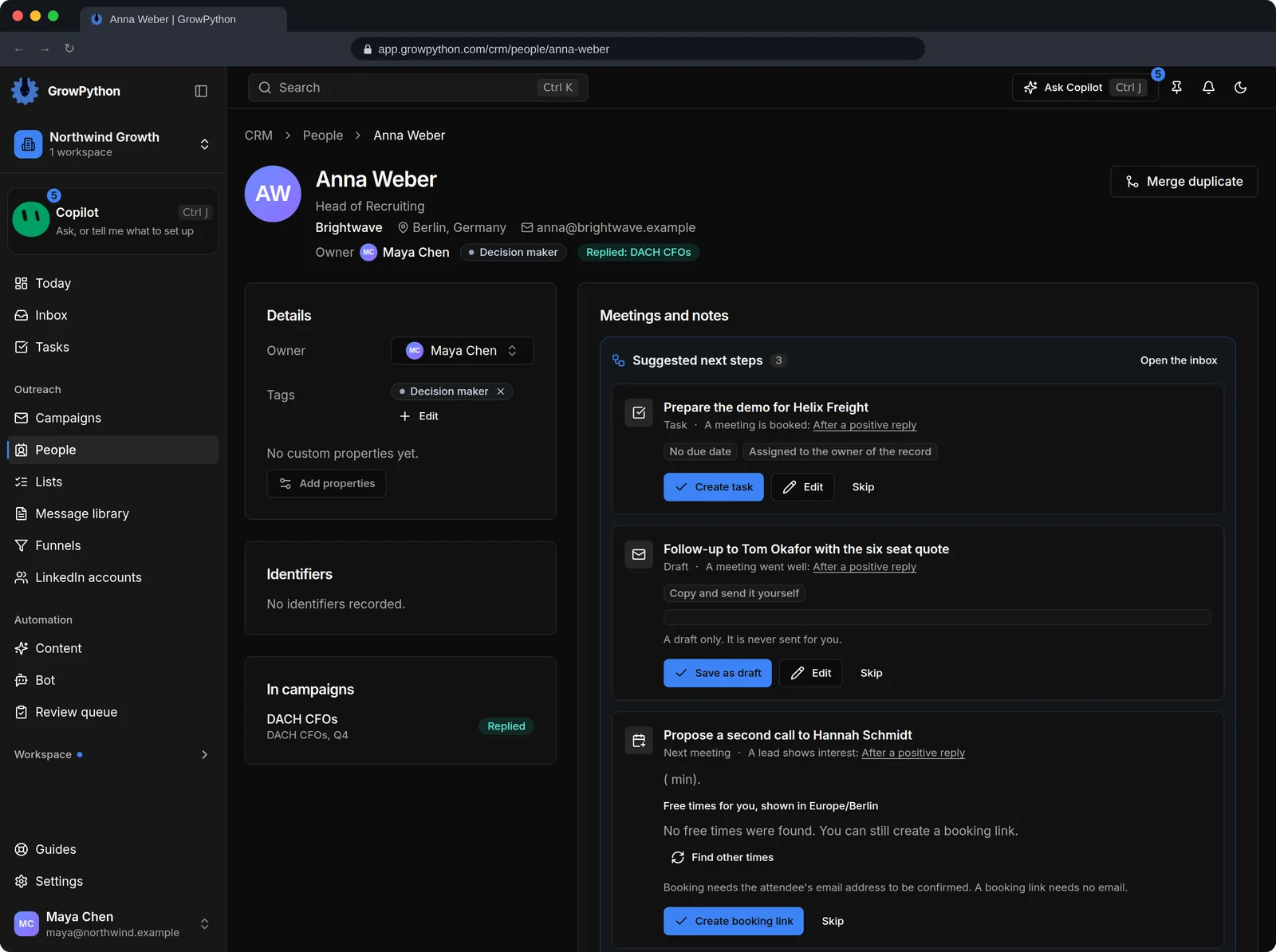
    The record of Anna Weber, Head of Recruiting at Brightwave in Berlin. The page shows owner, a Decision maker tag, the campaign Anna replied in, the meetings, and a timeline of activity: a reply today, a message sent yesterday, the connection accepted and the request sent.The record of Anna Weber, Head of Recruiting at Brightwave in Berlin. The page shows owner, a Decision maker tag, the campaign Anna replied in, the meetings, and a timeline of activity: a reply today, a message sent yesterday, the connection accepted and the request sent. Shown in the dark theme.
  6. Keep out who does not fit

    Choose Ignore on a person to keep them out of a campaign without deleting them.
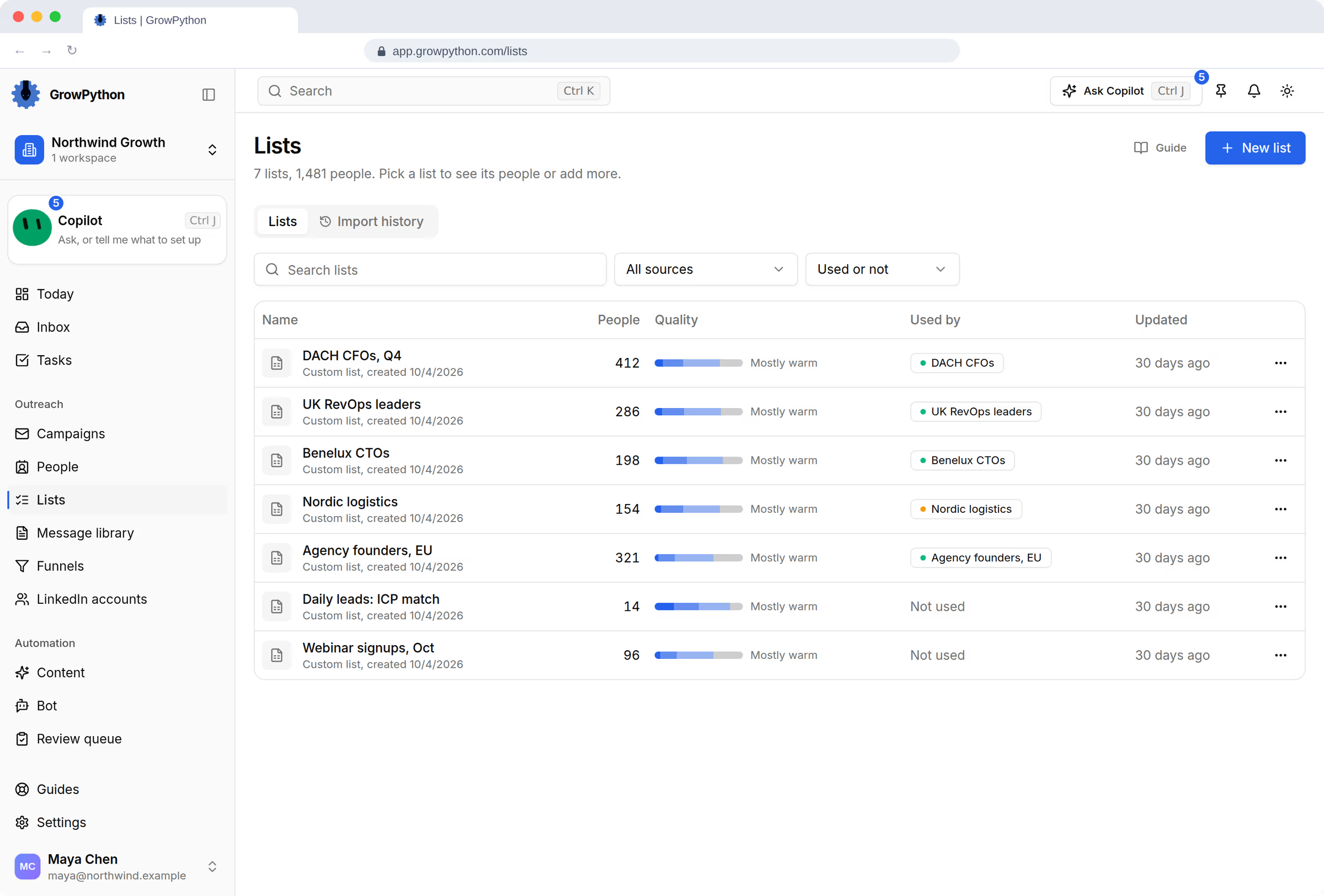
    The Lists page with seven lists such as DACH CFOs Q4 with 412 people, each with a quality bar, the campaign that uses it, and the last update.The Lists page with seven lists such as DACH CFOs Q4 with 412 people, each with a quality bar, the campaign that uses it, and the last update. Shown in the dark theme.
The Create a new lead sheet dialog on the Lists page, asking for a lead sheet name and which LinkedIn account to use, with Cancel and Next buttons.The Create a new lead sheet dialog on the Lists page, asking for a lead sheet name and which LinkedIn account to use, with Cancel and Next buttons. Shown in the dark theme.

Up close

Lead discovery

The Lists page with seven lists such as DACH CFOs Q4 with 412 people, each with a quality bar, the campaign that uses it, and the last update.The Lists page with seven lists such as DACH CFOs Q4 with 412 people, each with a quality bar, the campaign that uses it, and the last update. Shown in the dark theme.
AQuality and use at a glance Every list shows how many people it holds, a quality bar and the campaign that uses it.

How it works

Lead discovery

  1. Step 1 of 4

    Make a list

    Press New list, name it, pick a LinkedIn account and a source. Creating a list contacts no one.

  2. Step 2 of 4

    Add people

    Open the list, set your filters and press Import yourself. One import brings in up to 800 people, or up to 2,000 from Sales Navigator.

  3. Step 3 of 4

    Check the quality

    Skim the first people and the quality bar. Remove anyone who does not fit.

  4. Step 4 of 4

    Hand it to a campaign

    Add the list to a campaign when you are happy with it.

Limits and guardrails

What it will not do, and what you should know before you rely on it.

  • Sales Navigator searches need a LinkedIn Sales Navigator account, and the app says so if the one you picked is not.
  • LinkedIn applies its own rate limits to lookups, so a large import or a daily batch can slow down.
  • A revenue figure on a daily lead is an estimate, shown as a range and marked Est. It is not a quote. Companies without a known headcount show N/A.
  • Importing into a list that a running campaign already uses can start outreach to the new people, so check which campaigns use a list first.
  • Deleting a list deletes its people and cannot be undone.

Lead discovery

More screens

  • Start a new list of people to reach.

  • Every list with its quality mix and the campaign using it.

  • One record per person with the whole history.

FAQ

Questions

Where can the people on a list come from?

From a LinkedIn people search, a pasted LinkedIn or Sales Navigator search address, a post's engagers, your existing connections, incoming invitations, sent connection requests, a CSV file, your LinkedIn feed keywords or the daily ICP leads list.

Does importing contact the people?

No. Importing only fills a list. People are contacted only after a campaign that uses the list is started by you.

What are daily ICP leads?

A list type that fills itself. You describe your ideal customer once, and each day new decision makers from companies hiring for what you sell appear in a batch you review. It is switched on per workspace.

How big can a CSV file be?

Up to 50 MB. Commas, semicolons and tabs all work, and the file needs a column with the LinkedIn profile address and a name.

Ready to run client acquisition from one place?

Start your free trial, connect an account and build a small list first.

5-day free trial for new customers