01
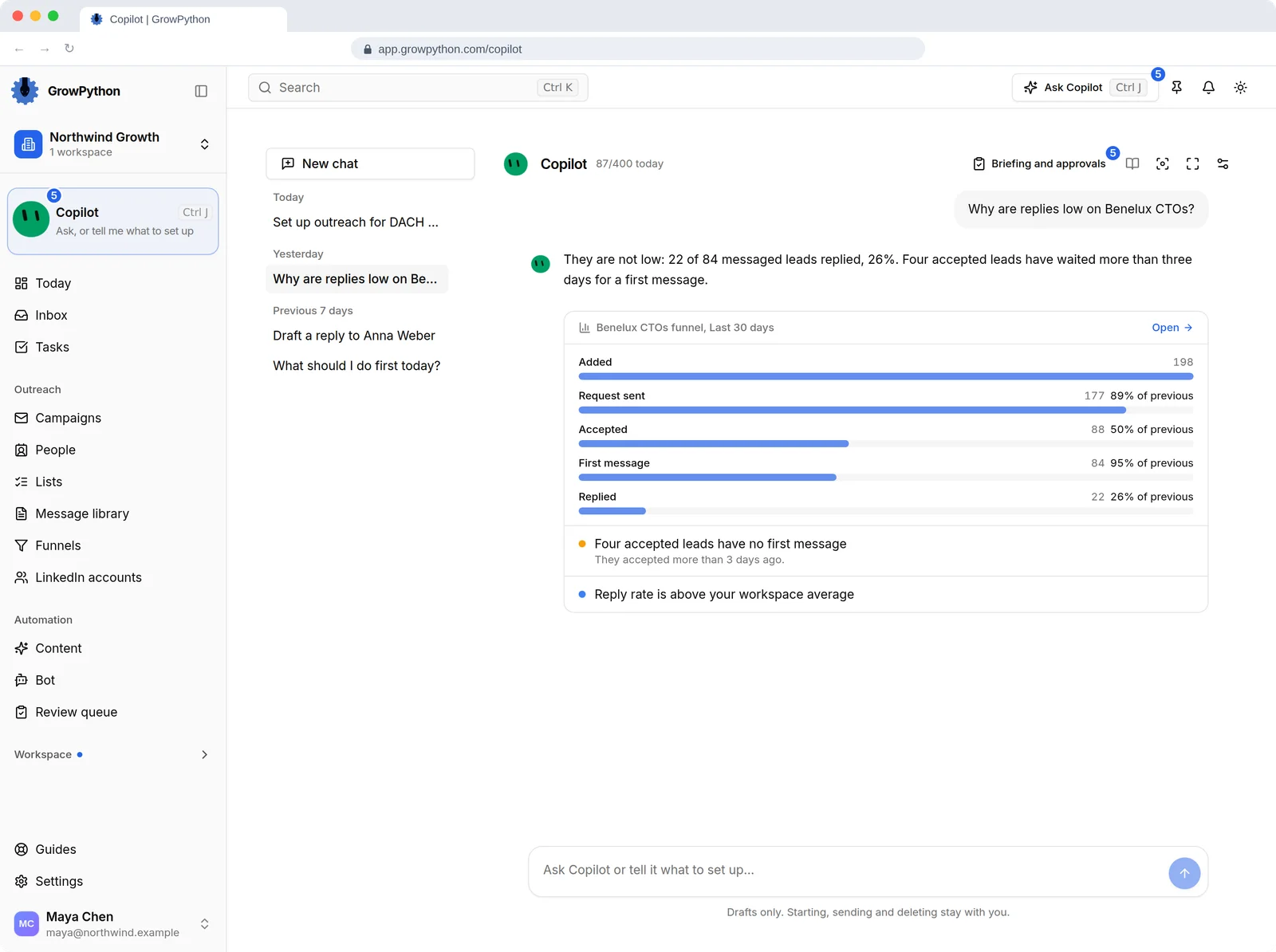
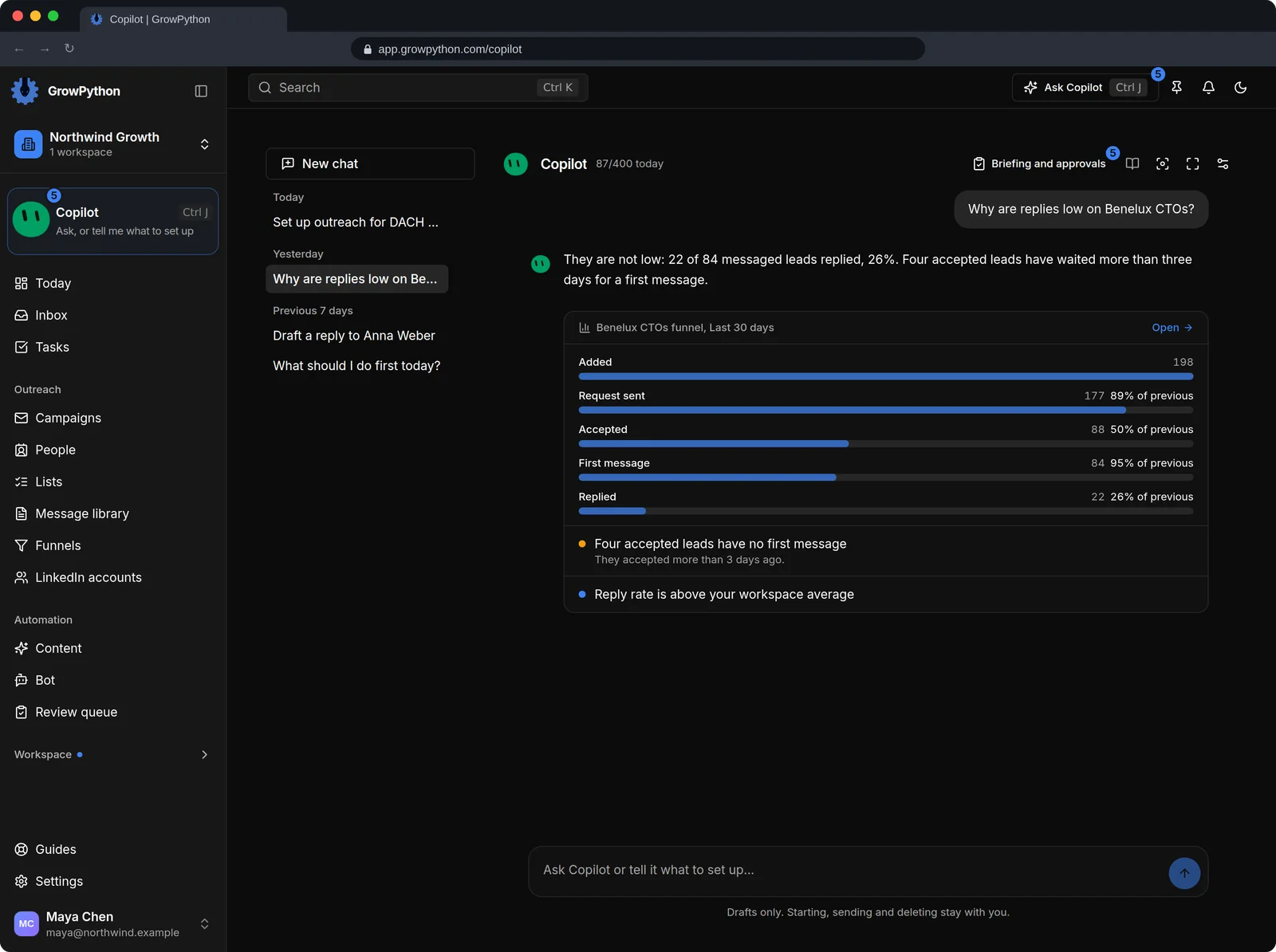
Ask in plain words
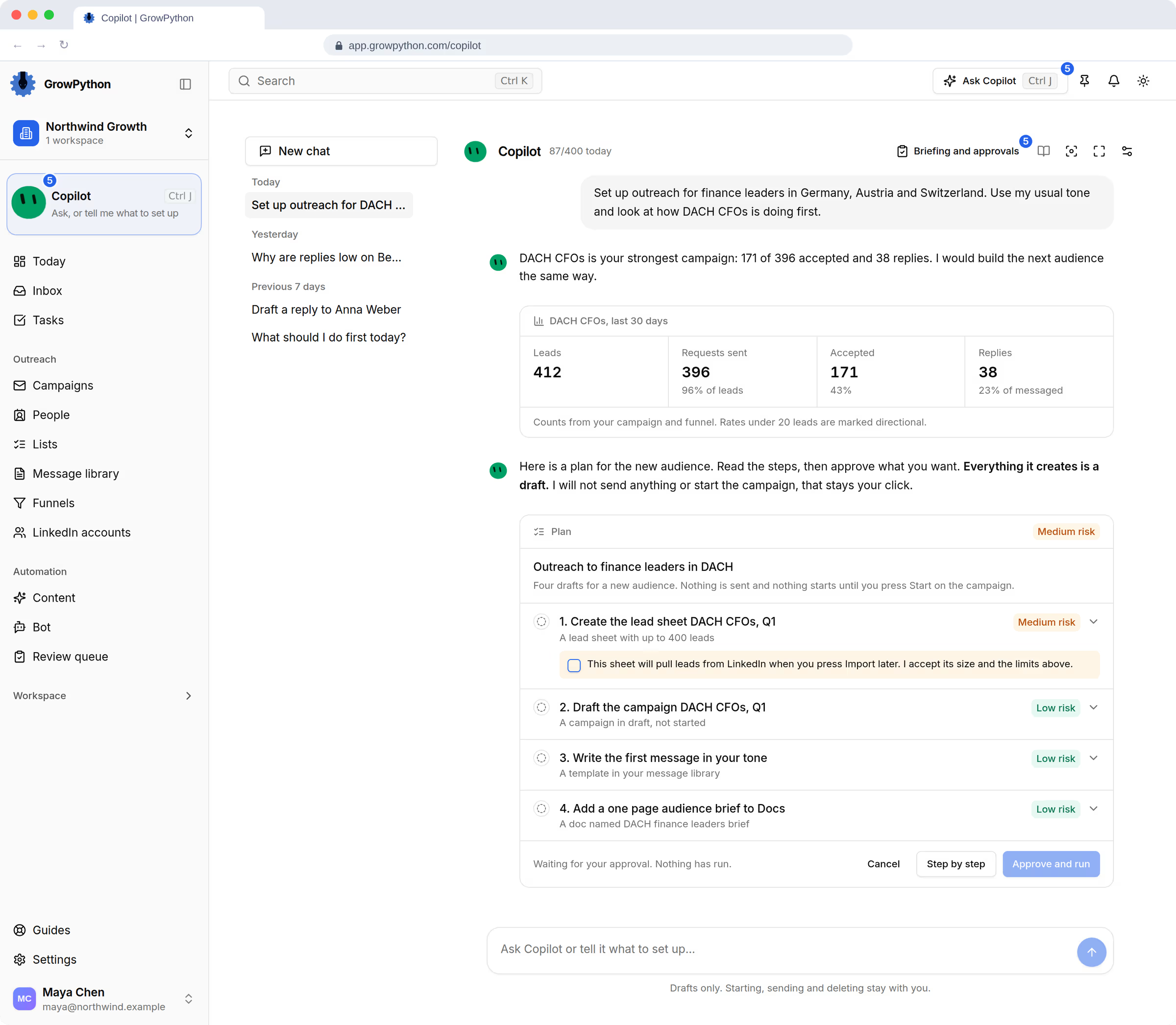
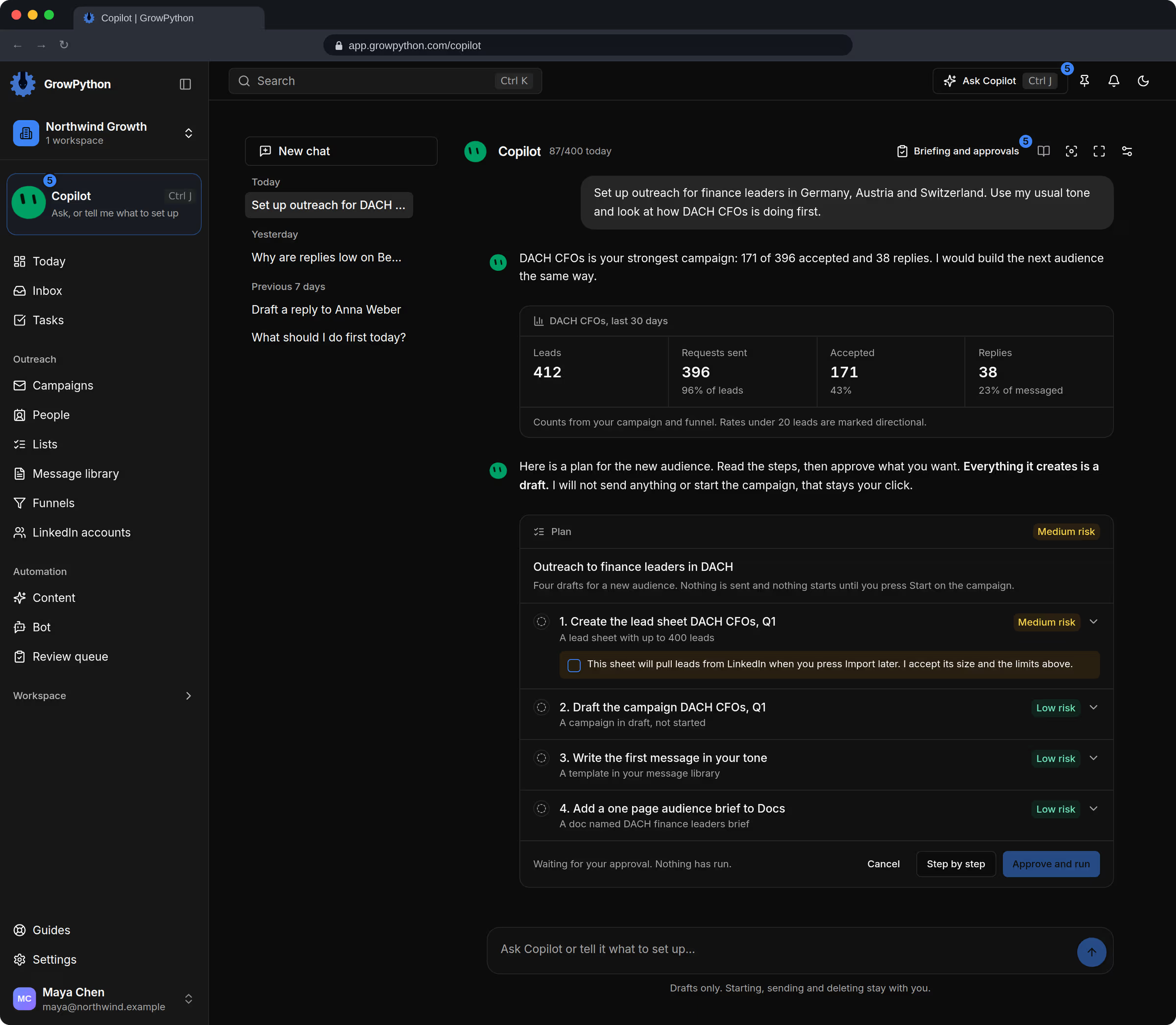
Open it from the Ask Copilot button on any page (Ctrl or Cmd with J) or on its own page with your past chats.
02
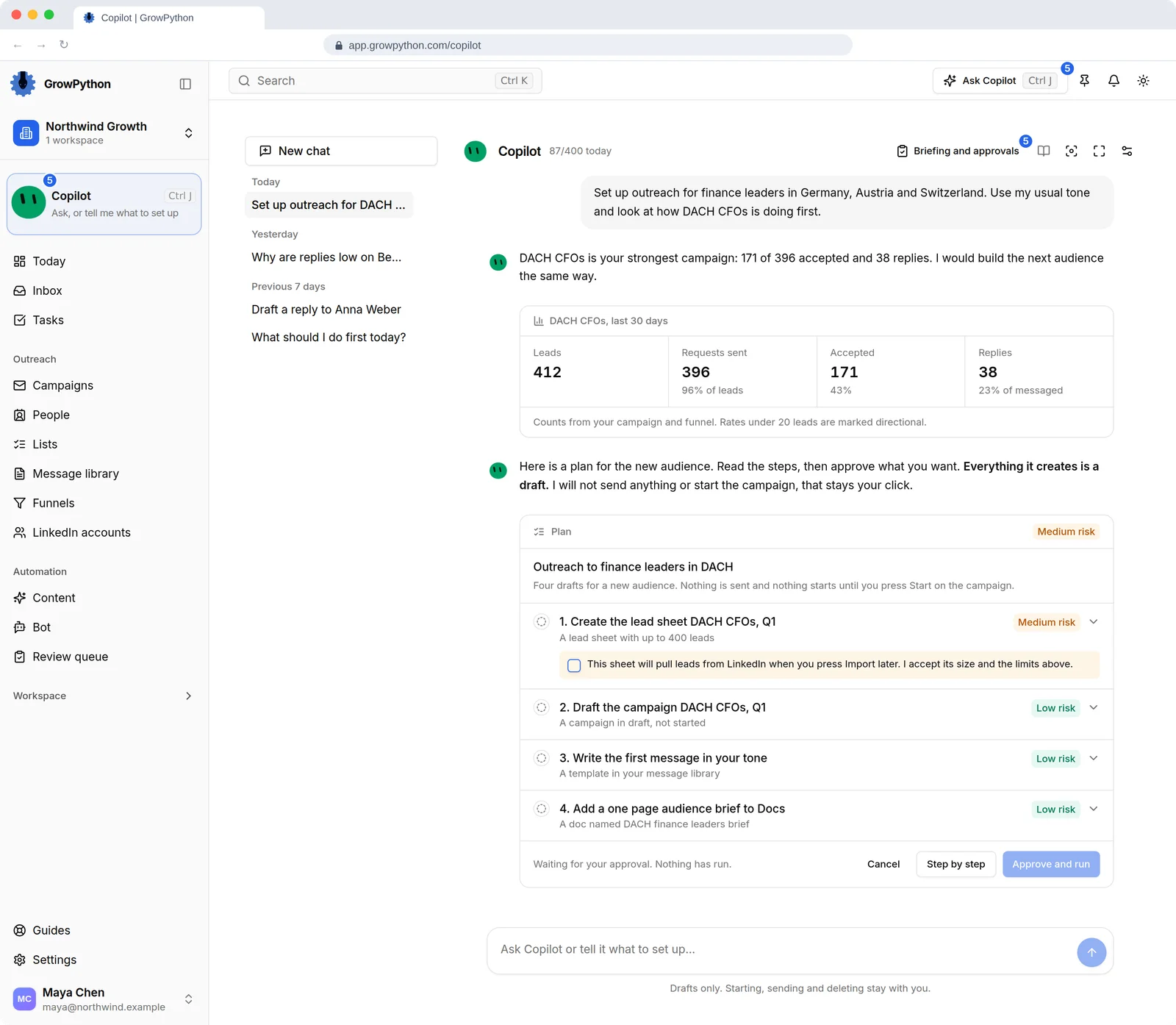
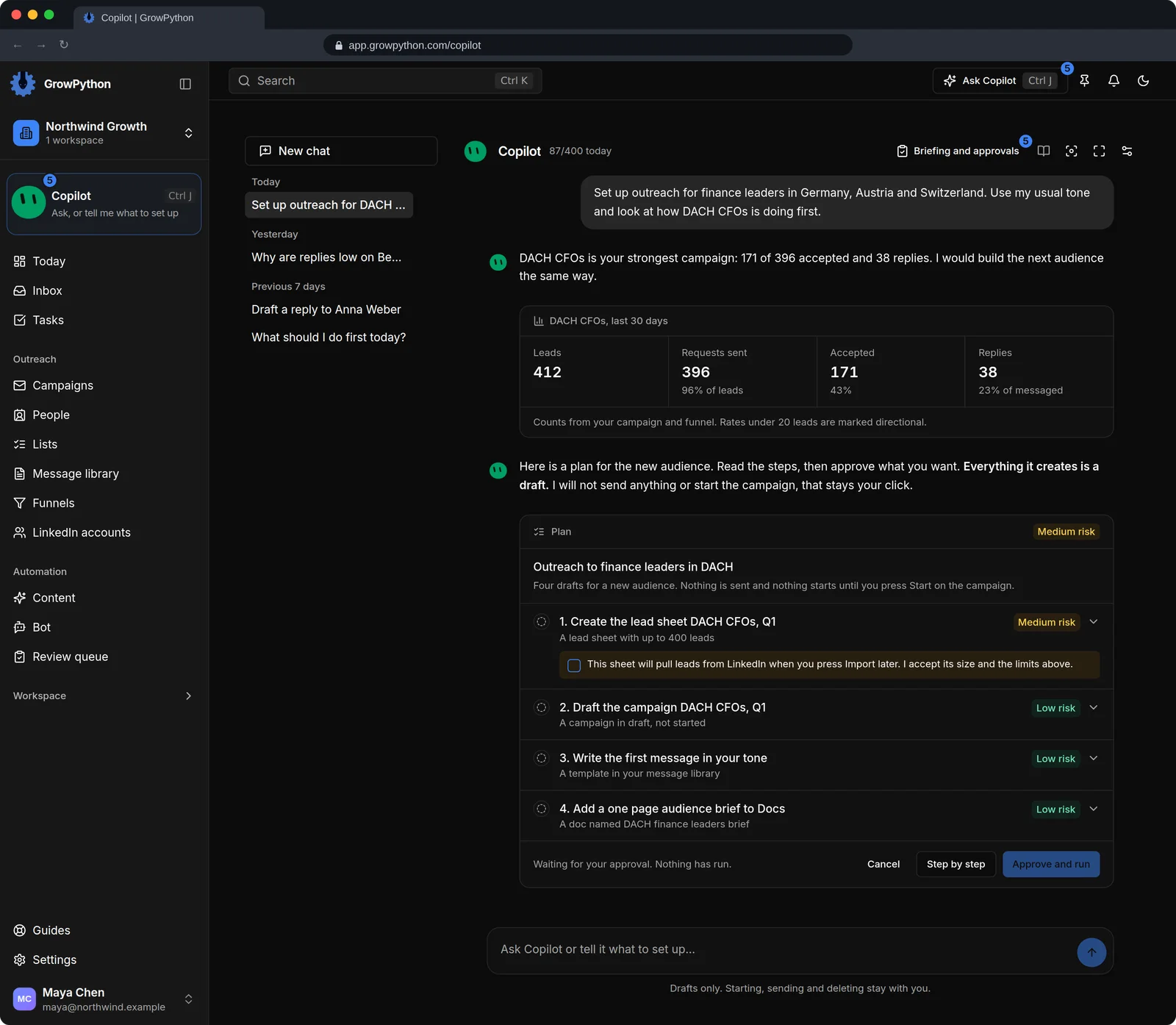
Plans with risk and limits
A plan card lists every step, its risk, the limits that apply and a section headed It will not. A fresh plan says Nothing has run.
03
Approve all or one by one
Approve and run does every step. Step by step lets you approve one at a time. A finished plan can usually be undone with Undo whole plan.
04
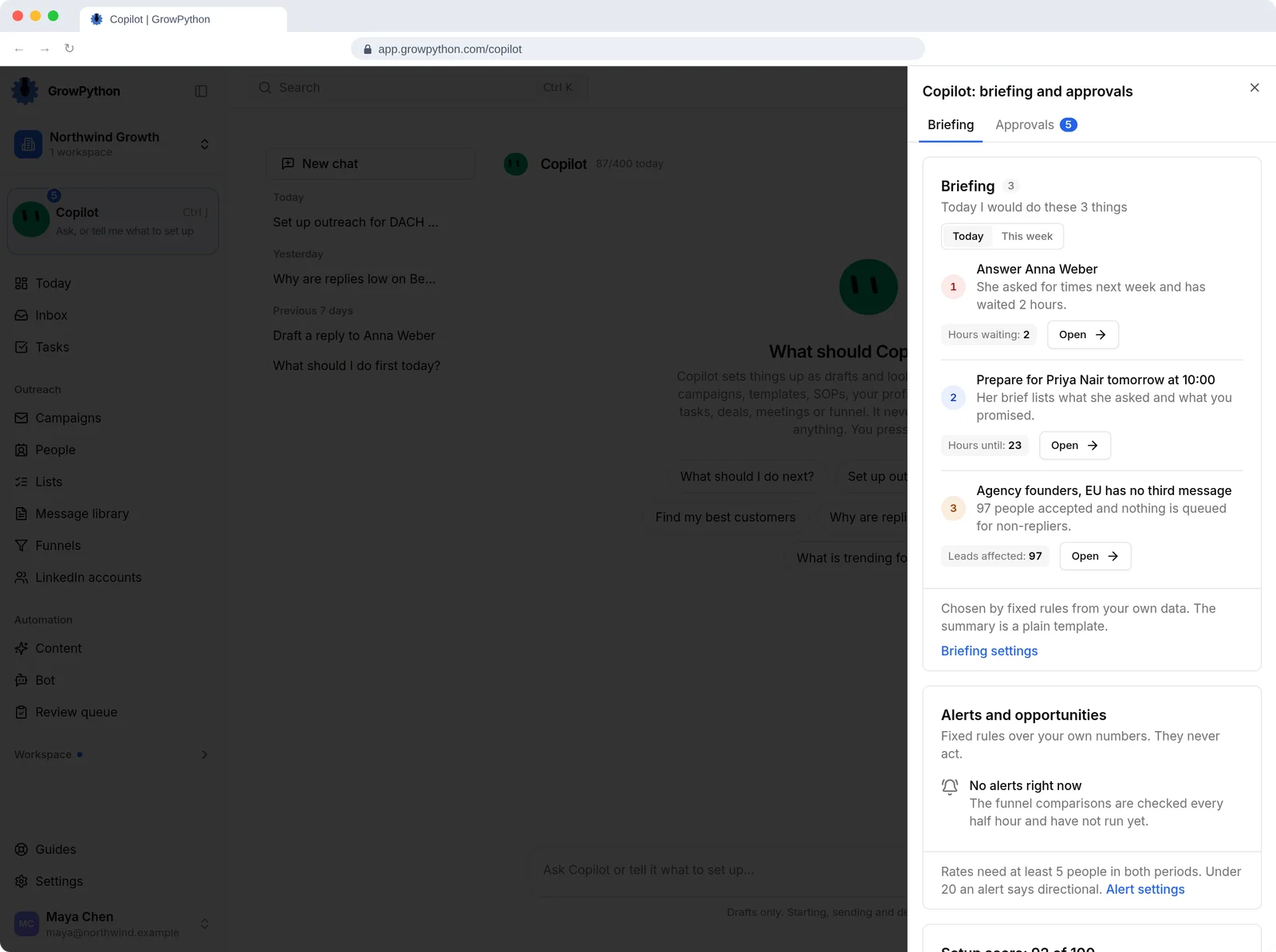
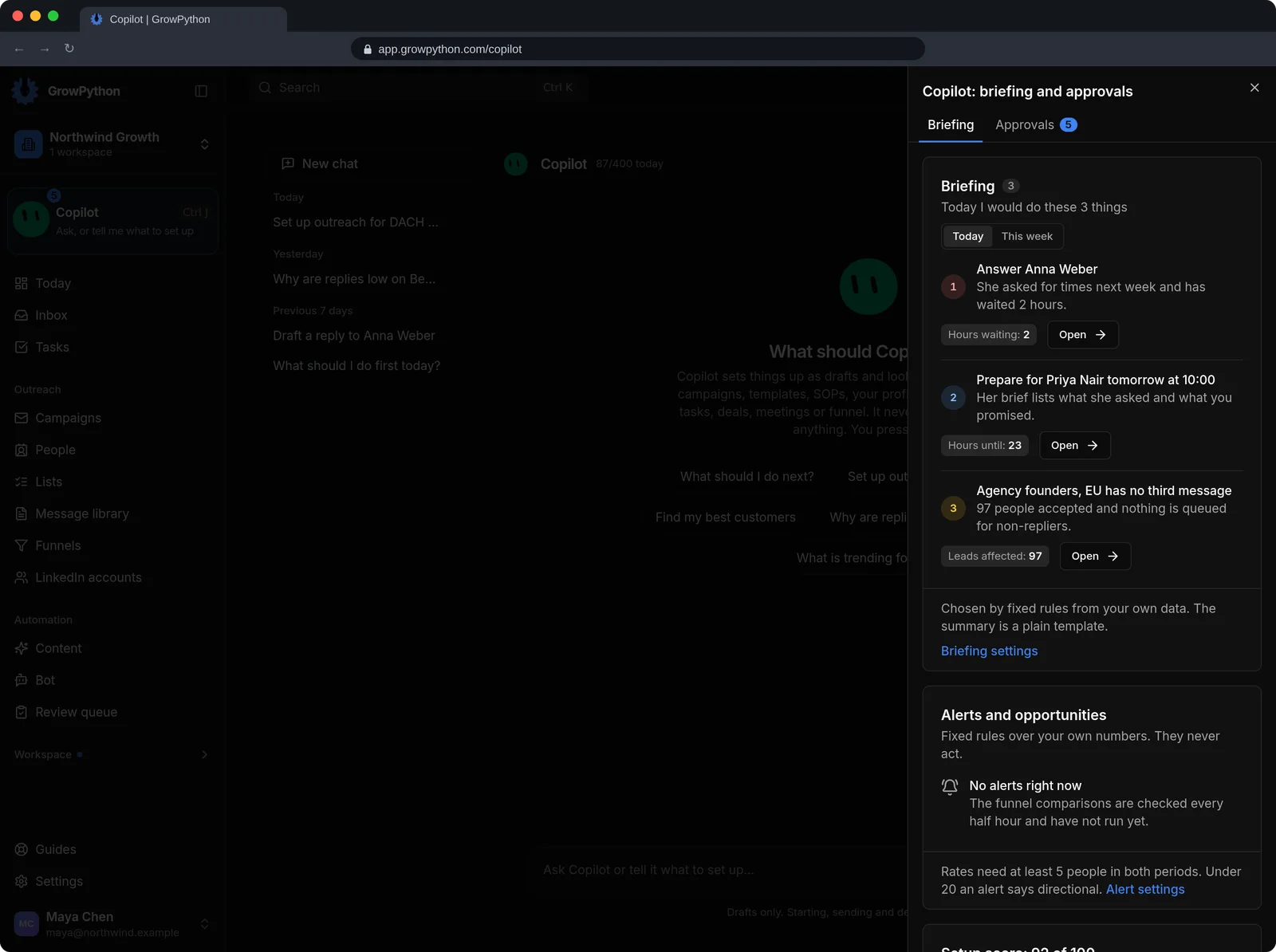
Briefing and approvals
A side area shows today's briefing, alerts, your setup score and anything waiting for your approval.
05
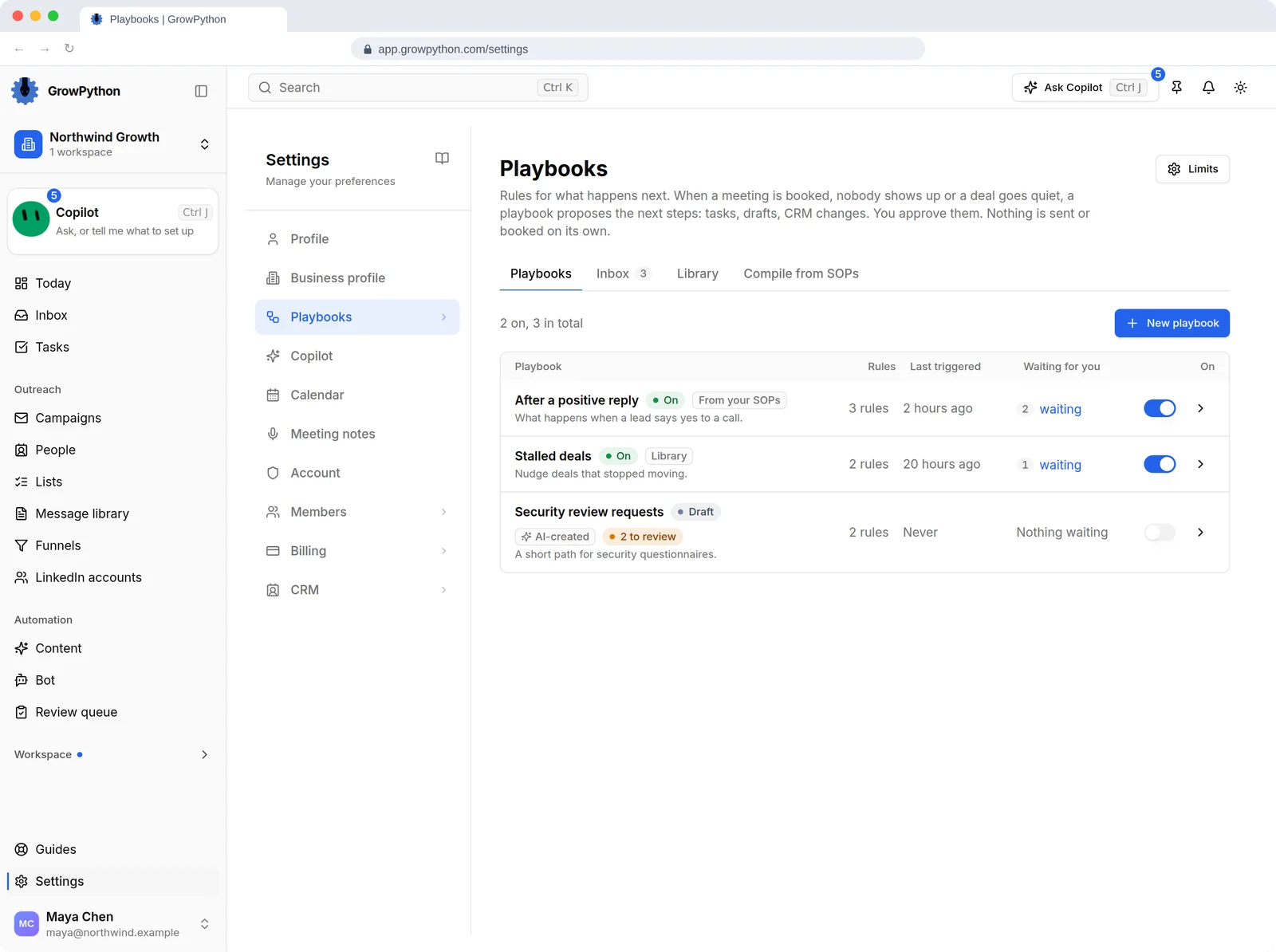
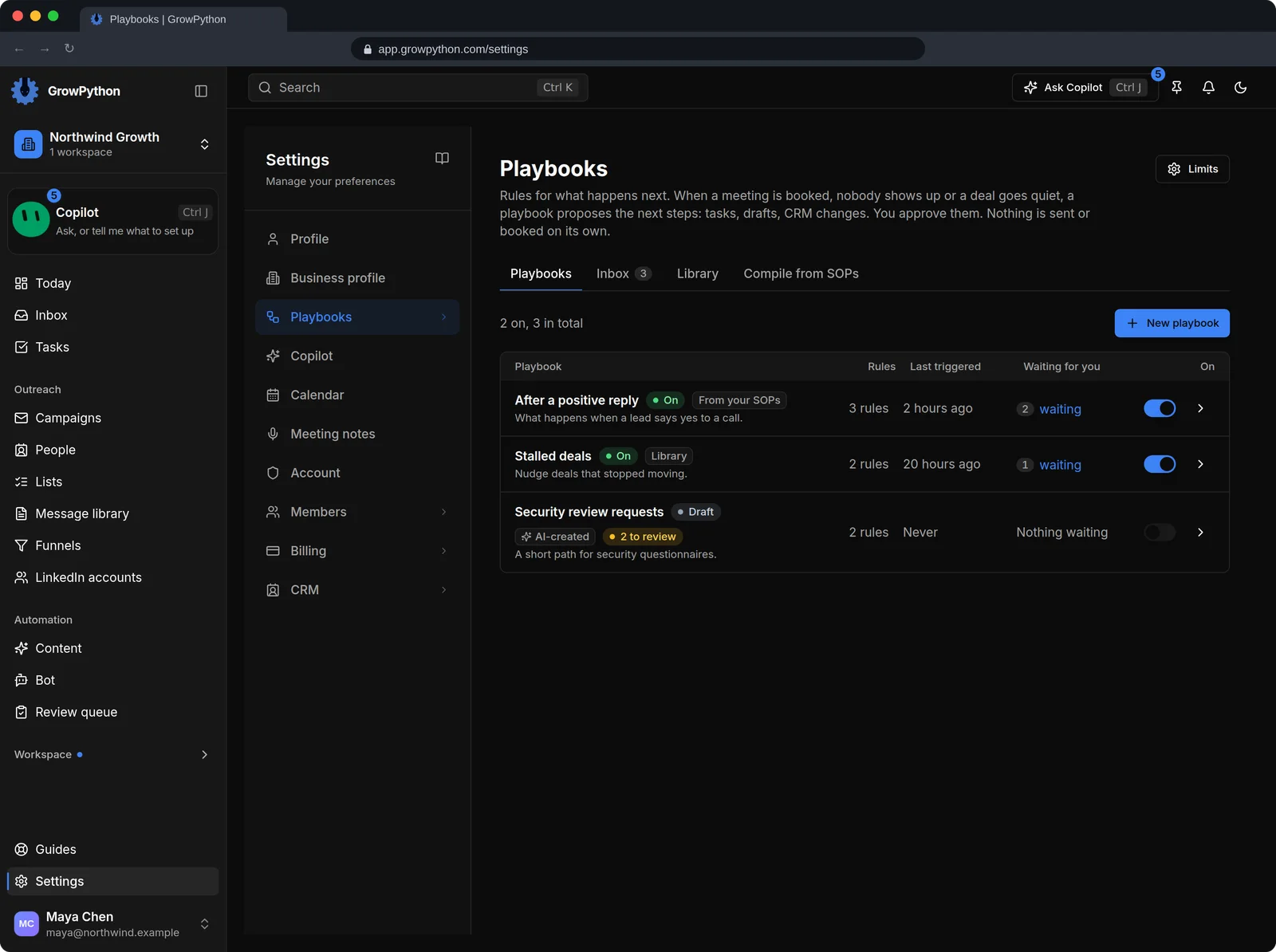
Playbooks
A playbook proposes next steps after events. It never sends a message or books a meeting by itself.
06
How much it does on its own
An owner or admin sets, per area, whether it works in Suggest or Ask first mode, renames it, switches it off or sets a daily budget of model calls.