01
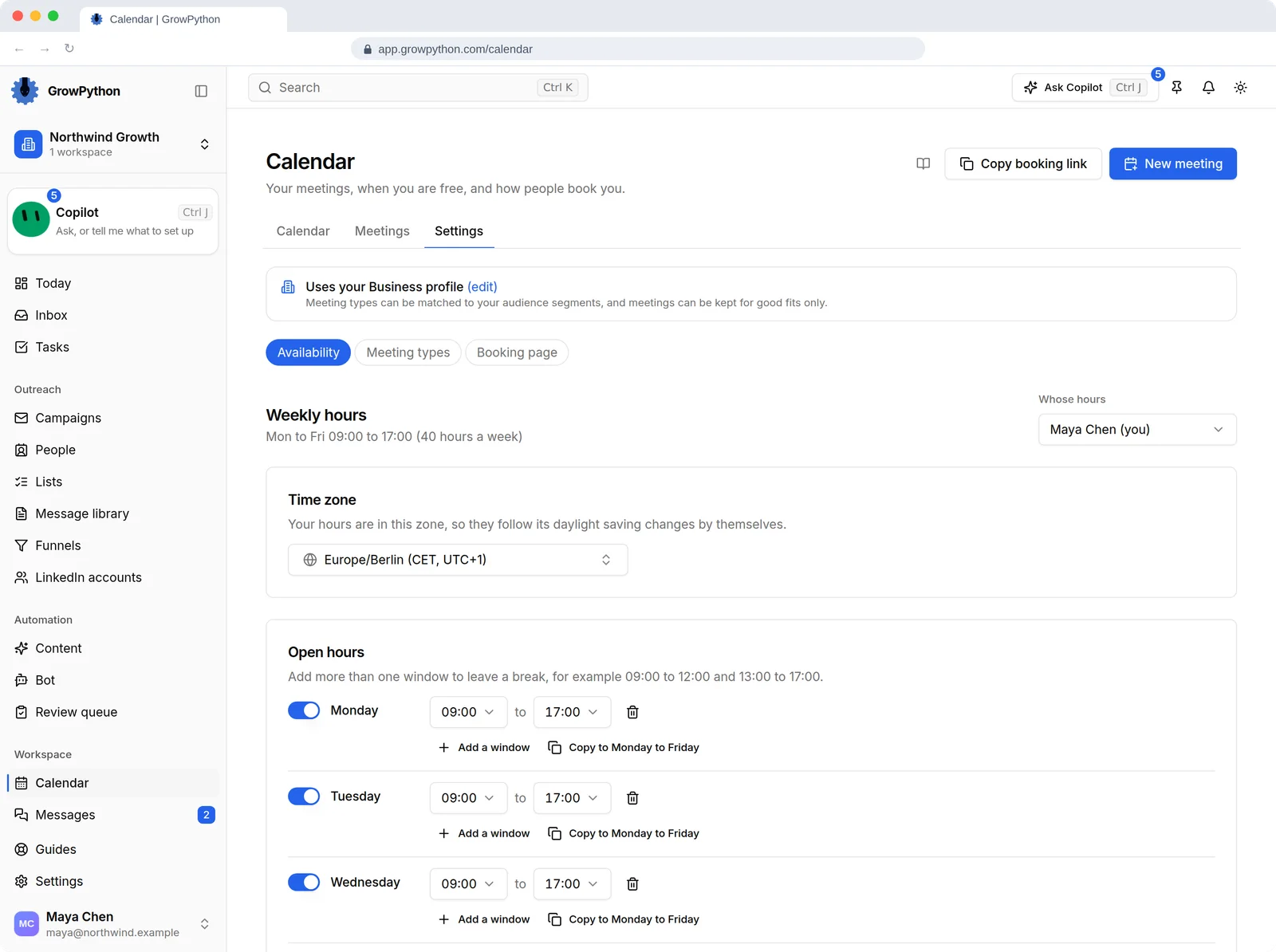
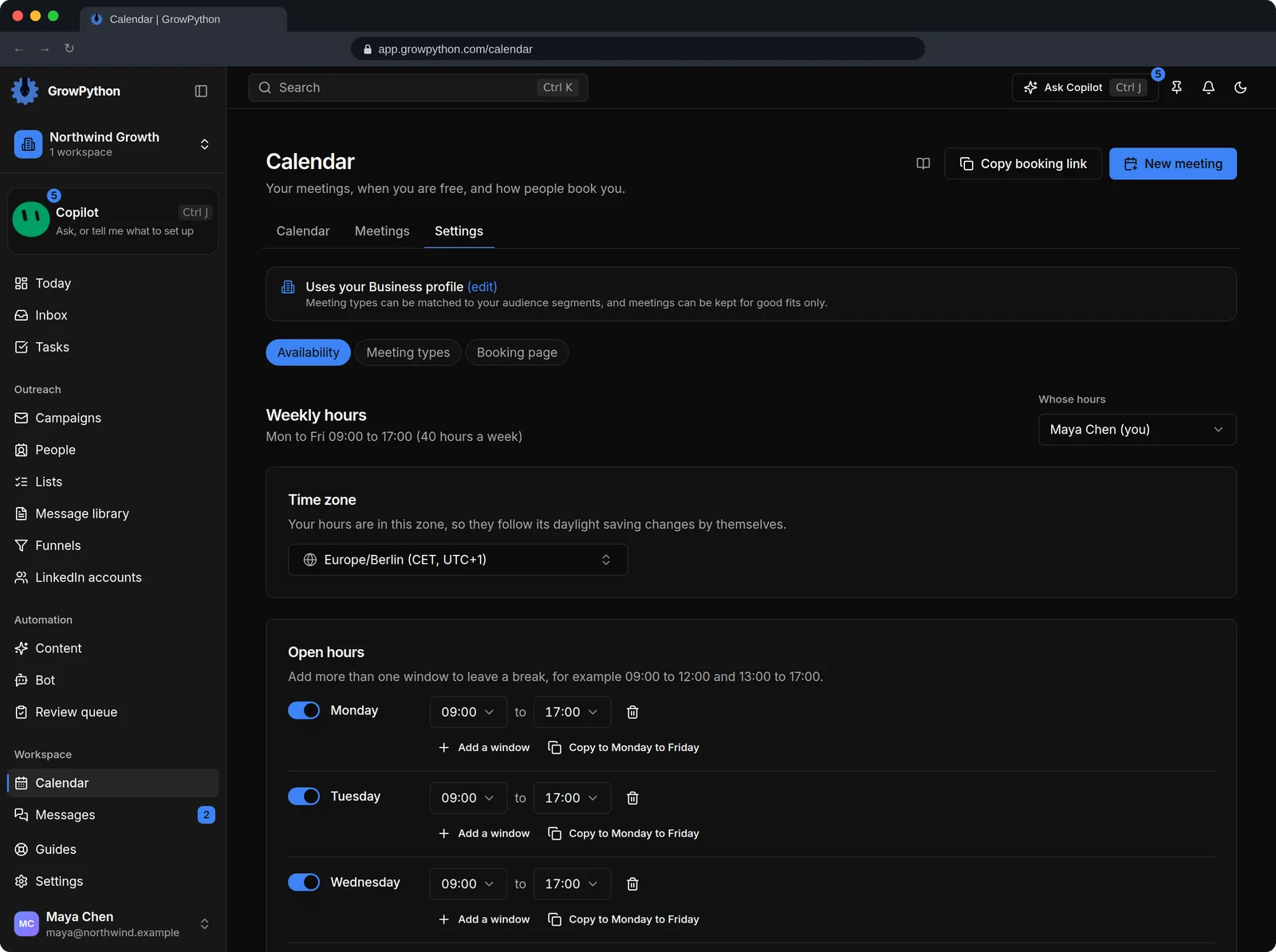
Weekly hours and days off
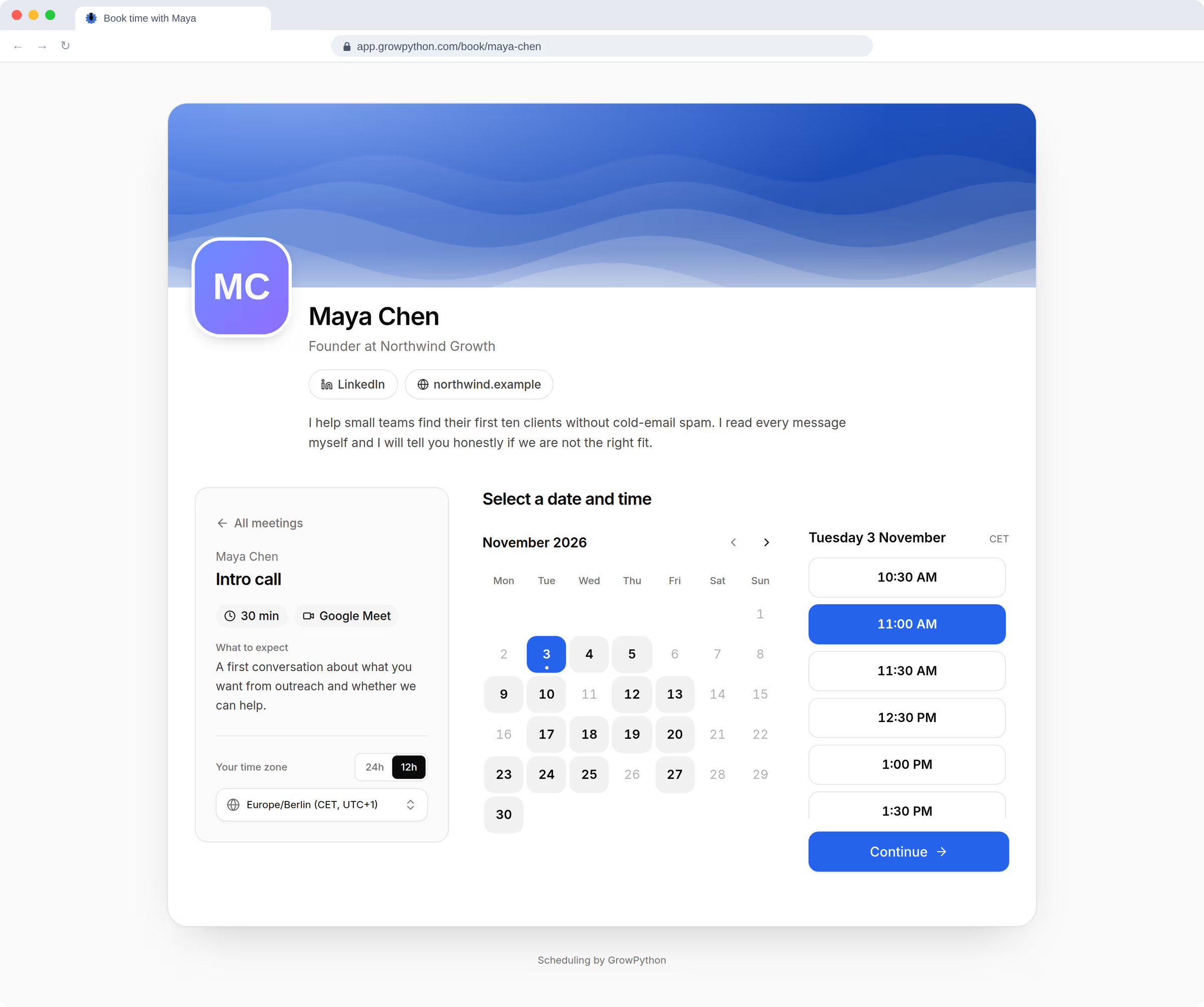
Choose the days and times people may book, add days off and extra hours.
02
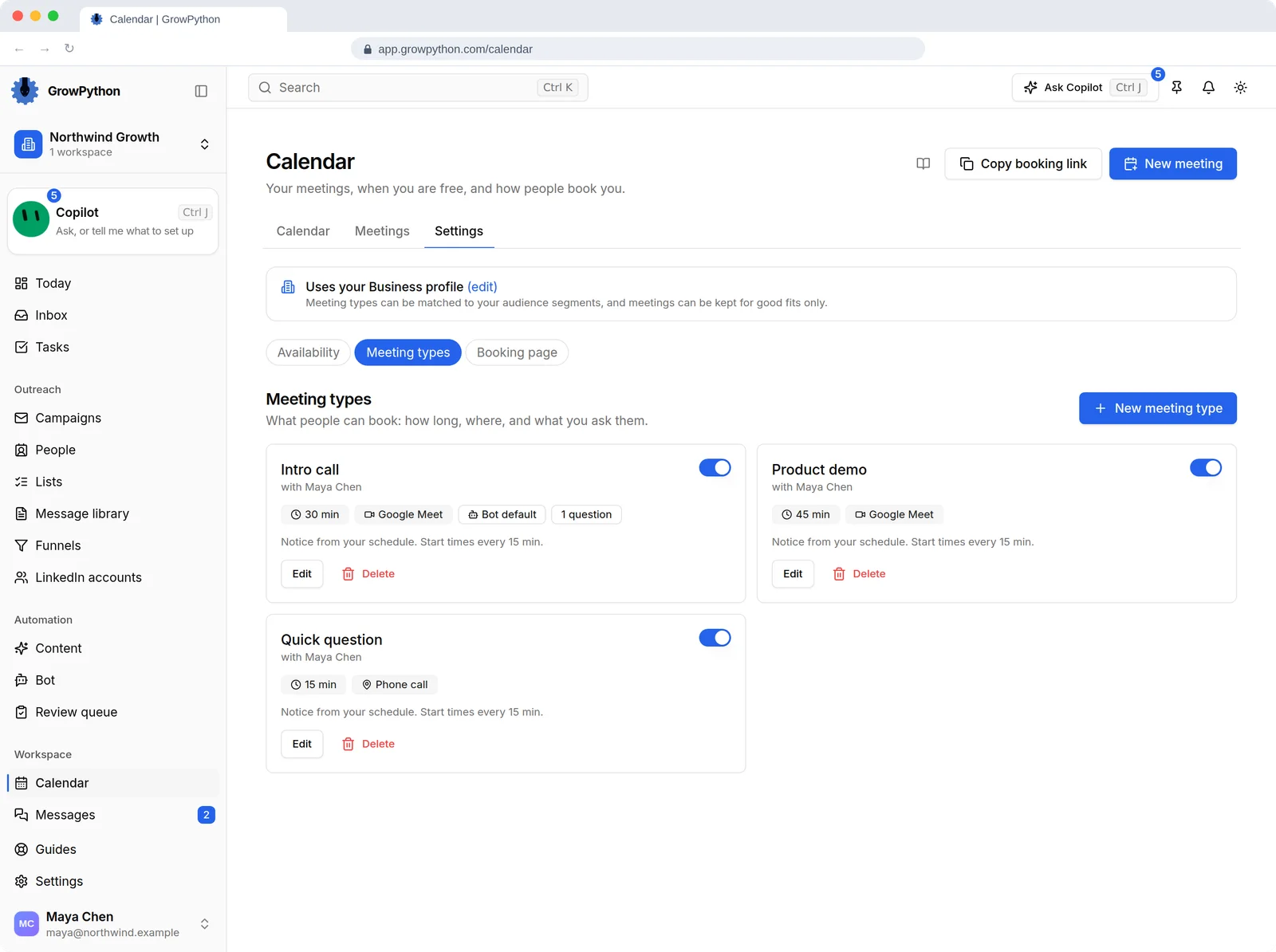
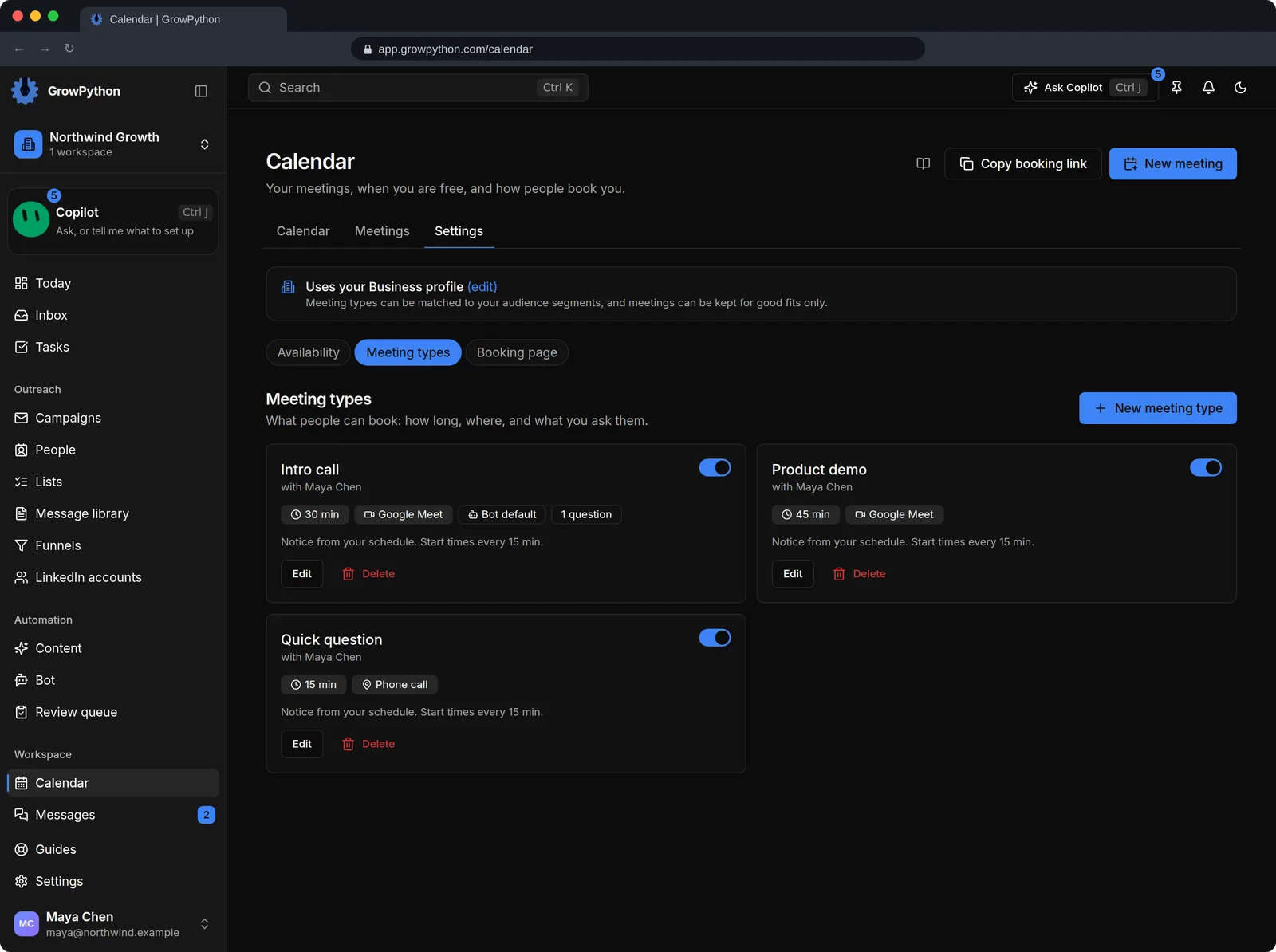
Meeting types
Name, length, where it happens (your own meeting link, a phone call or in person), questions for the person booking, buffers and a minimum notice.
03
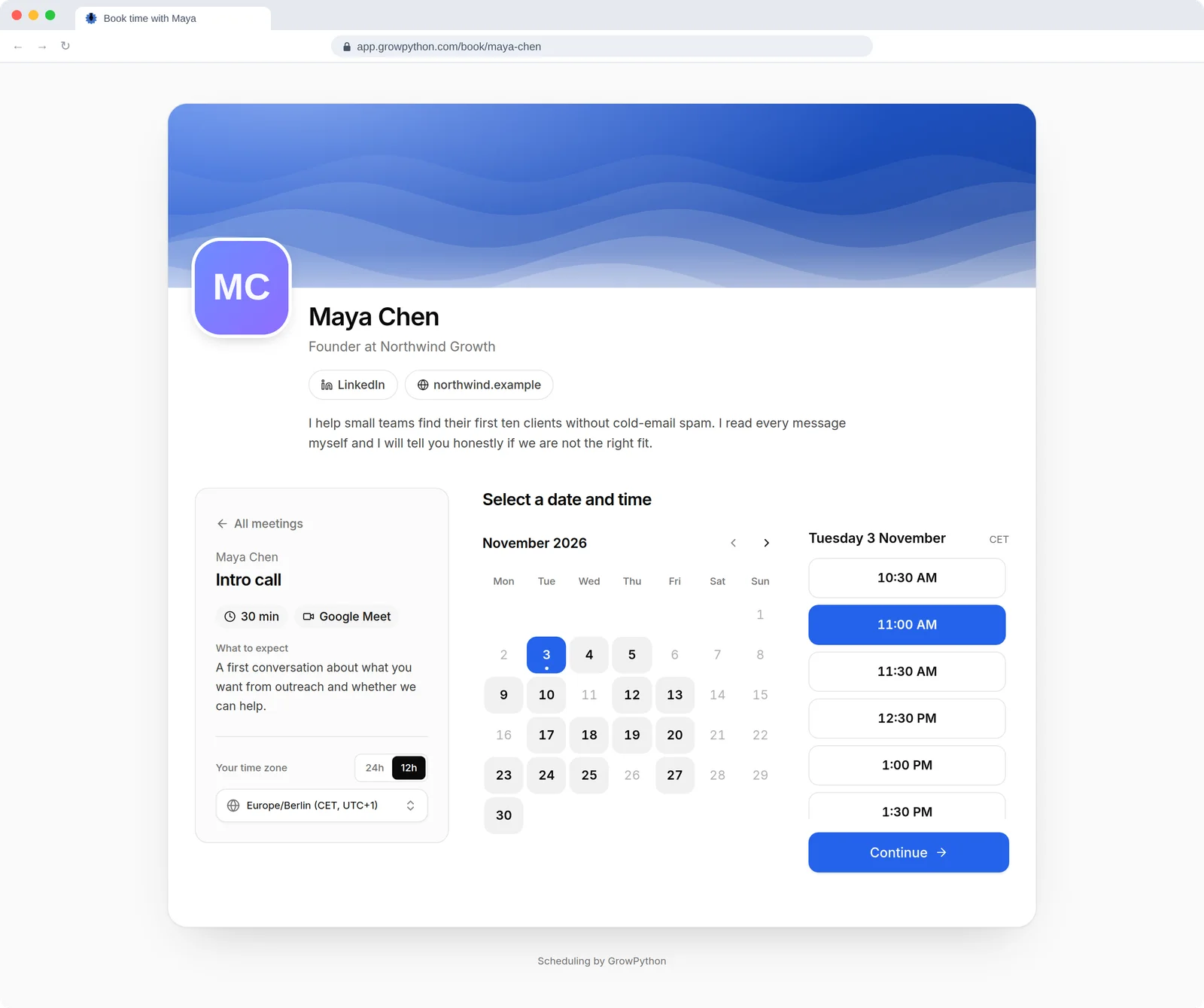
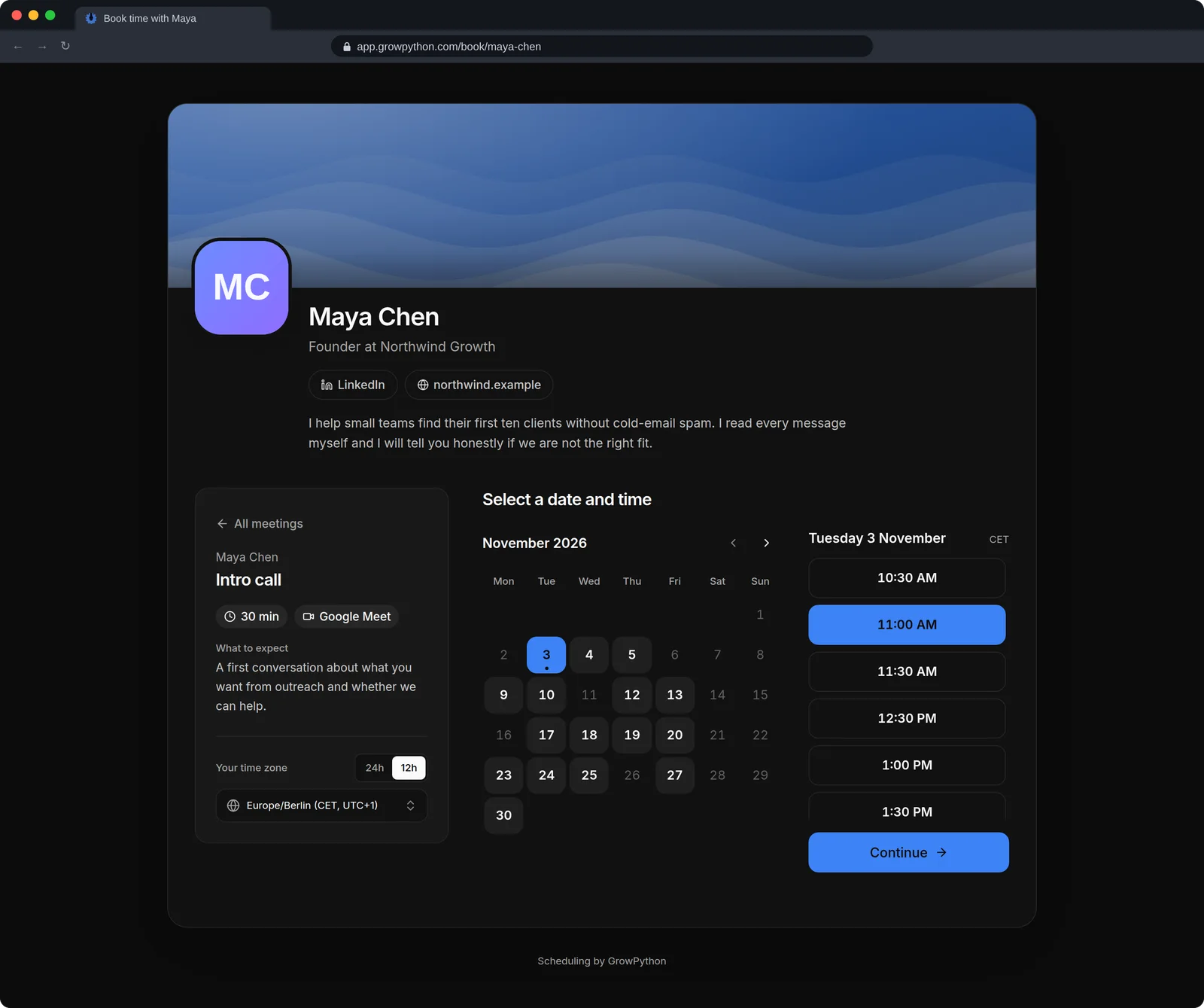
A public booking page
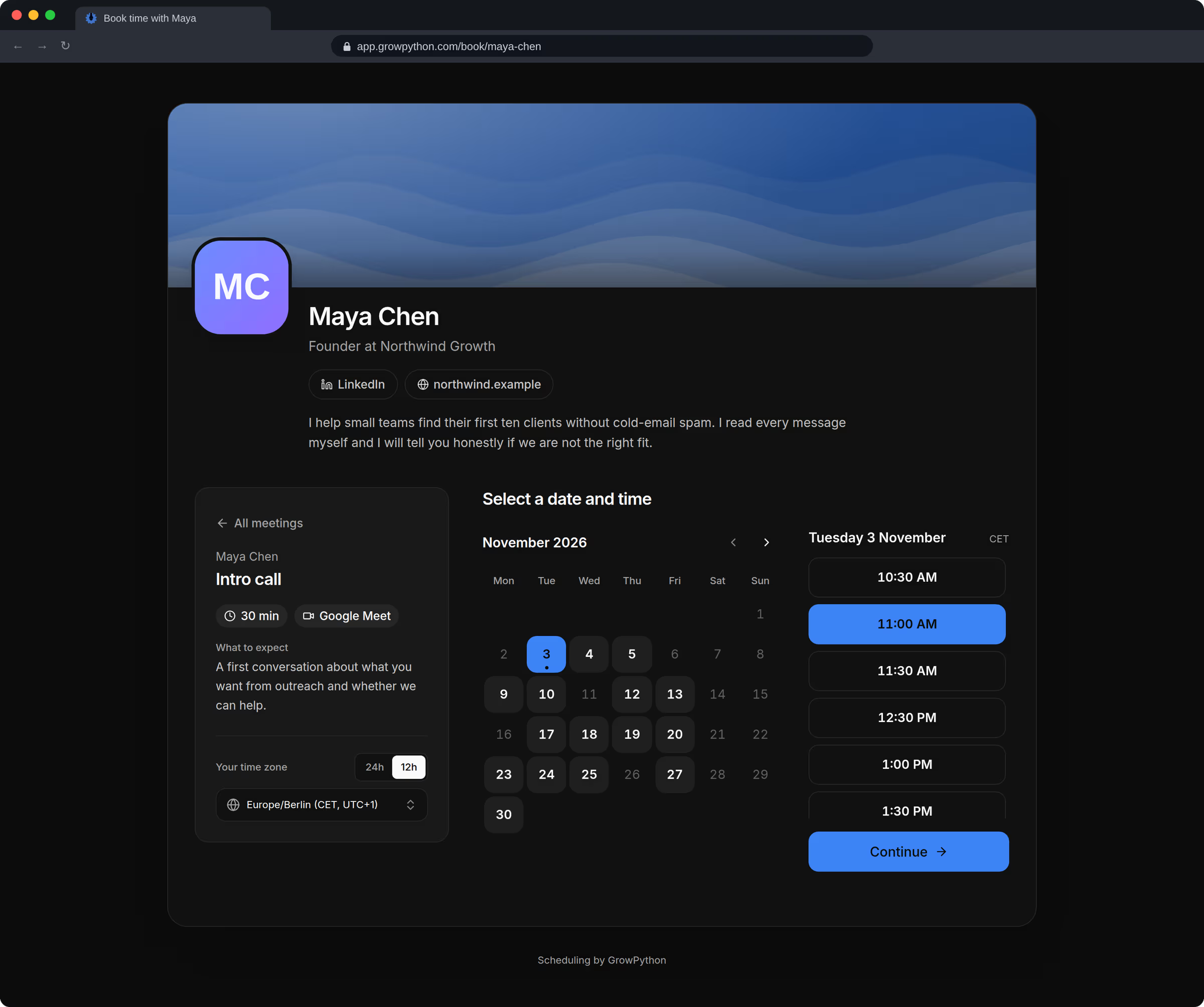
Your page lives at /book/ followed by the short name you choose. Anyone with the link can book with no account and sees only the times you offer. It is off until you switch it on.
04
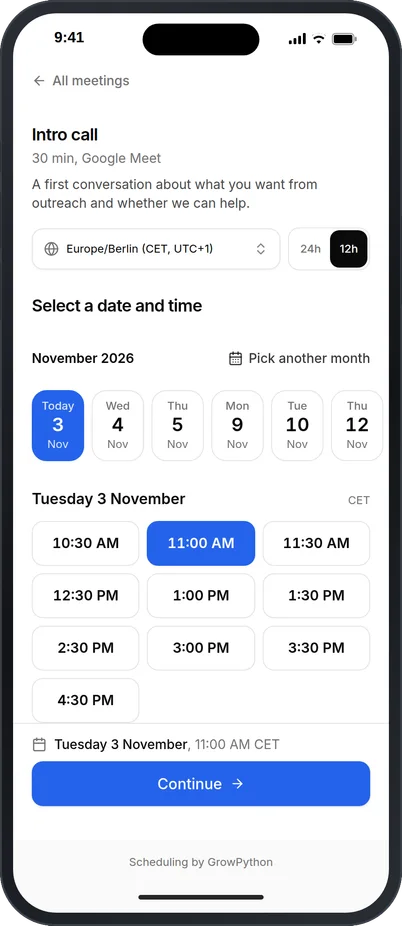
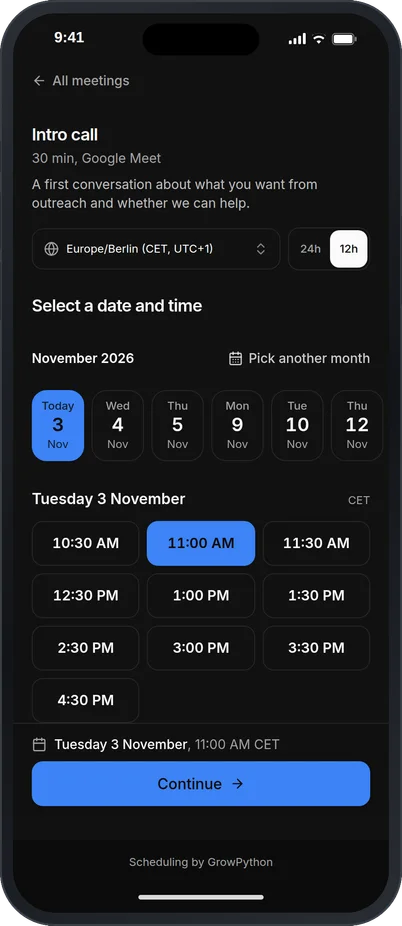
Works on a phone
The booking page is built for the screen of the person booking, whichever it is.
05
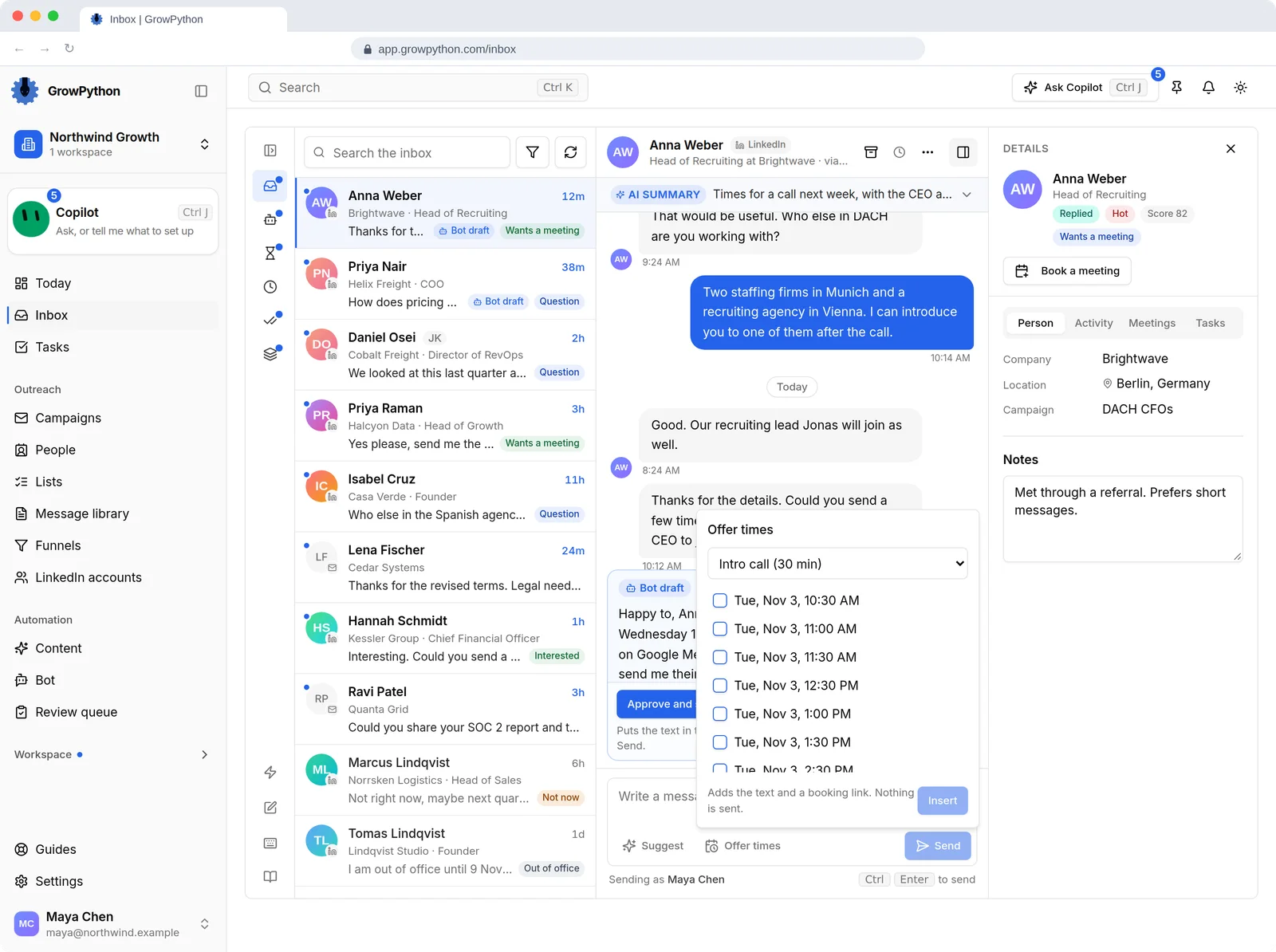
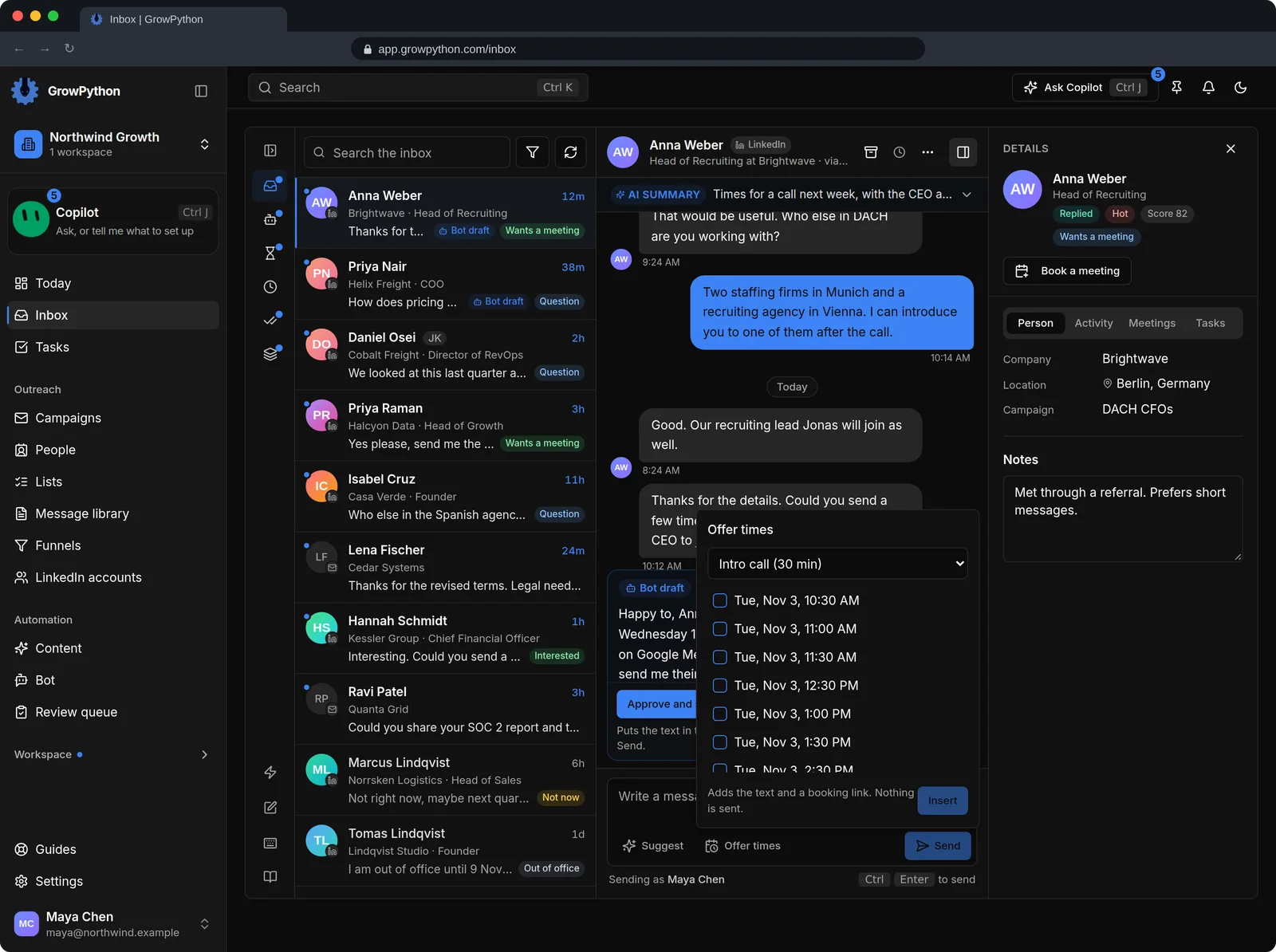
Offer times from the Inbox
When someone wants to talk, tick free times from the next ten days. GrowPython adds them, with a booking link made for that person, to your message. You press Send.
06
Change or cancel
The person booking gets a confirmation screen with the time, your message, a calendar file and a private link to move or cancel the meeting.
07
Notes from the call
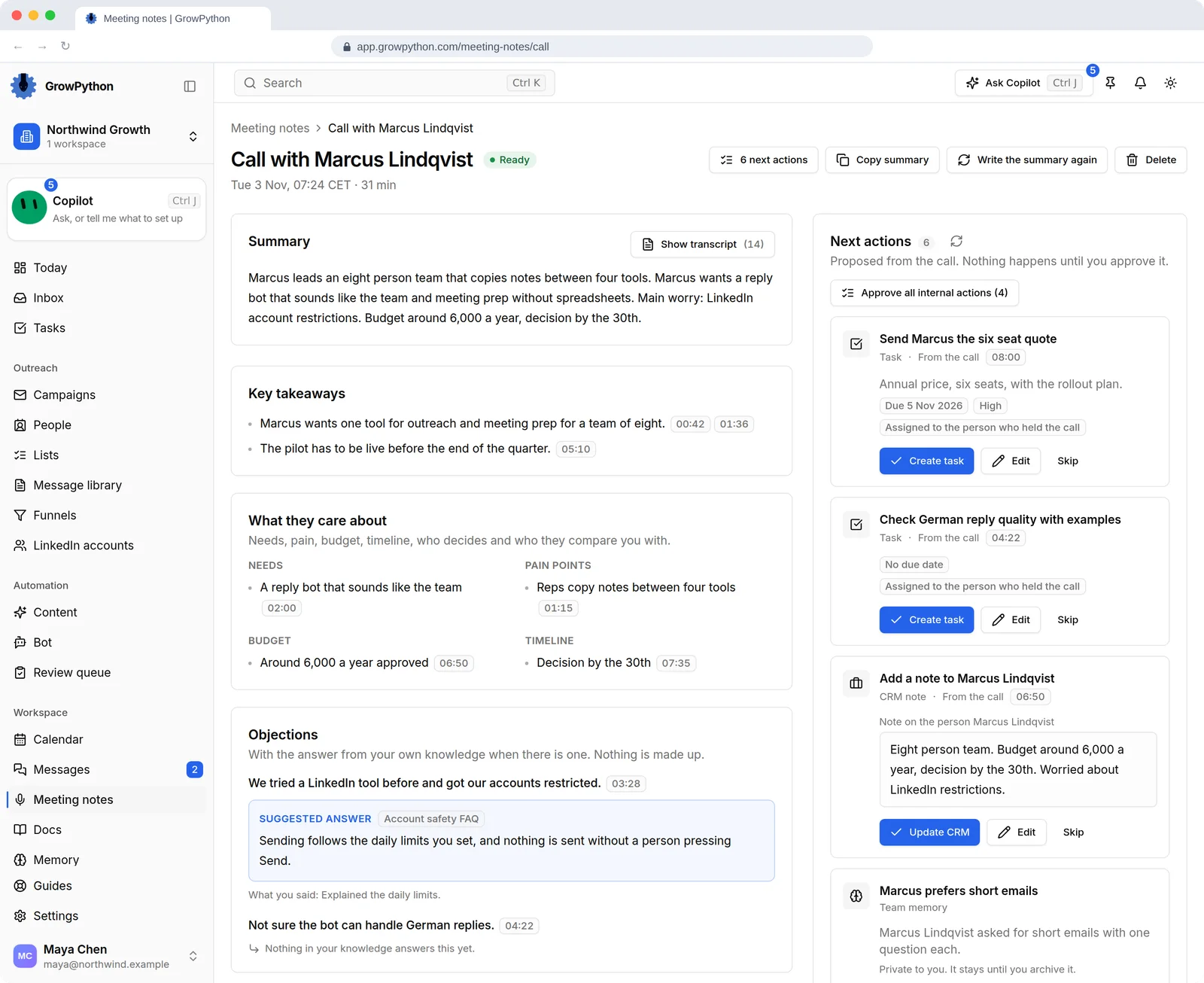
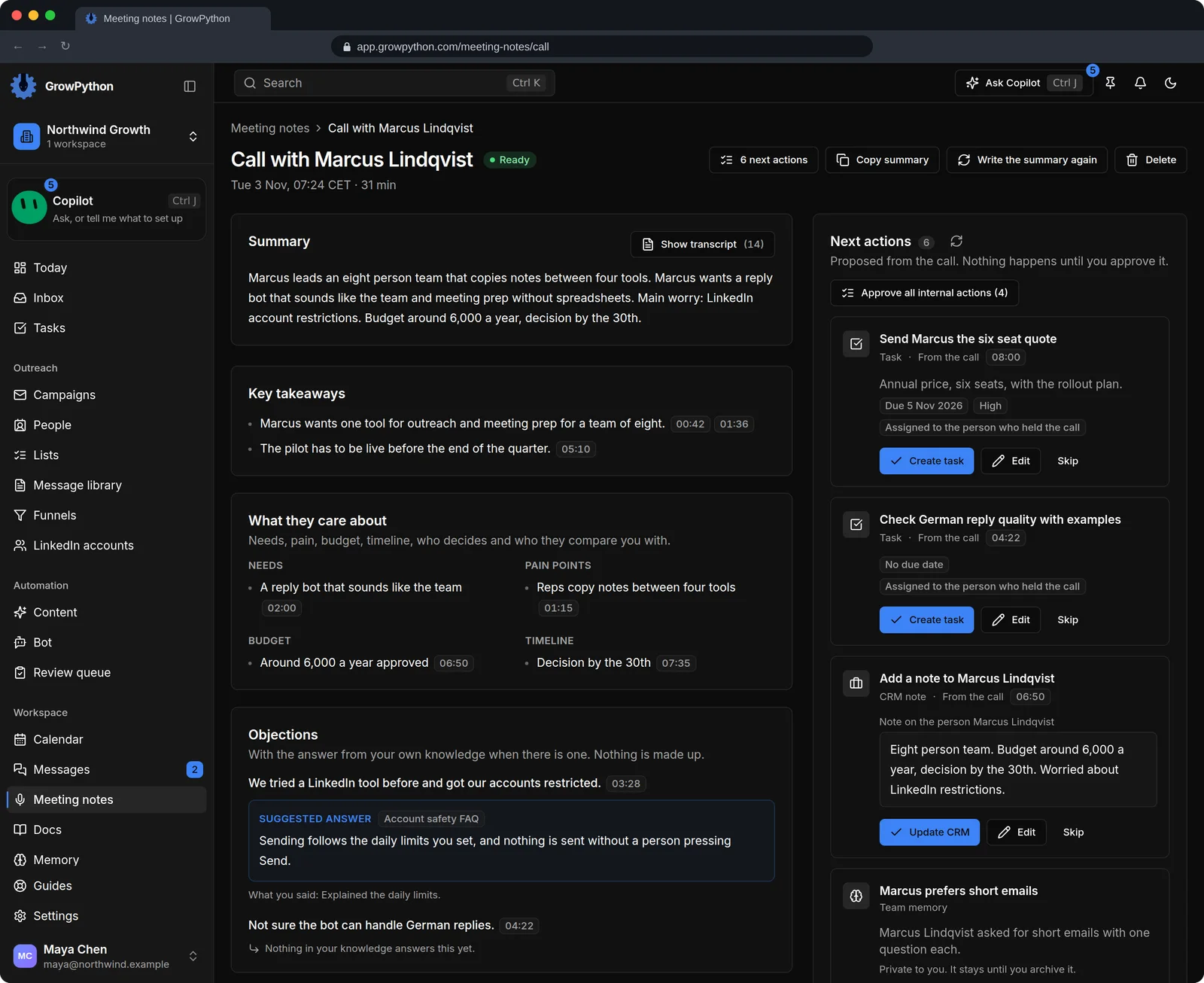
Record a Google Meet or Zoom web call with the browser extension, or upload a recording, and get a transcript, a summary and action items. Follow-ups are proposals you approve, and only creating tasks can be set to run on its own.