01
Ask in plain words
Open it from the Ask Xupy button on any page (Ctrl or Cmd with J) or on its own page with your past chats. It looks at your workspace before it answers.
02
A campaign from one sentence
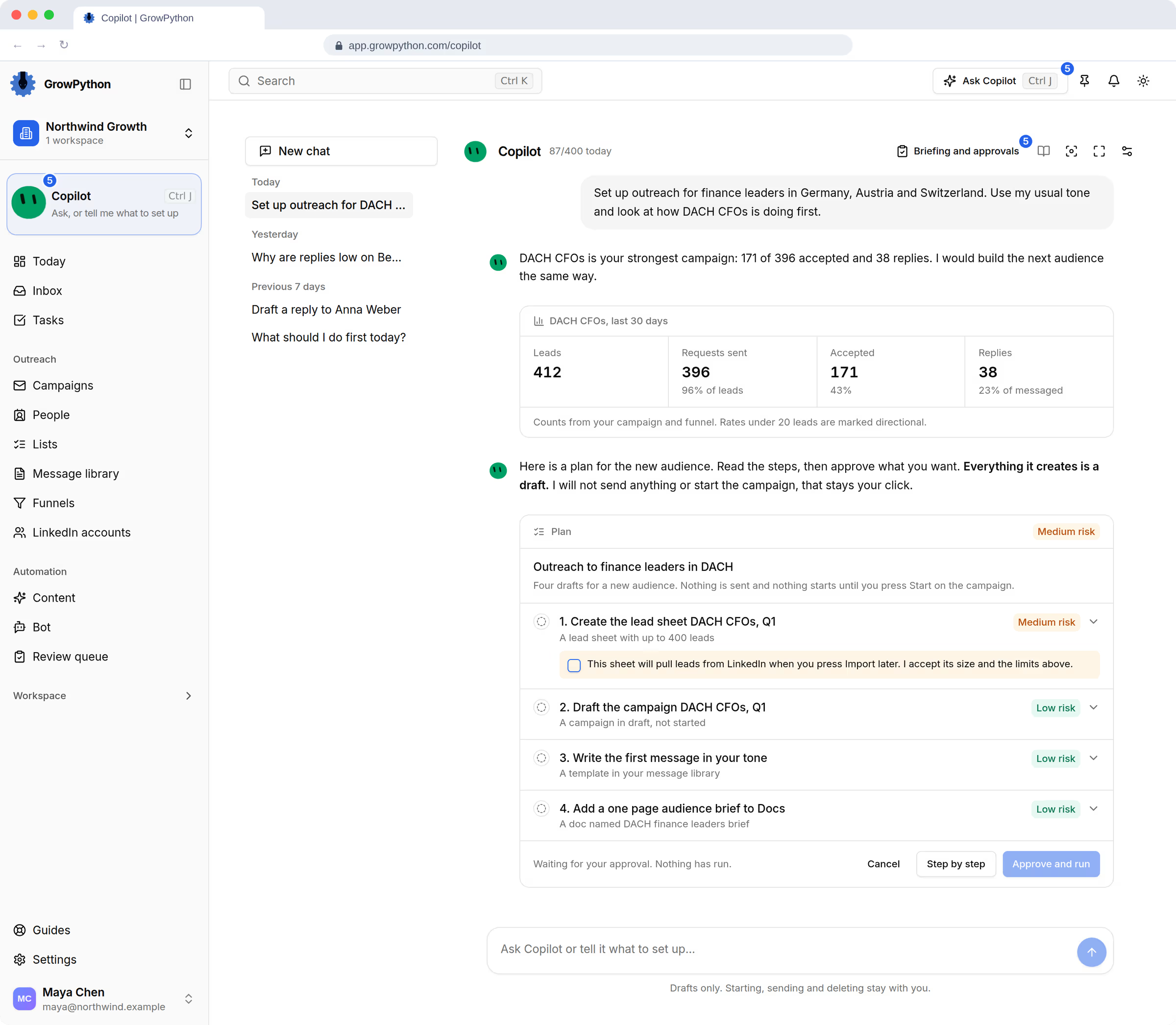
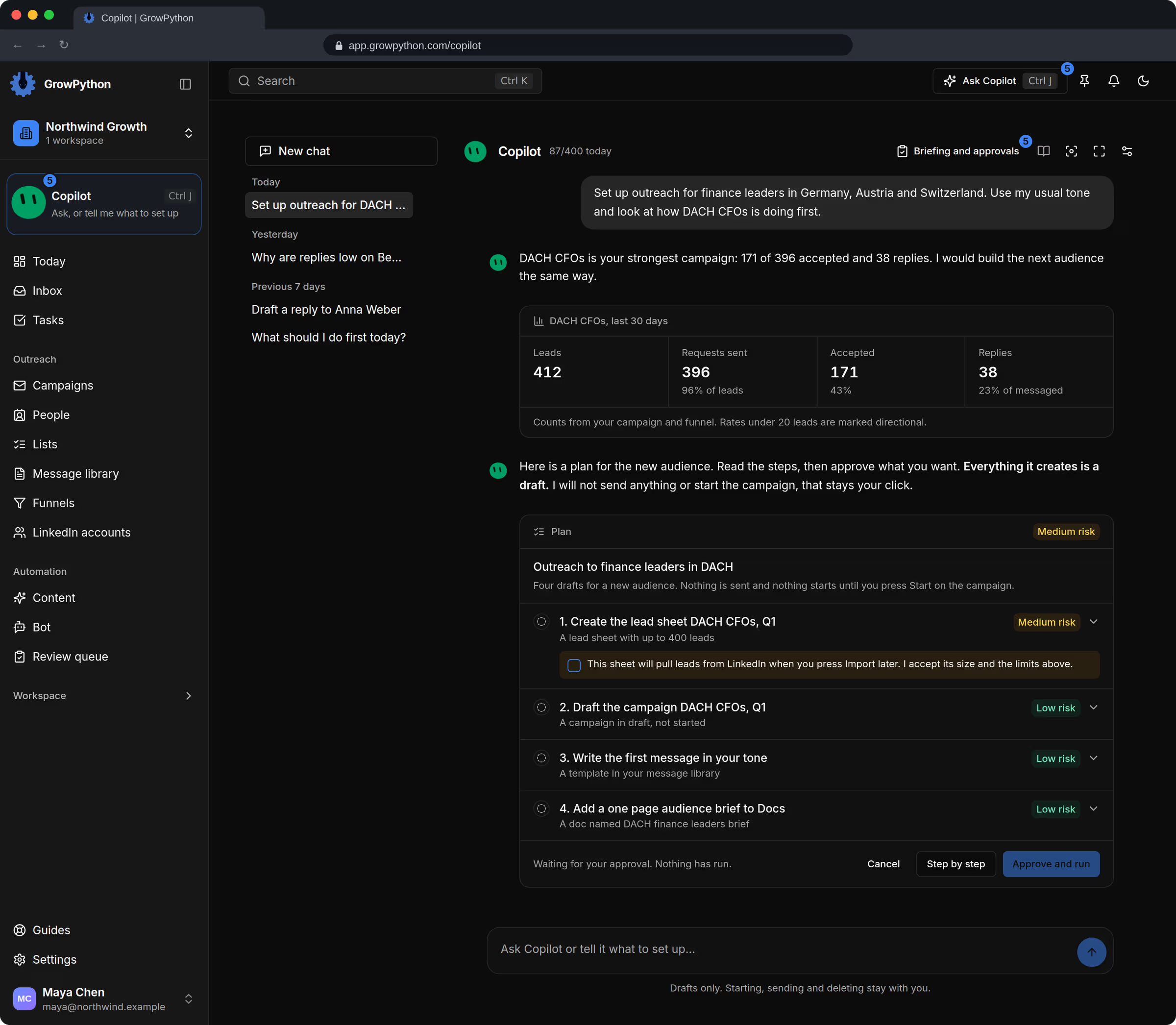
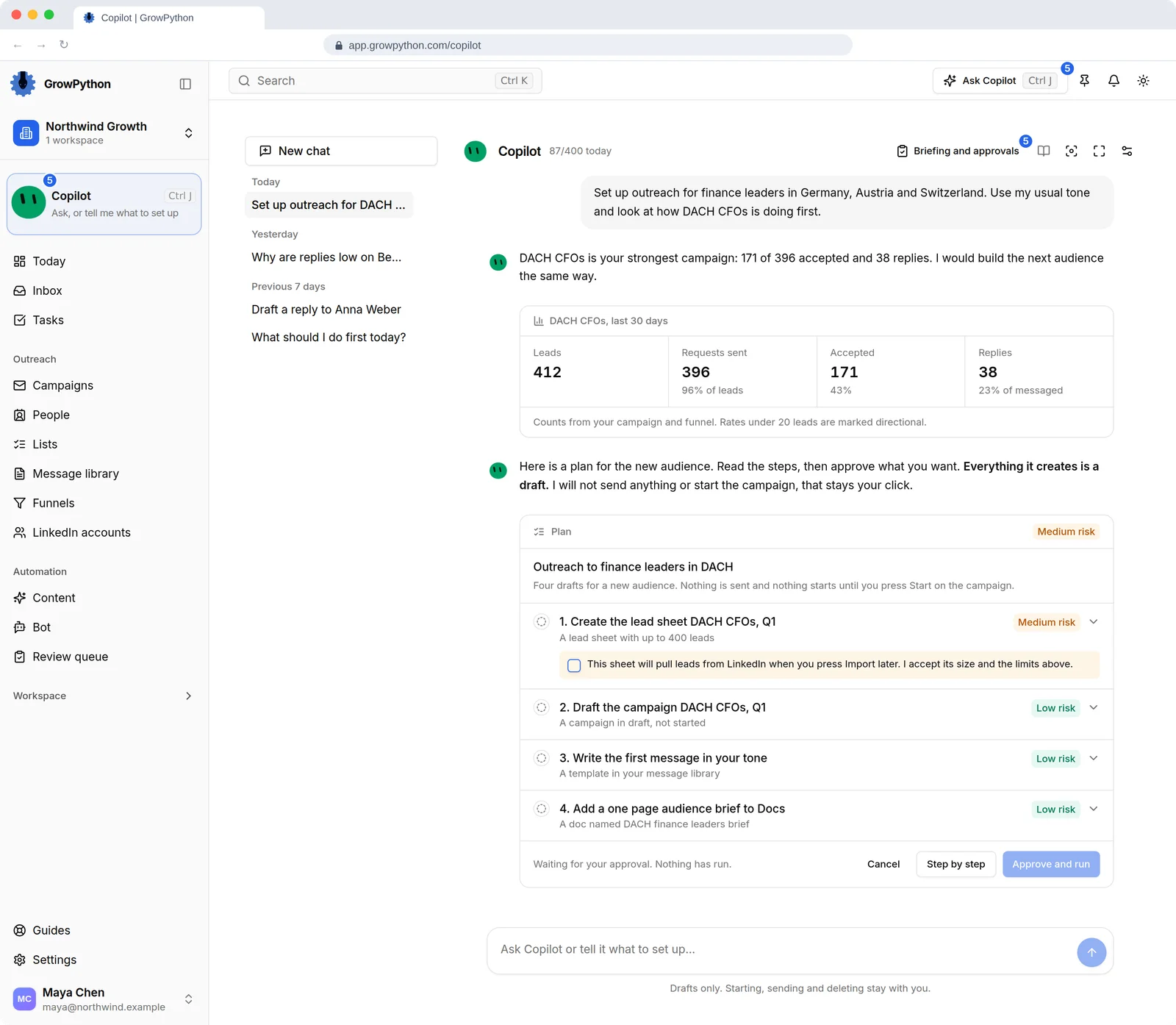
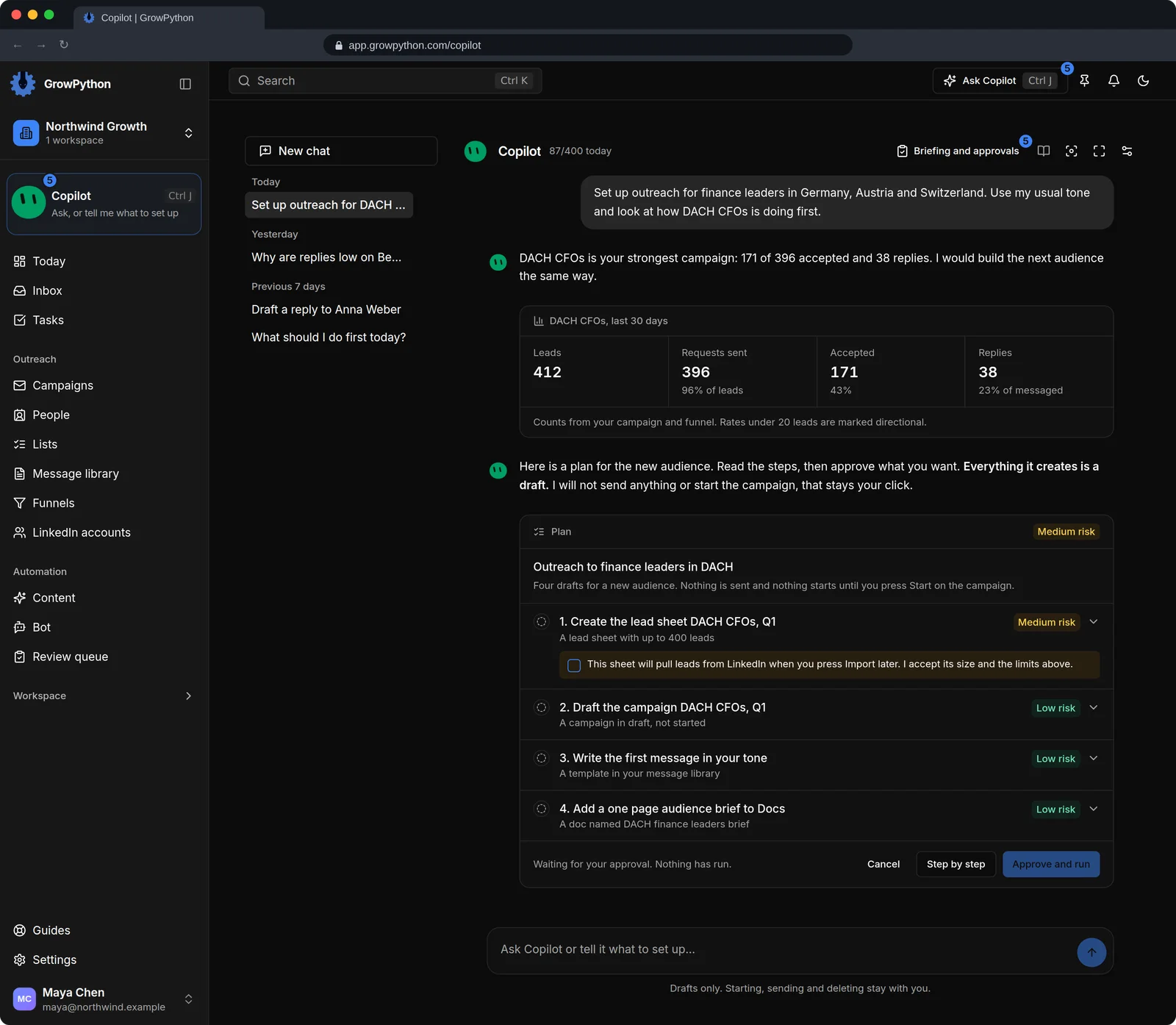
Say who you want to reach. Xupy asks only what it cannot see (which list, which sender, how follow-ups are written), then a plan card shows the list, the campaign, its follow-ups and the working hours it will create. You press Start.
03
Follow-ups written from your SOPs
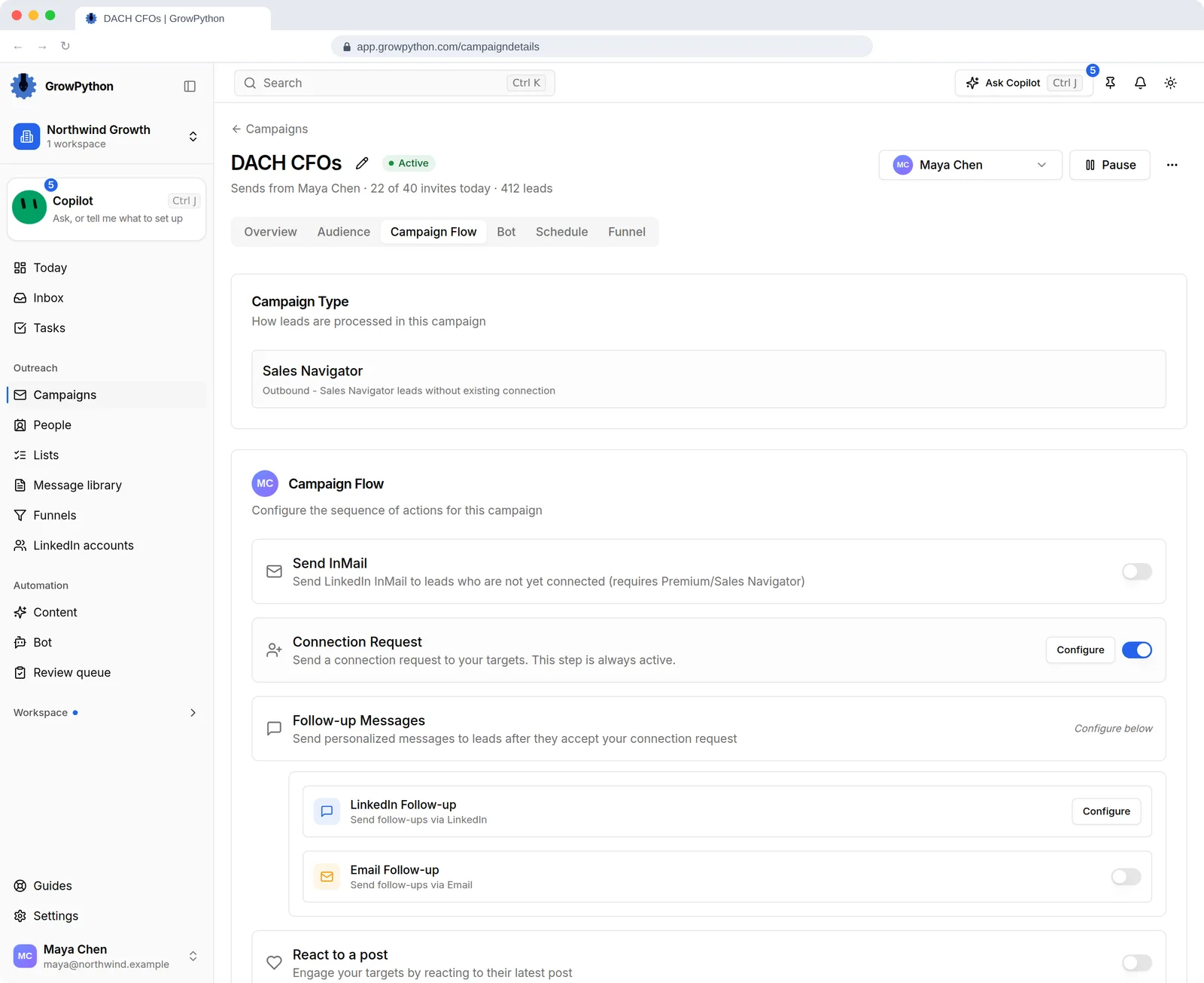
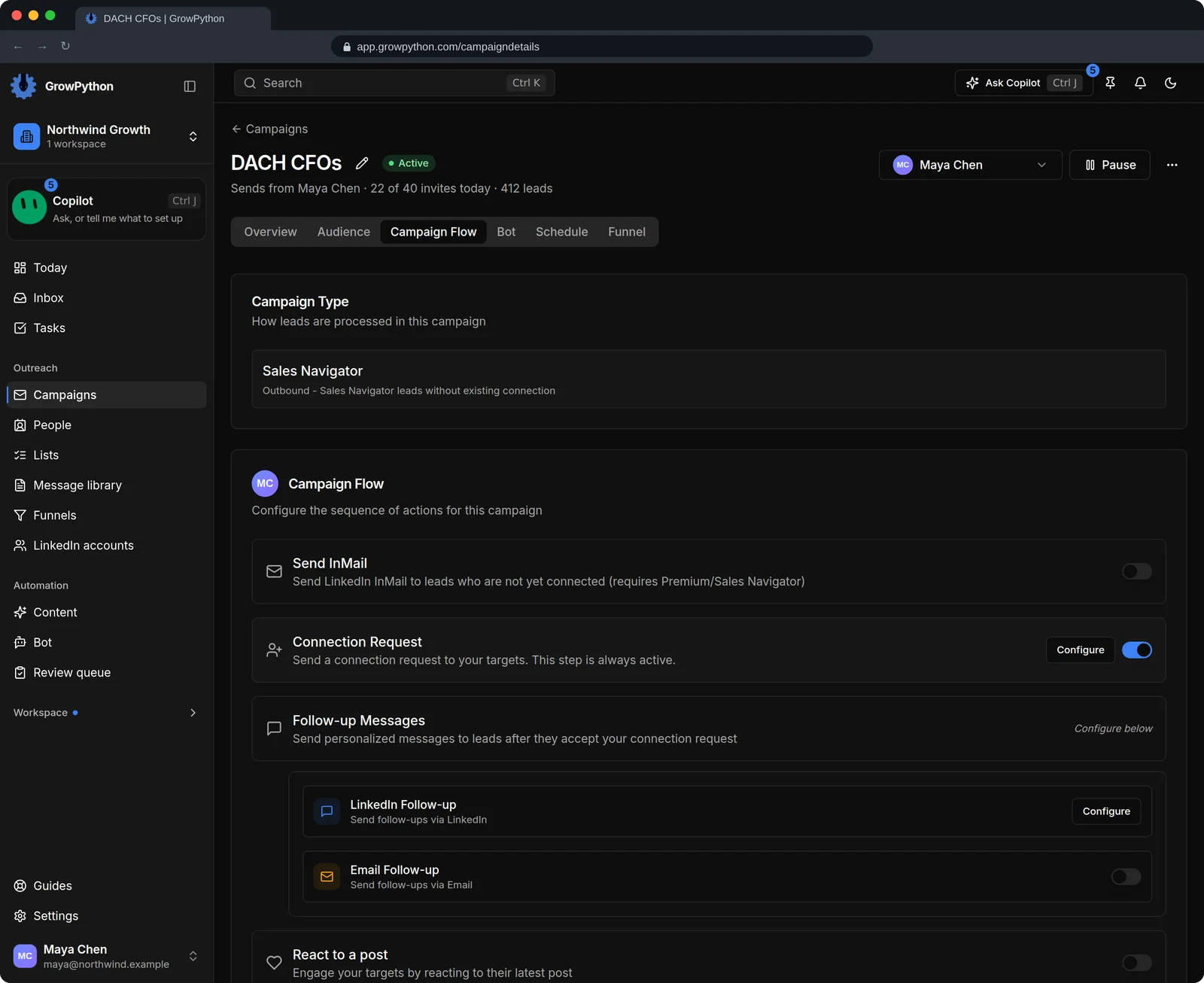
Switch a follow-up to Xupy follow-ups and give it a goal. Each person gets a different message from your SOP docs, your Business profile and their profile, checked before it is sent, with your fallback text if a check fails. You can ask to review each message first.
04
Replies on Autopilot, inside your limits
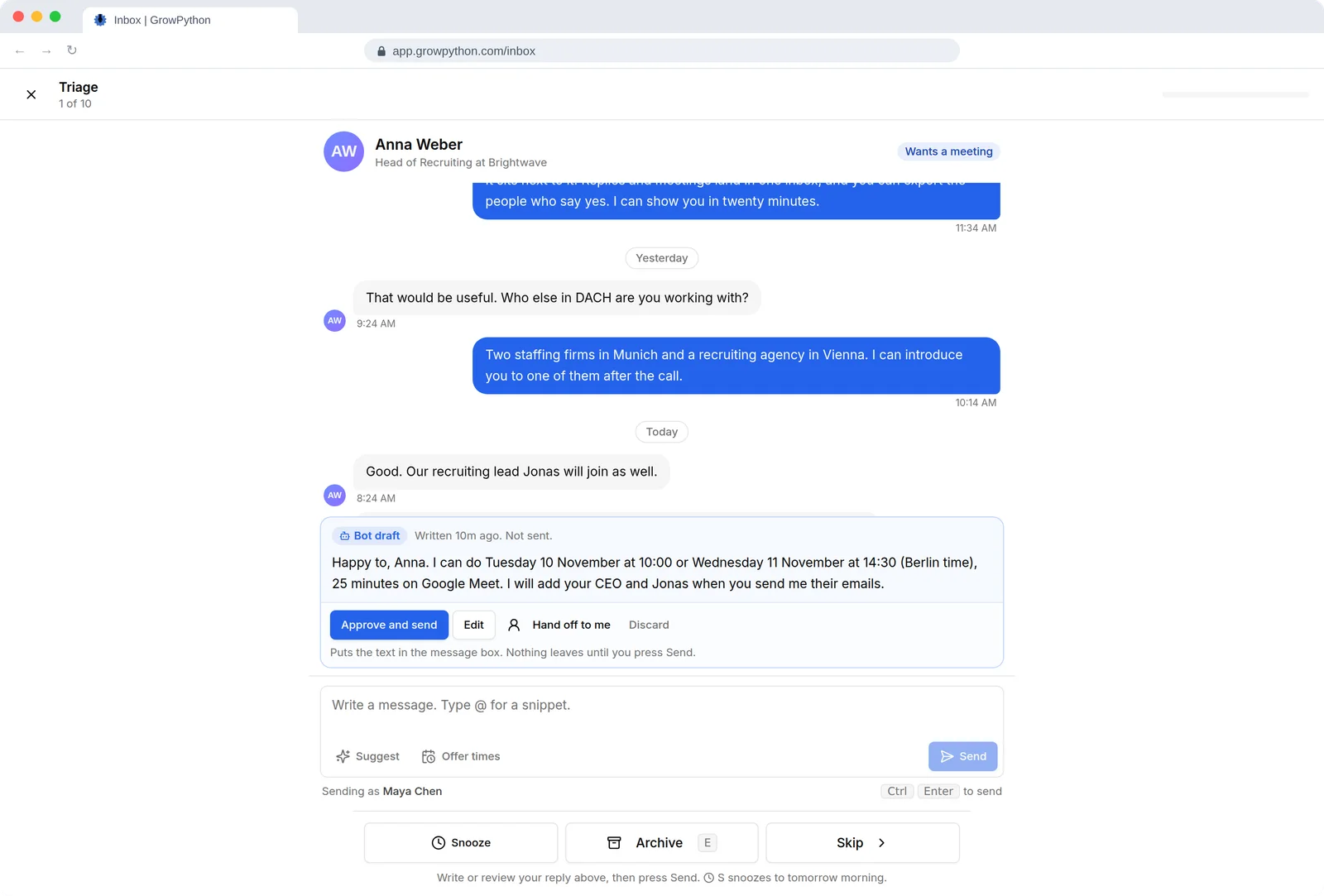
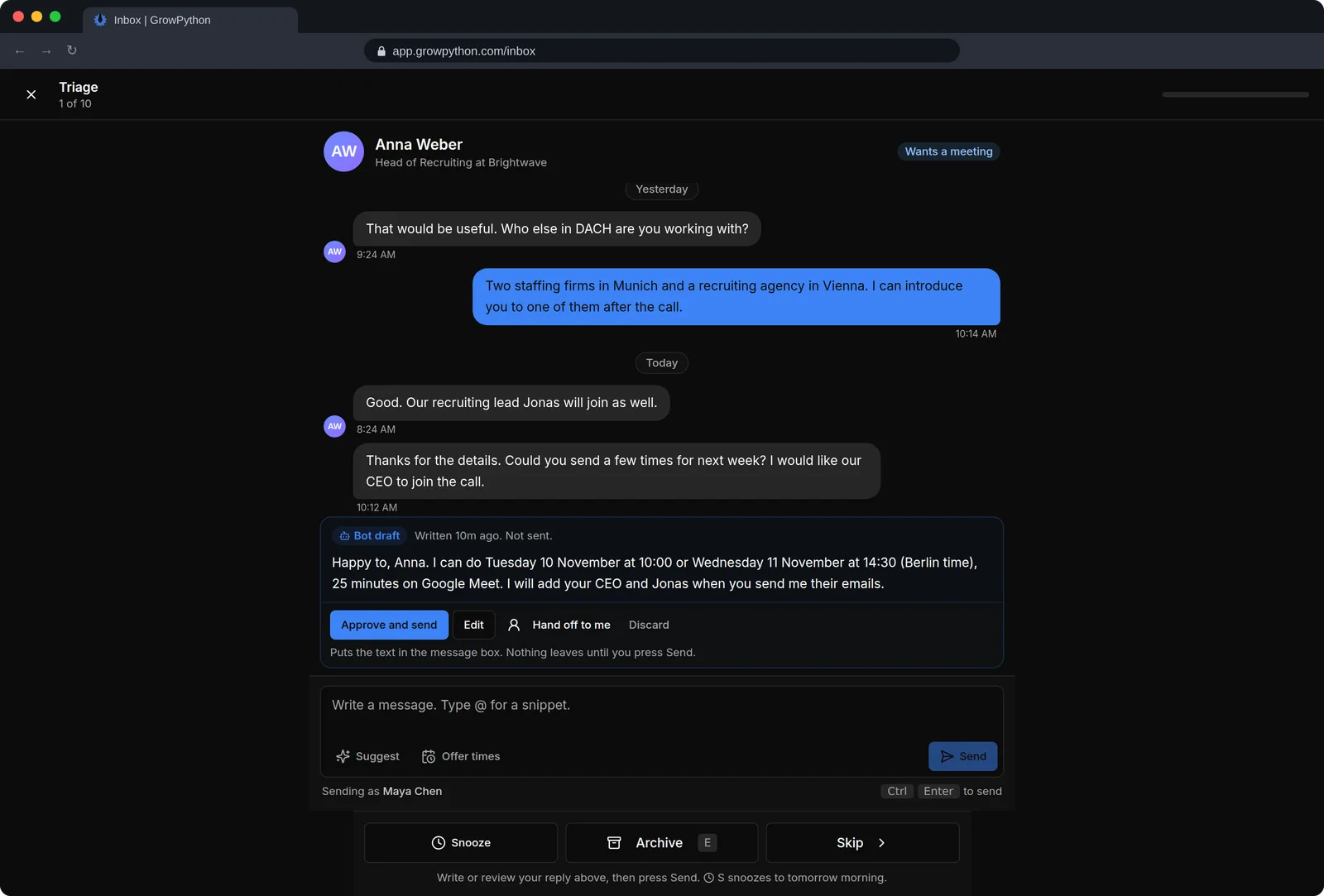
The reply bot has four levels: Off, Suggest (drafts you send), Assist (low-risk answers go out by themselves) and Autopilot. On Autopilot it answers questions, asks qualifying questions, handles a first objection, offers times, books and moves meetings, and hands everything else to a person.
05
Guard rails checked at send time
Autopilot sends only when it is confident, every fact has a source you marked shareable and it is inside working hours. Daily and hourly limits and booking caps are checked again just before sending, and the bar rises for 24 hours after any warning sign.
06
Meeting notes that become tasks
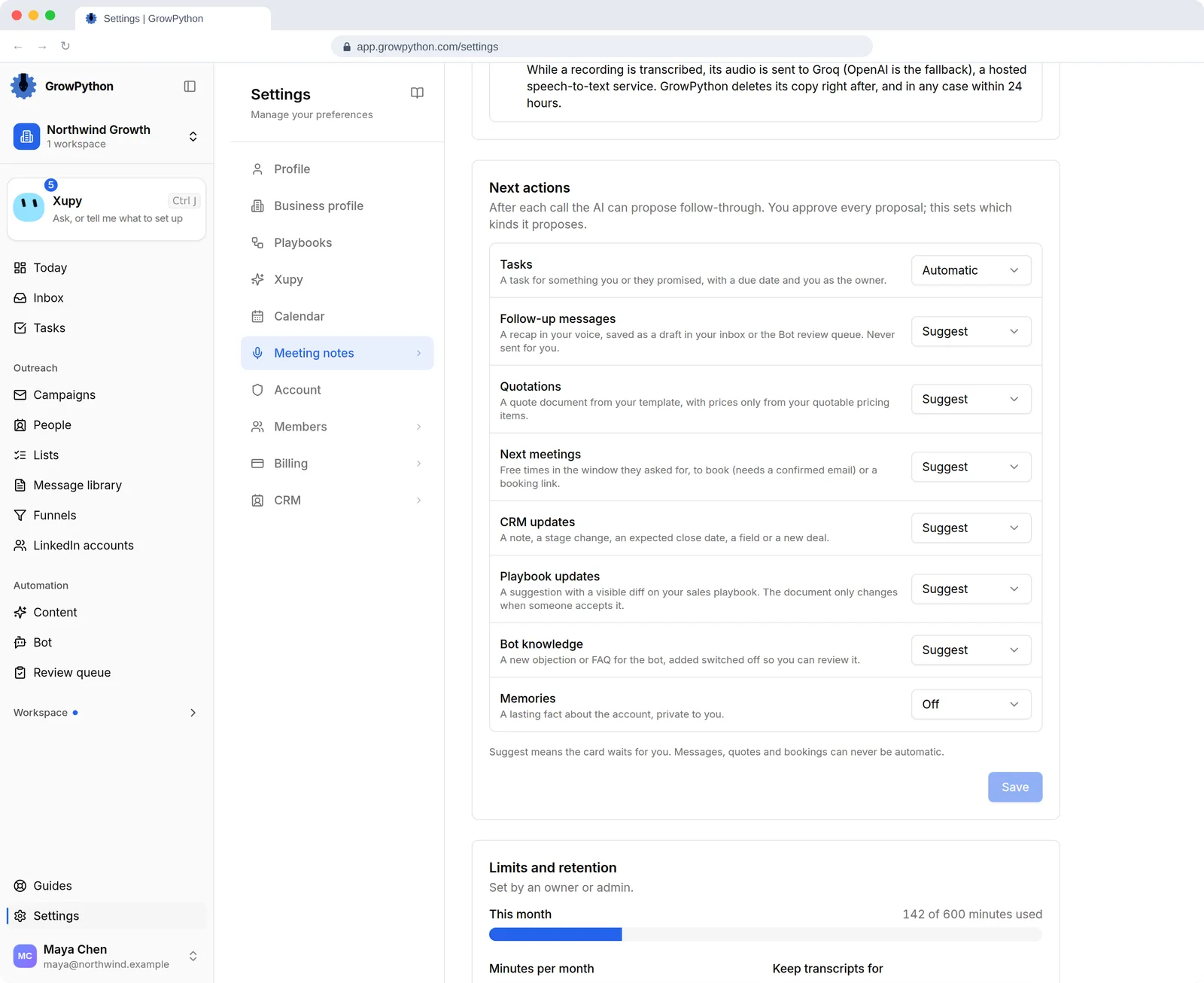
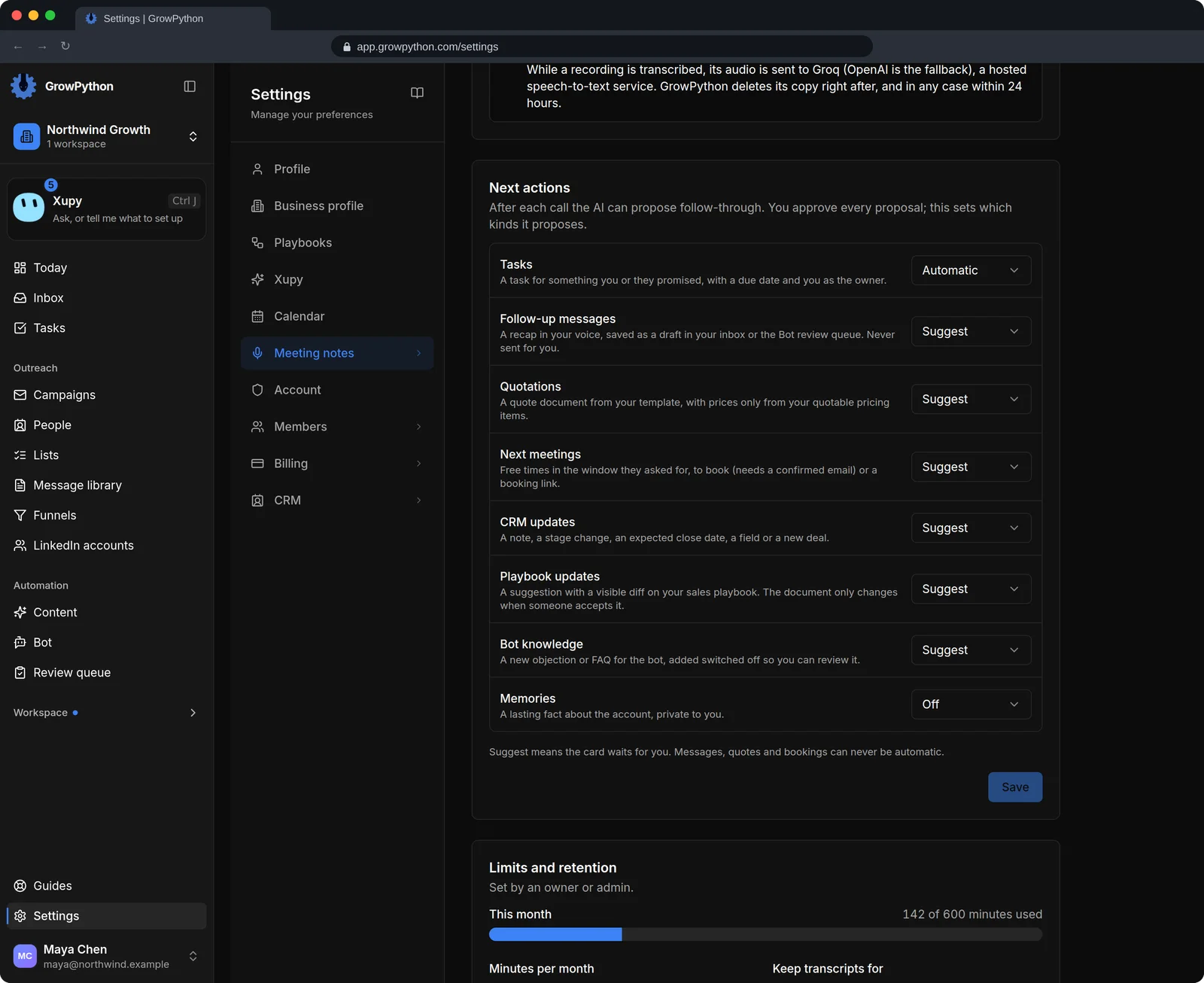
After a recorded call you get a transcript, summary, action items, objections and next steps. Xupy then proposes tasks, a recap draft, a quotation, the next meeting, CRM updates and playbook changes. Tasks can be created automatically.
07
Plans you can read before anything runs
A plan card lists every step, its risk, the limits that apply and a section headed It will not. Approve and run does every step, Step by step lets you approve one at a time, and a finished plan can usually be undone with Undo whole plan.
08
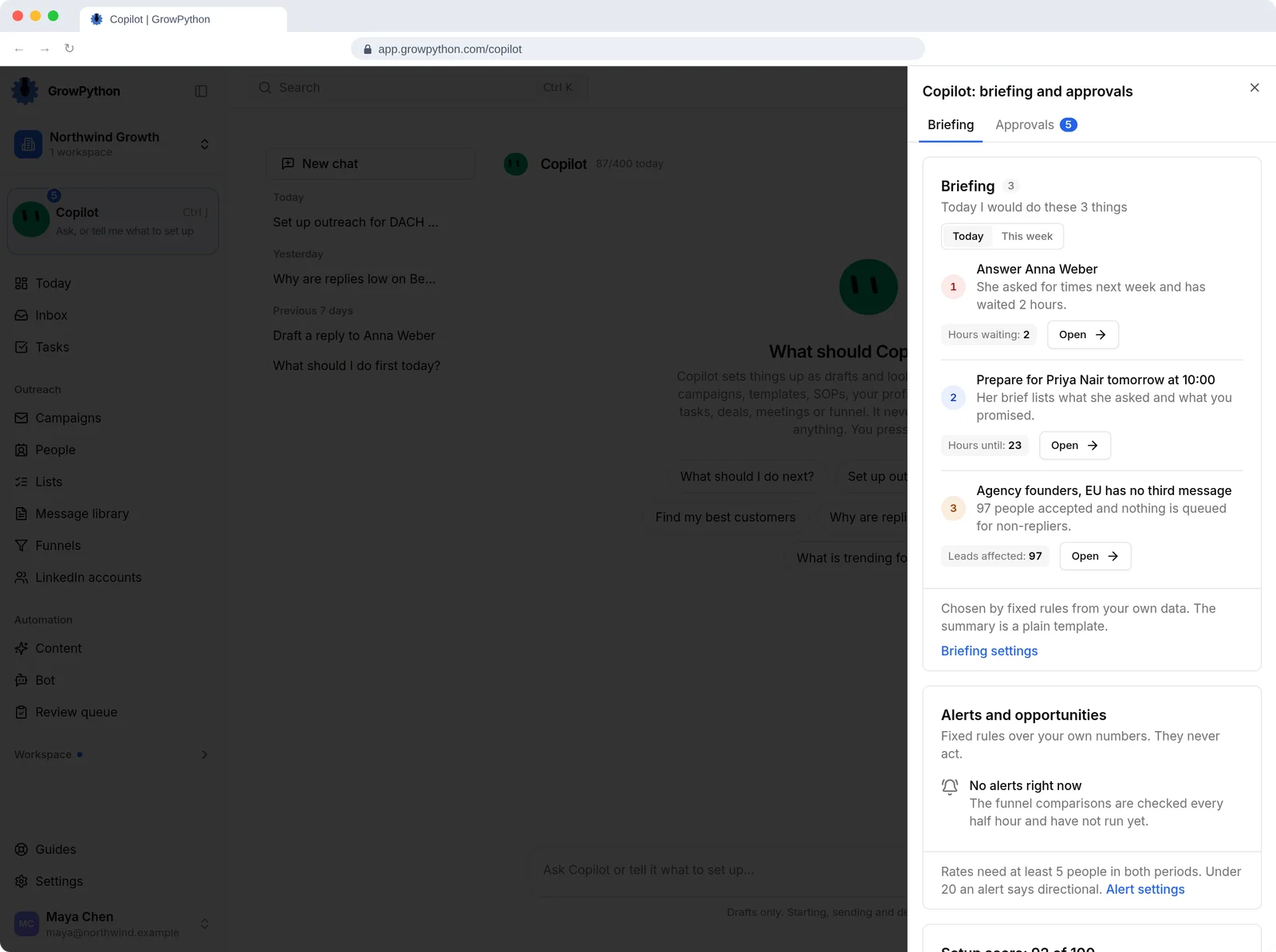
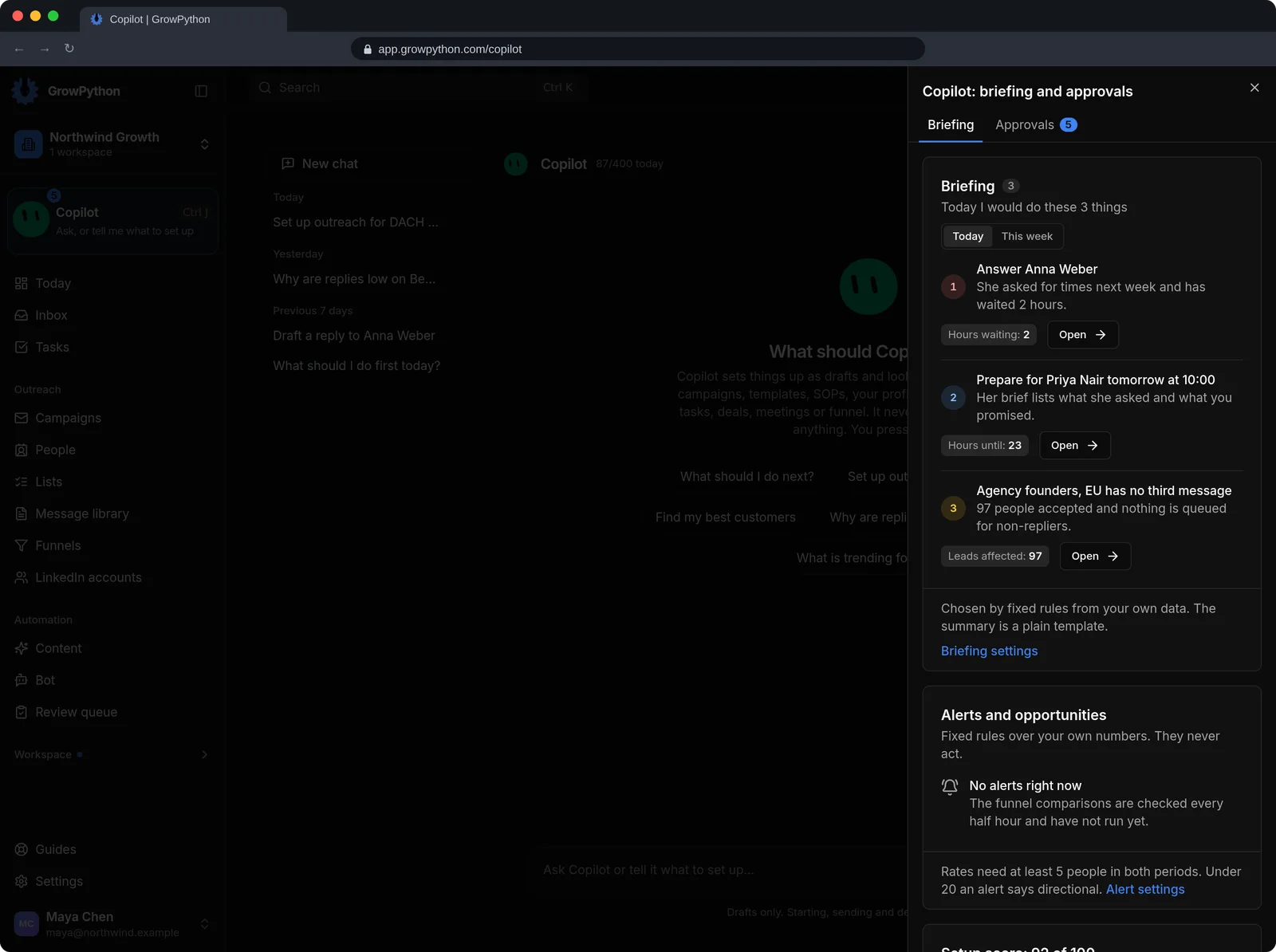
Briefing and approvals
A side area shows today's briefing, alerts, your setup score and anything waiting for your approval.
09
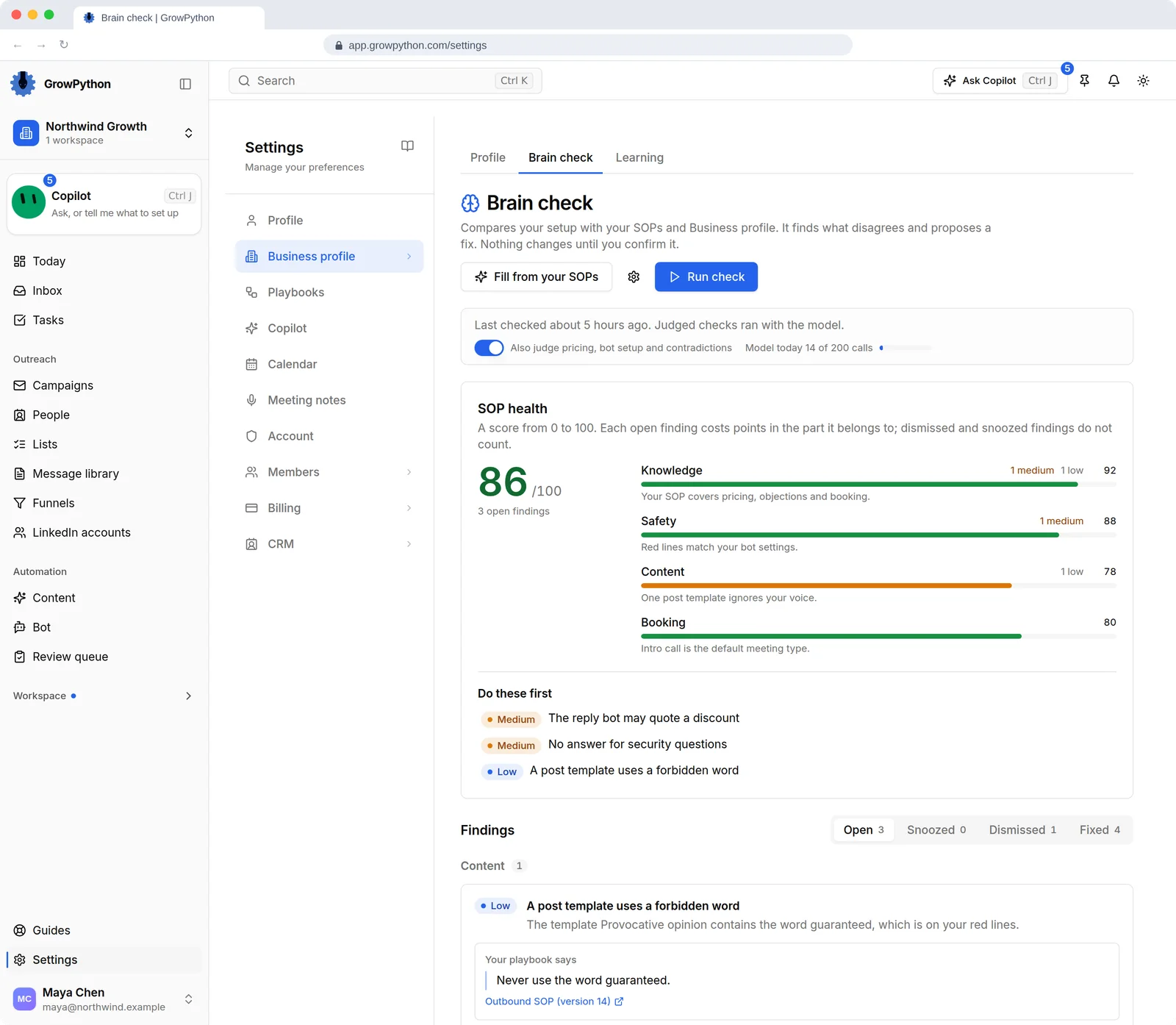
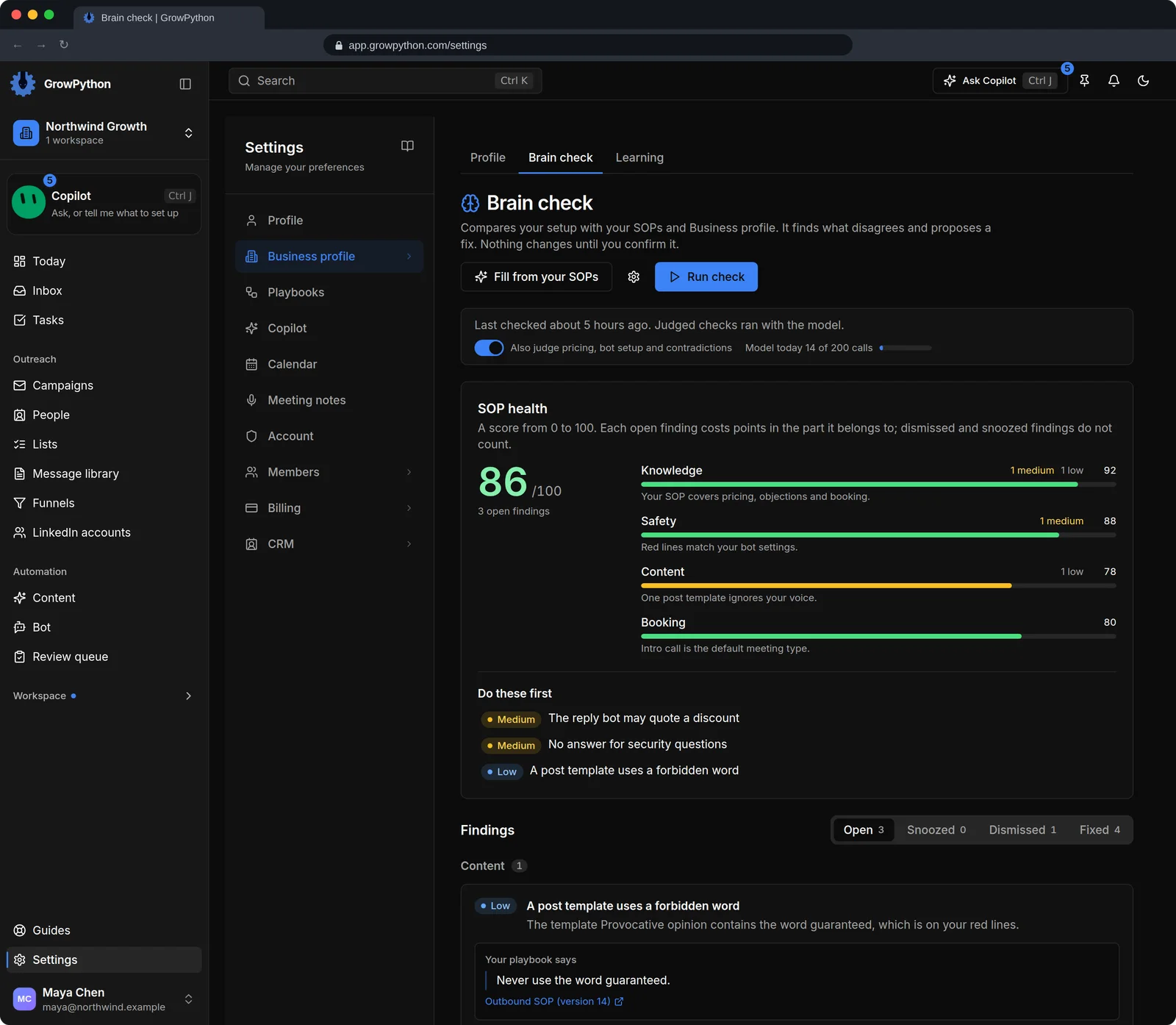
Set me up and Brain check
A six step Set me up interview fills in your Business profile. Brain check scores your SOPs from 0 to 100 and suggests fixes, so every AI feature reads the same Company Brain.
10
Answers about your results
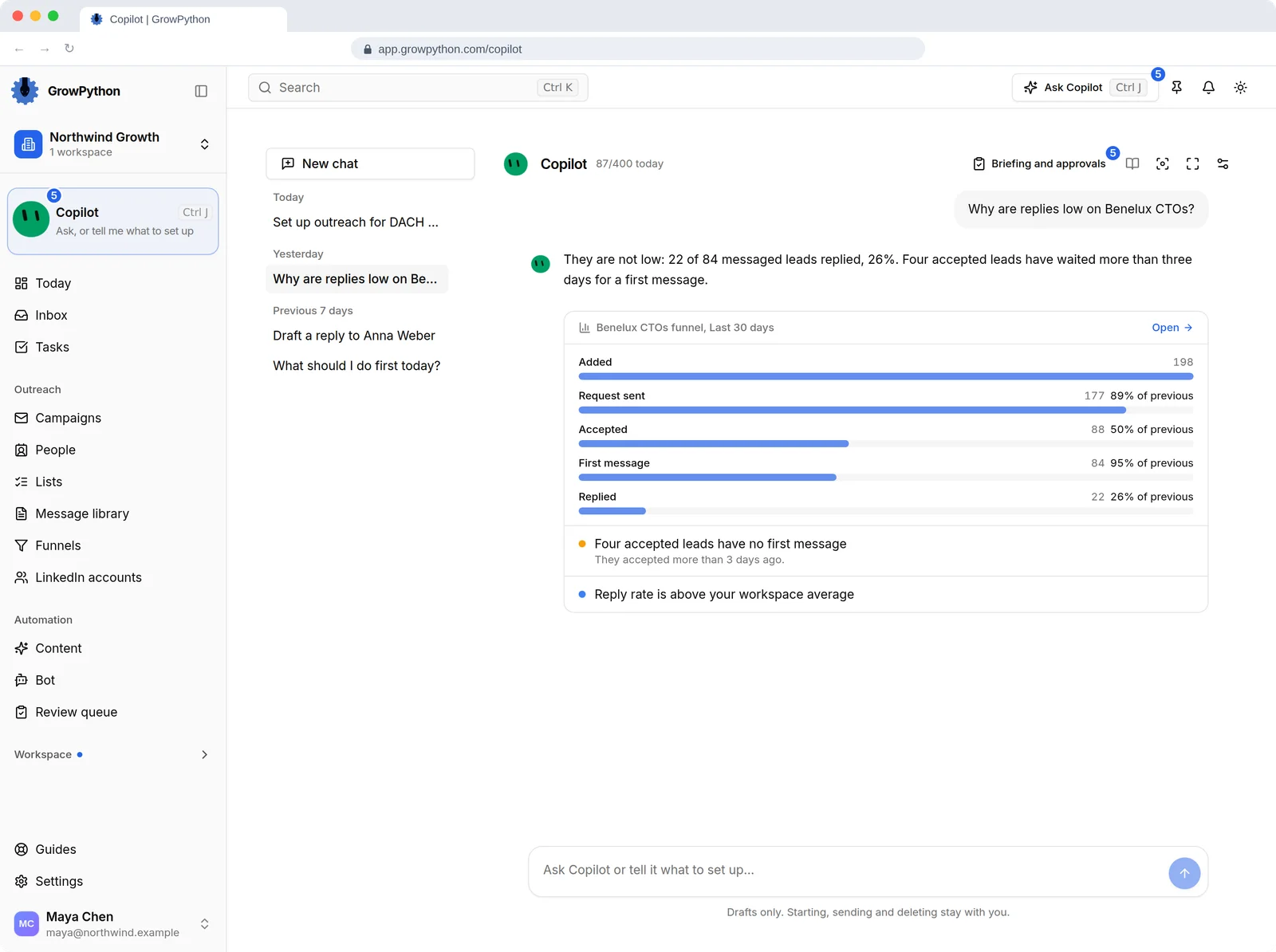
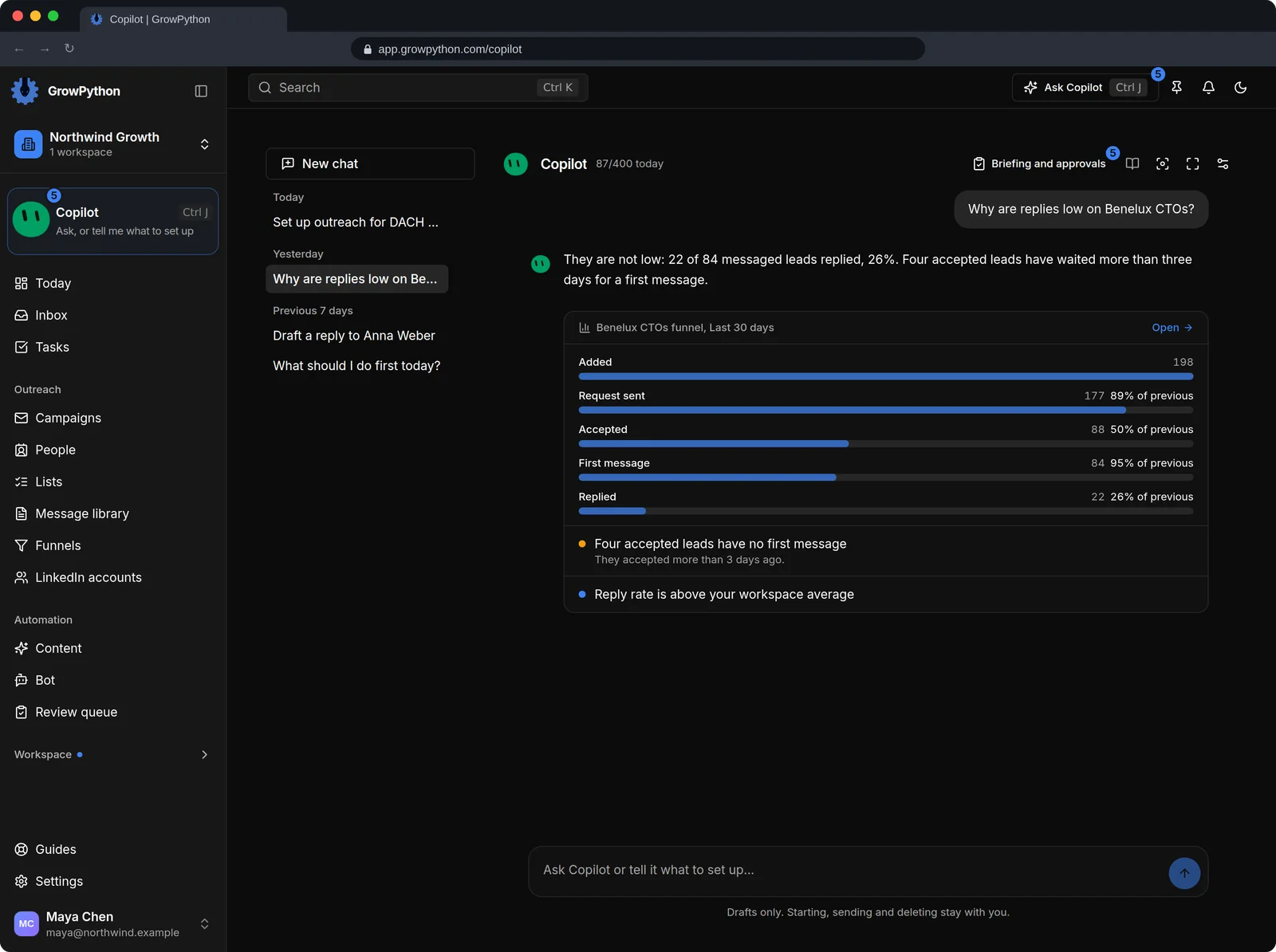
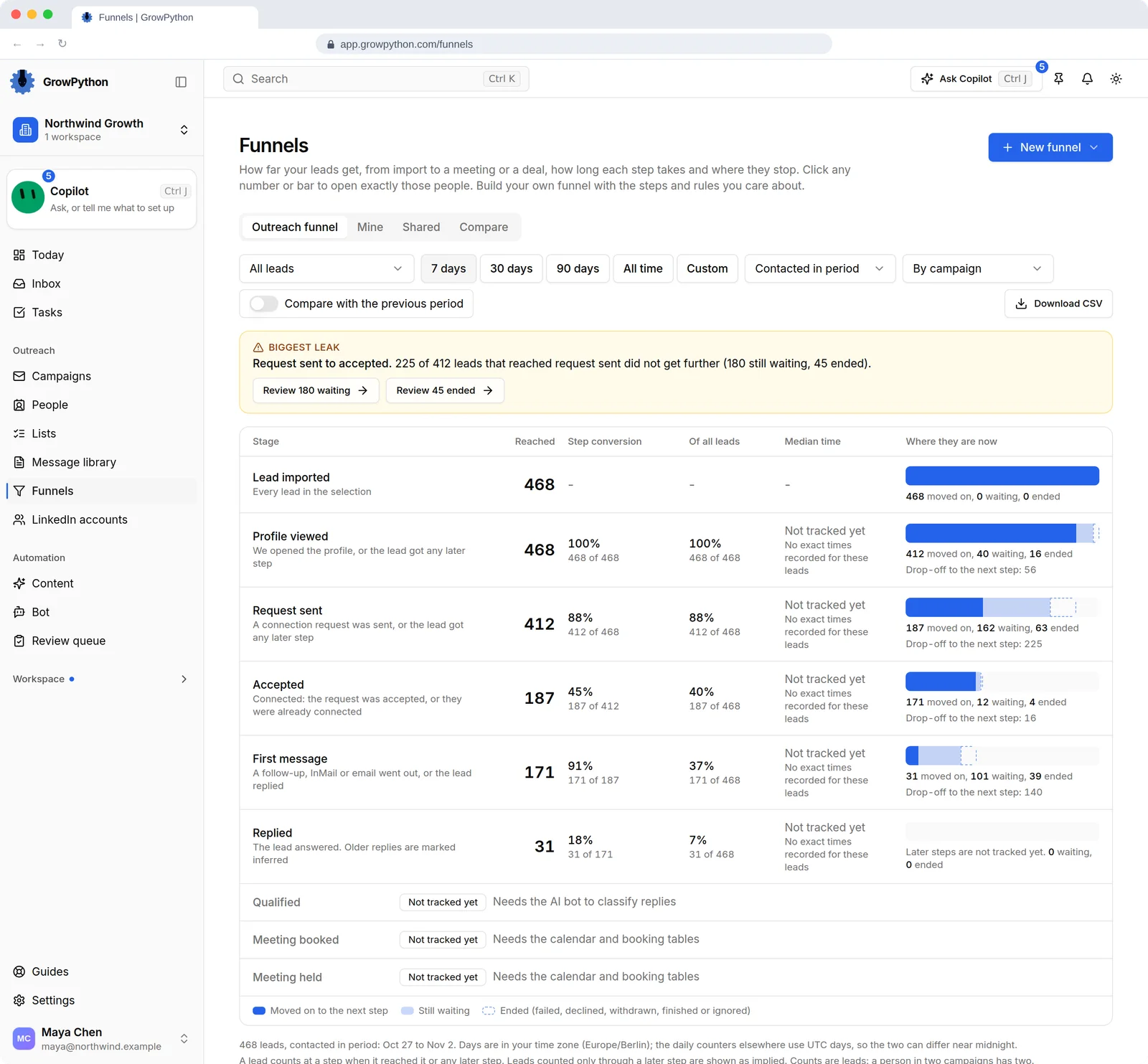
Ask why replies are low and Xupy reads the funnel, answers, and says how much data the answer rests on.
11
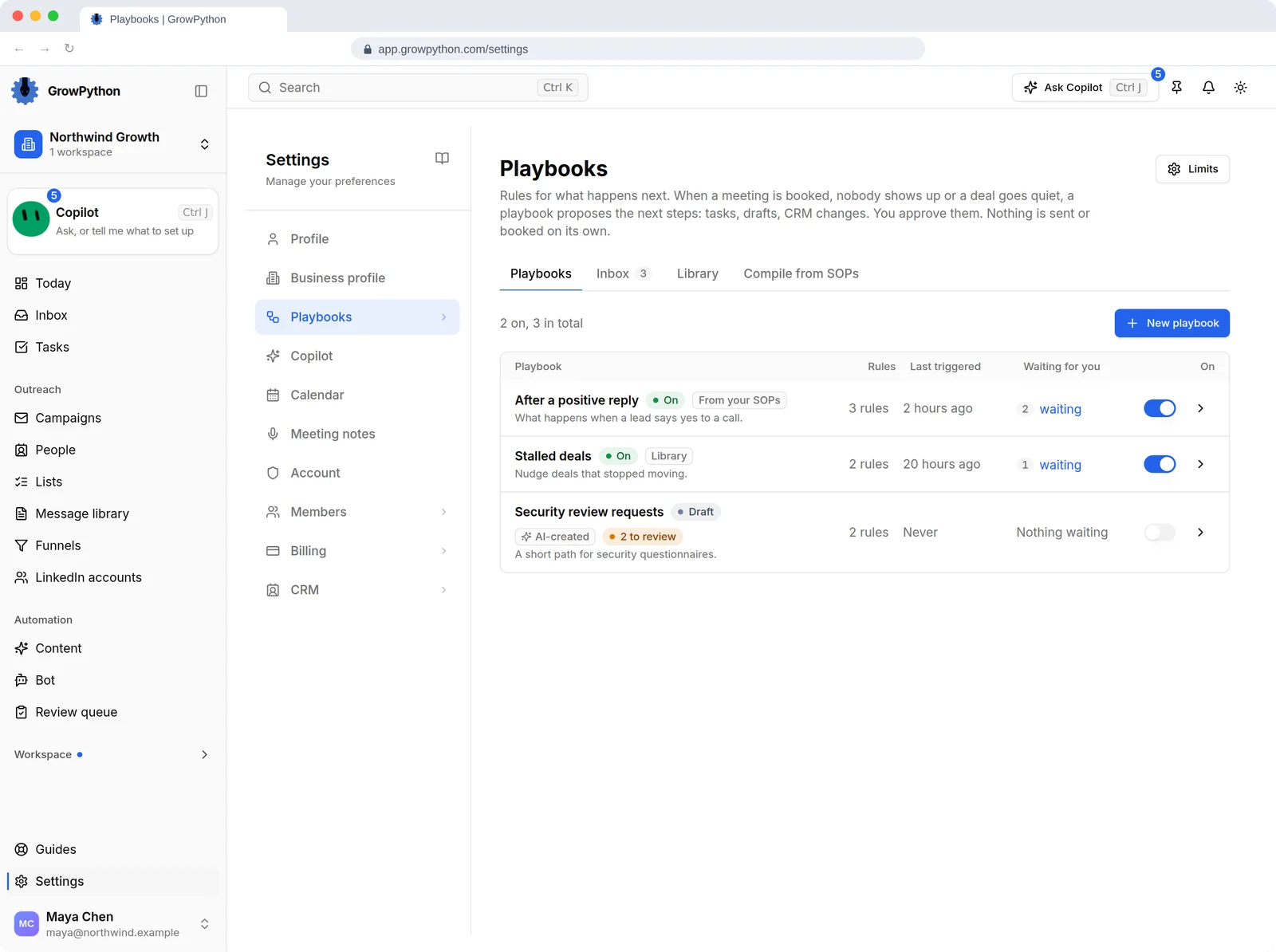
Playbooks
A playbook proposes next steps after events, such as a positive reply or a booked meeting, for you to approve.
12
How much it does on its own
An owner or admin chooses the reply bot's level, sets Xupy to Suggest or Ask first per area, renames it, switches it off or sets a daily budget of model calls.