01
A brief, not only a transcript
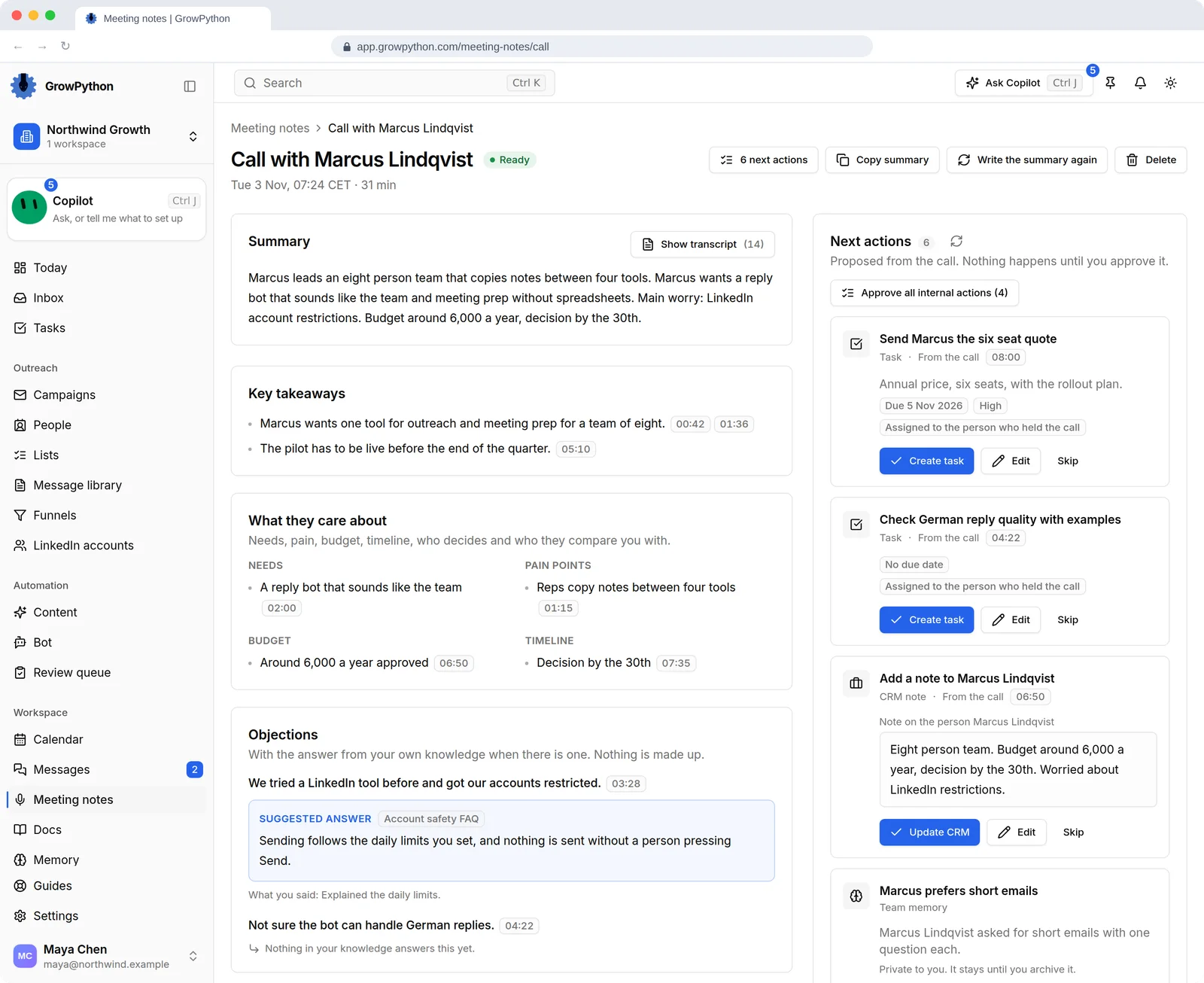
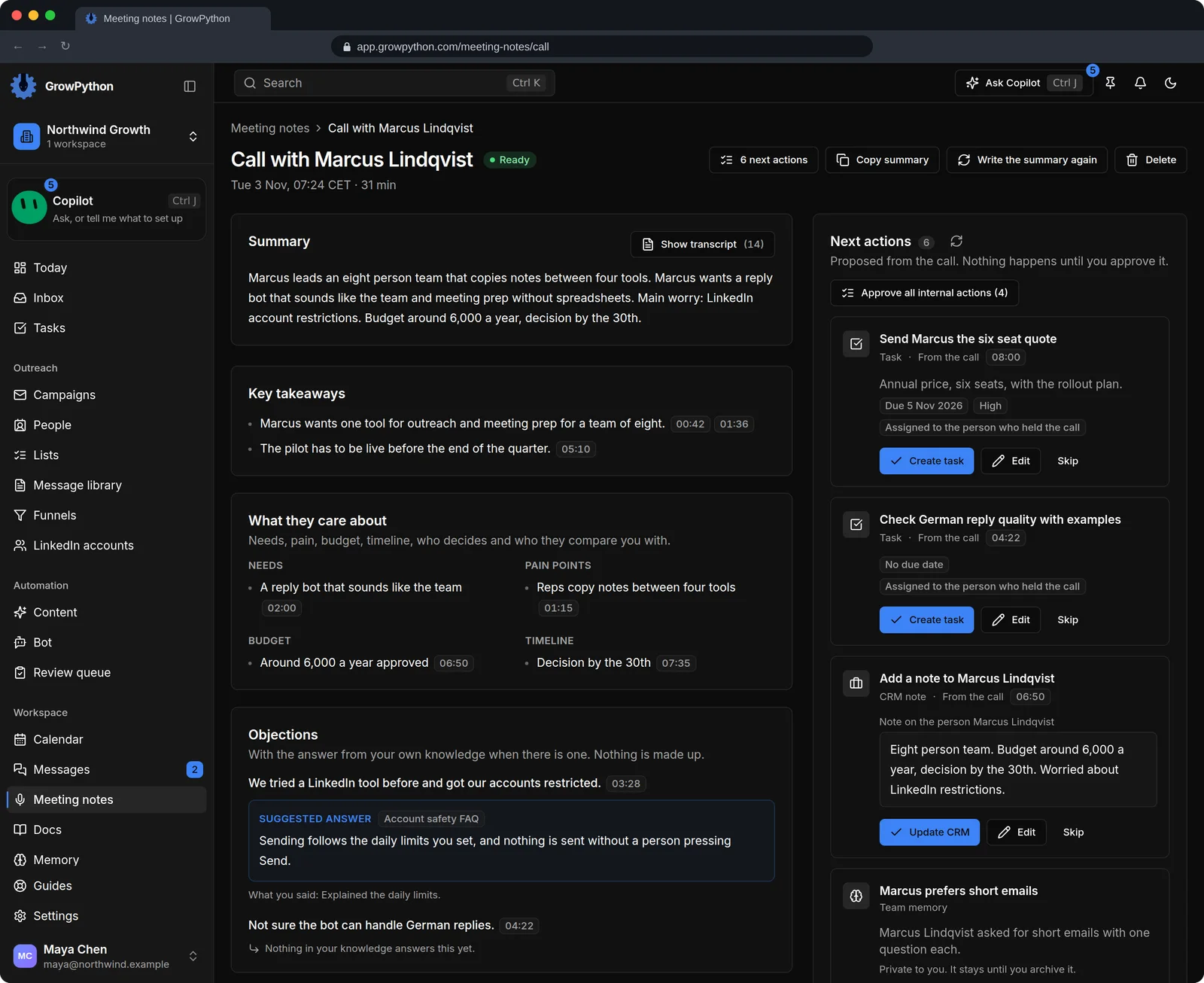
Each note has a summary, key takeaways, what the other side cares about (needs, pain points, budget, timeline and who decides), objections, what each side promised, risks and the next steps you agreed.
02
Every point leads back to the words
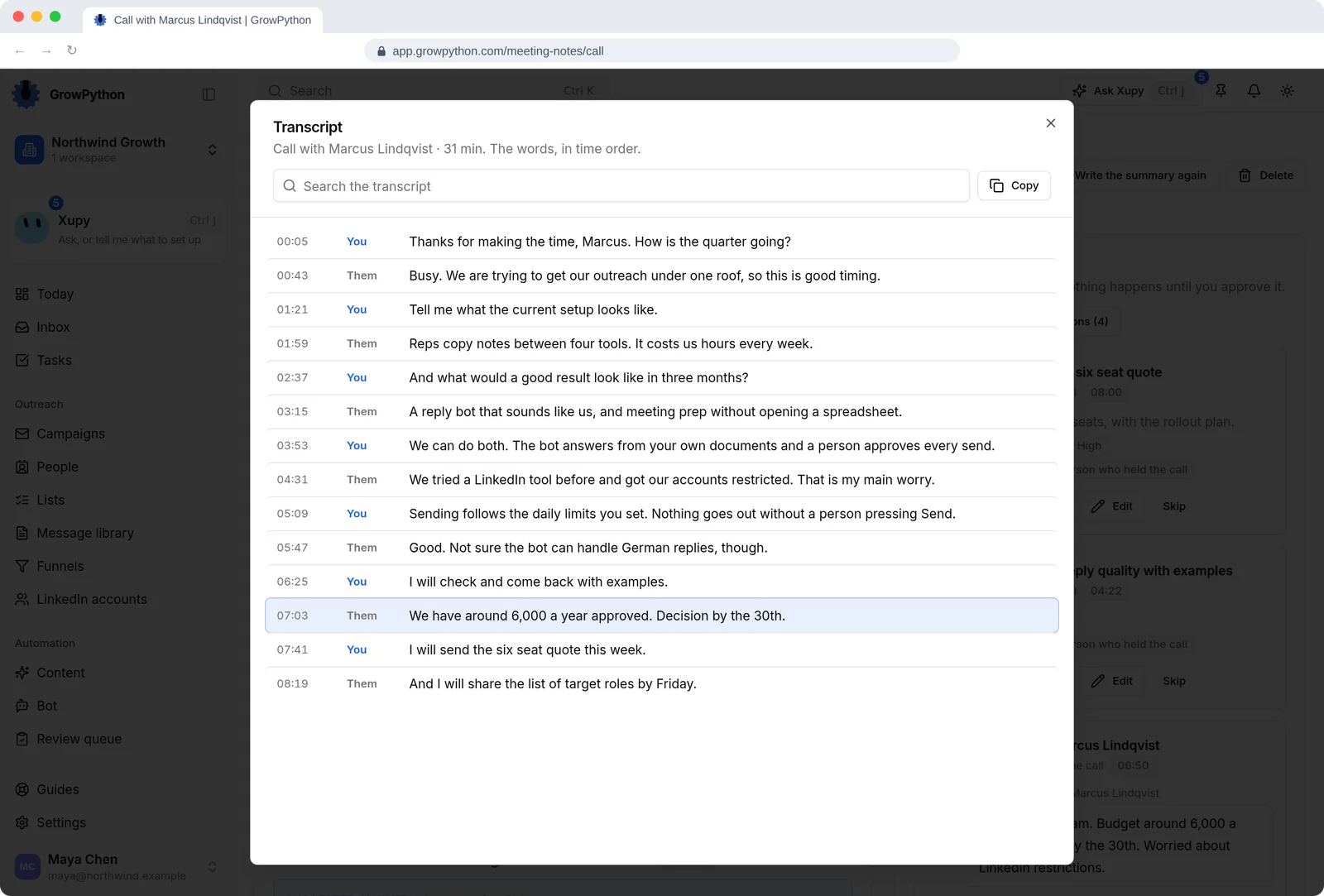
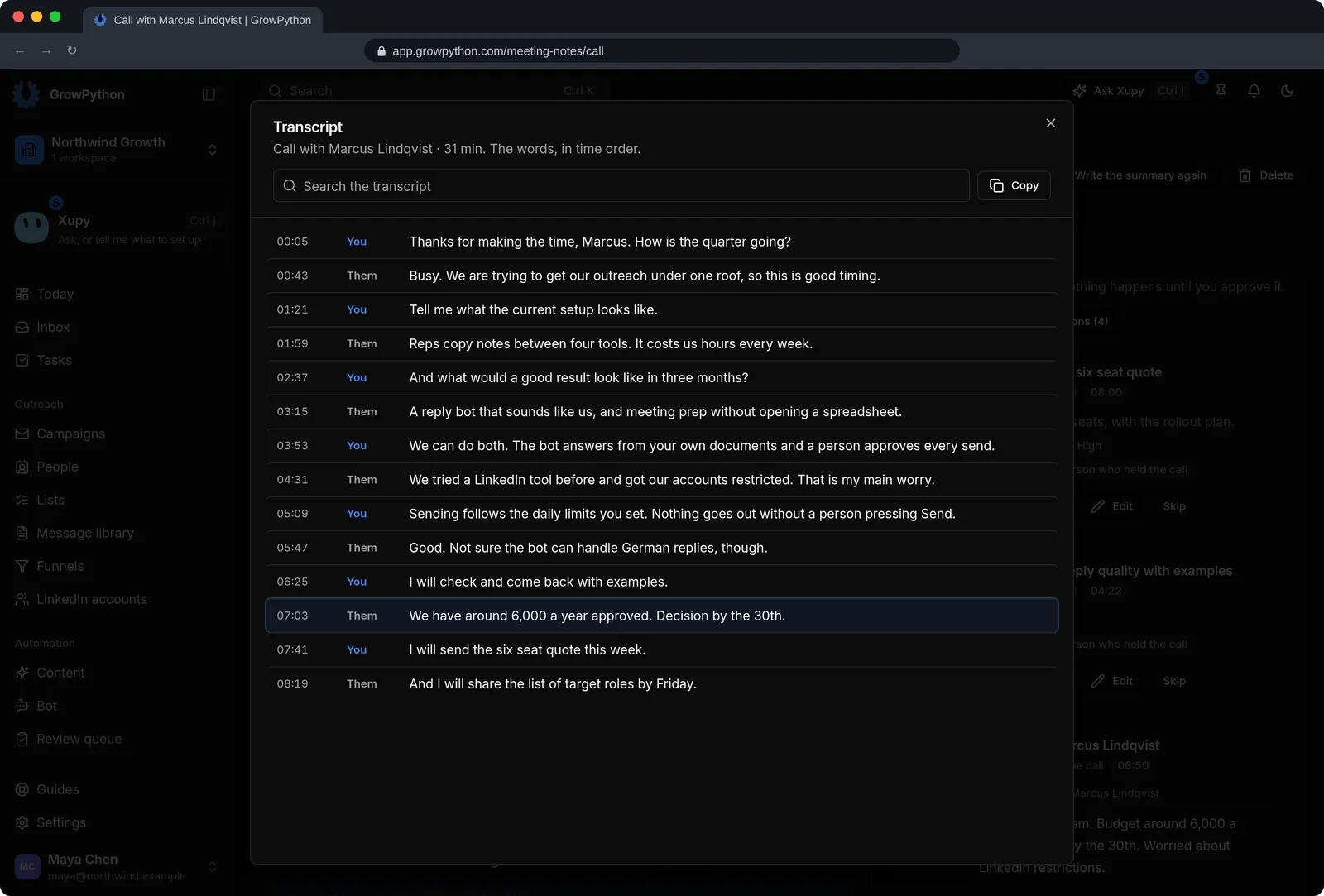
Time stamps sit next to the points in the brief. Click one and the transcript opens at that moment of the call, with a search box and a Copy button.
03
Objections answered from your own documents
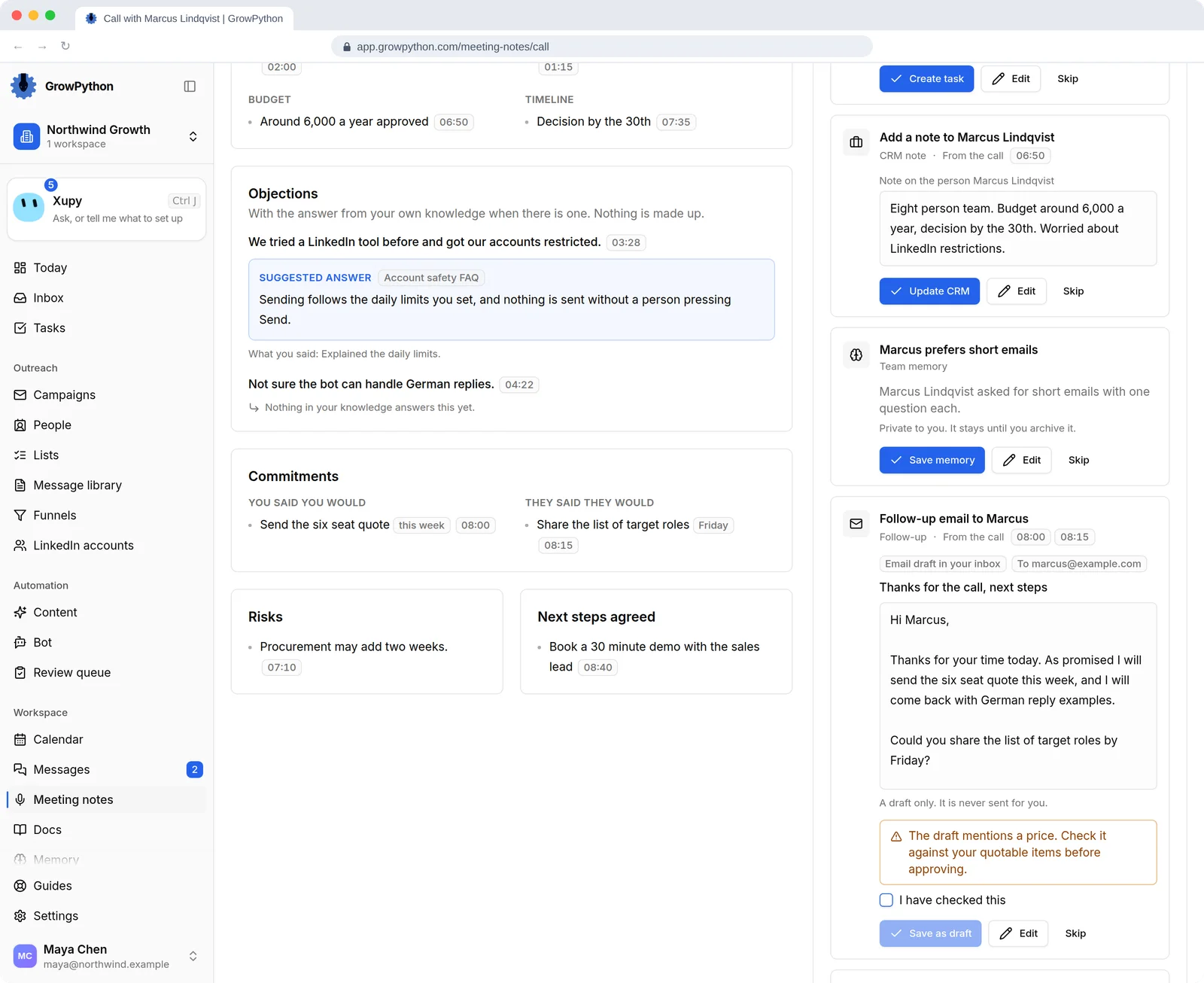
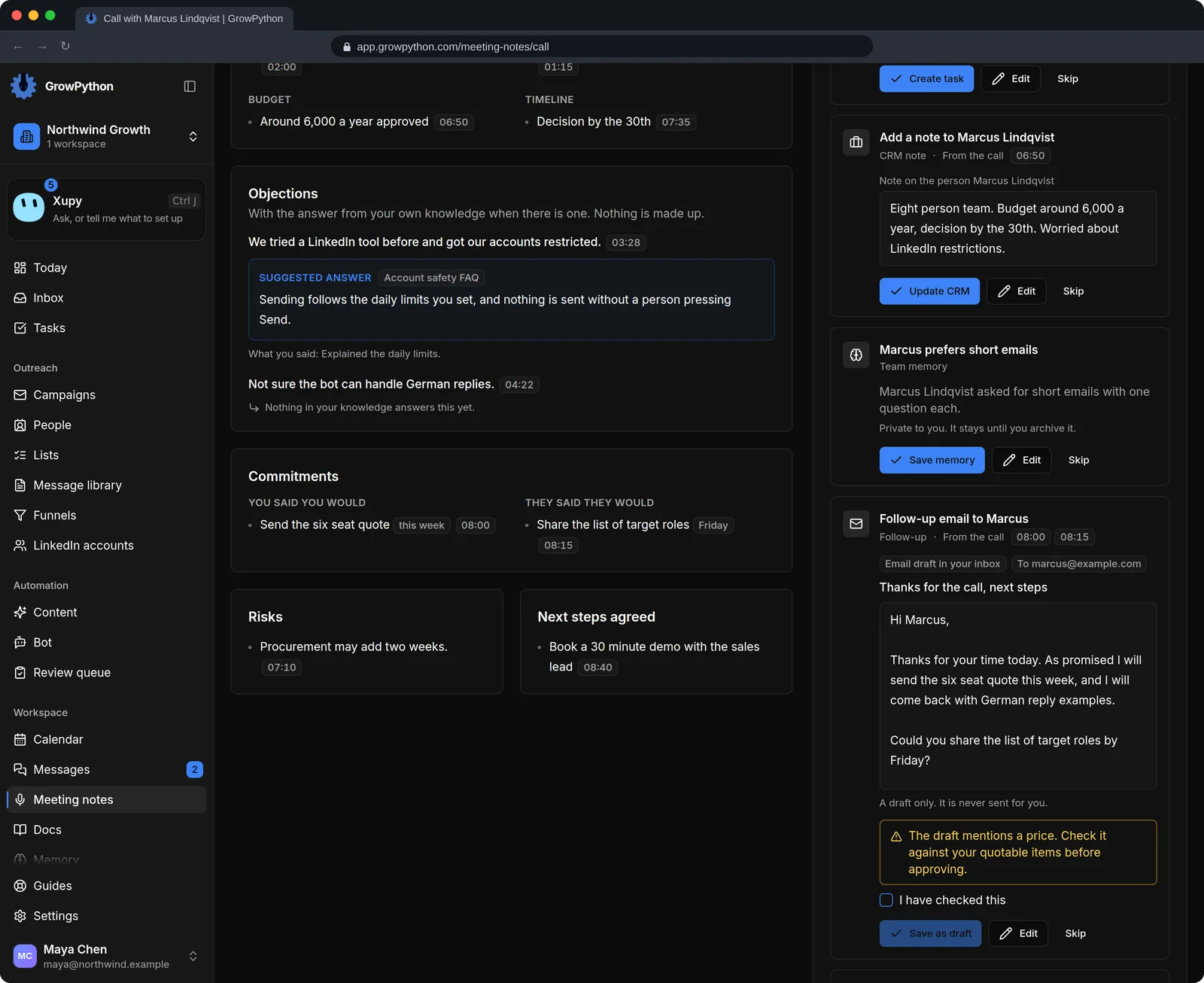
When your knowledge has an answer to an objection, the note shows it with the name of the document it came from. When it has none, the note says so. Nothing is made up.
04
Next actions as cards
Tasks, a follow-up message, a quotation, the next meeting, CRM updates, playbook updates, bot knowledge and memories are proposed as cards. Approve, edit or skip each one. Nothing happens until you approve it.
05
A follow-up that stays a draft
The follow-up email is saved as a draft in your inbox and is never sent for you. If the draft mentions a price, you tick a box to say you checked it before it can be saved.
06
Record the call, or upload it
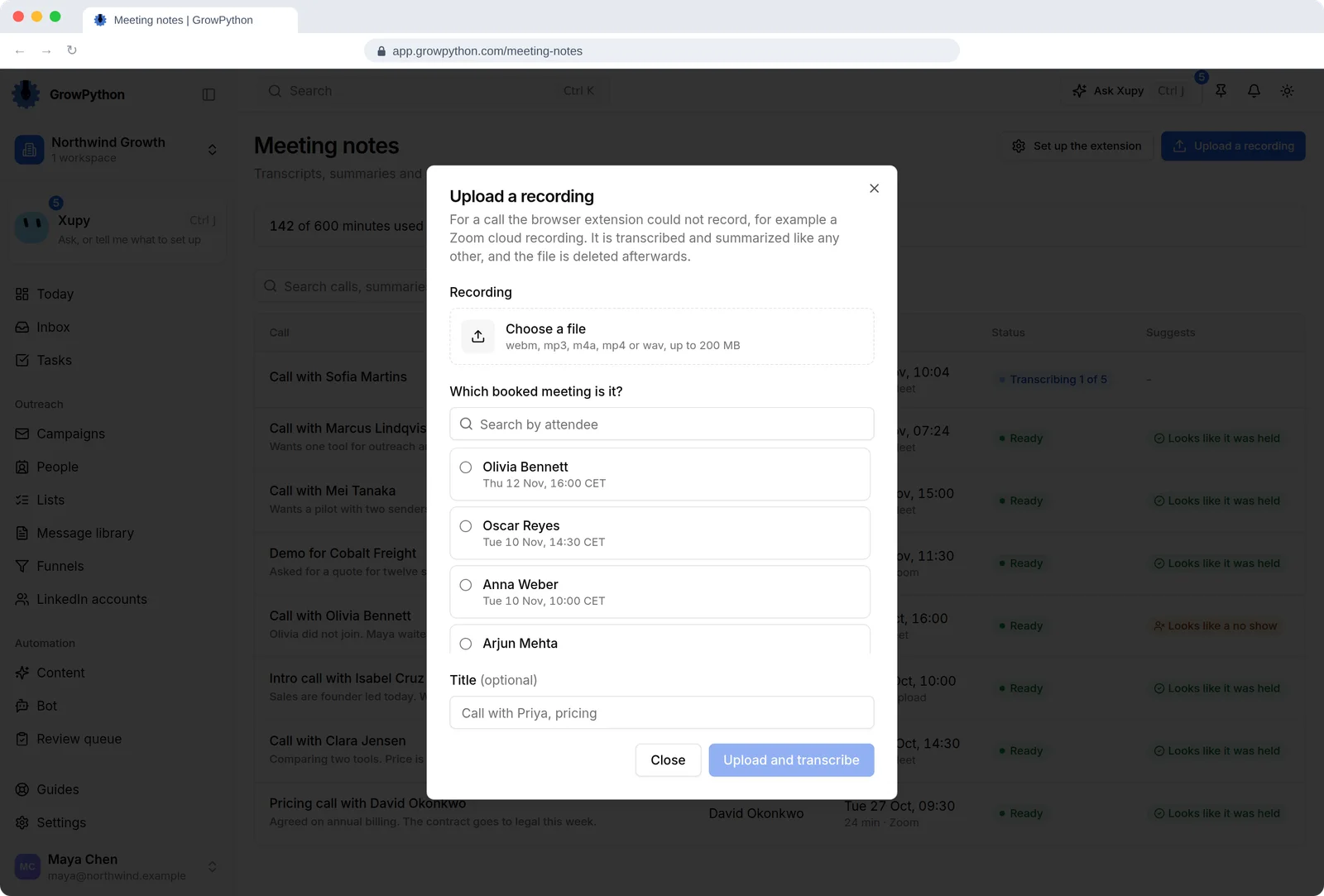
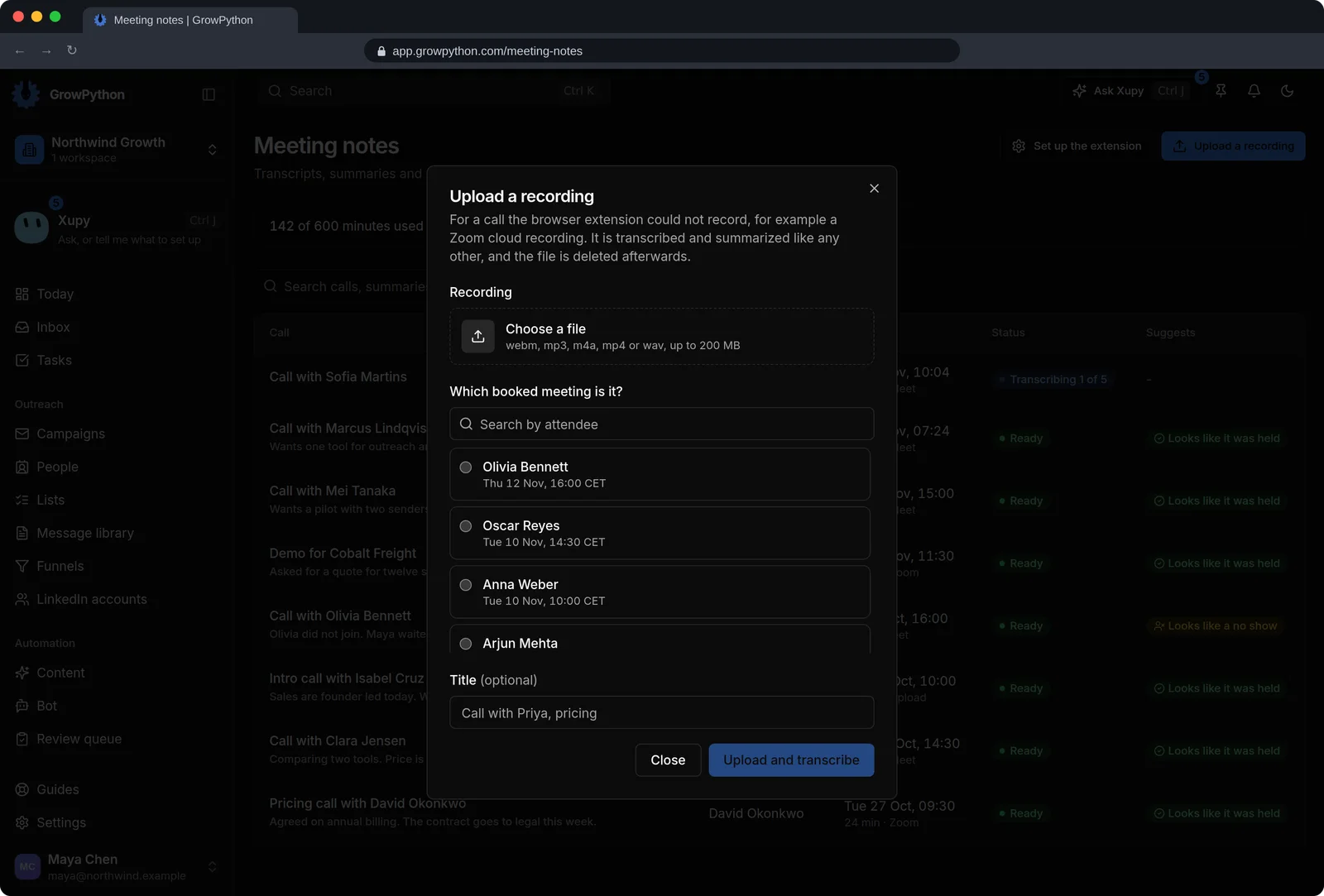
Record from the extension in Chrome or Edge, or upload a webm, mp3, m4a, mp4 or wav file of up to 200 MB and choose the booked meeting it belongs to. The file is deleted afterwards.
07
Every call in one list
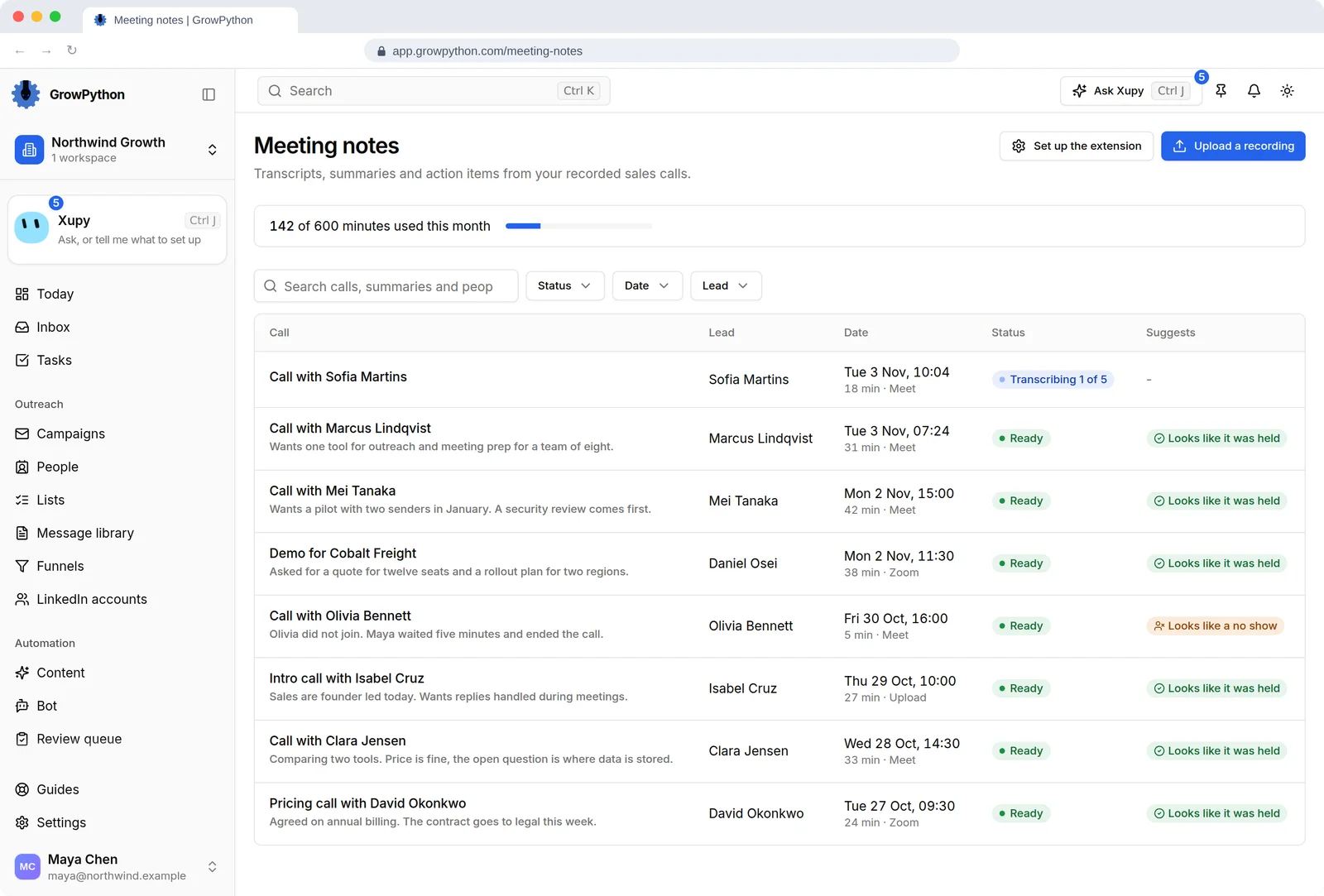
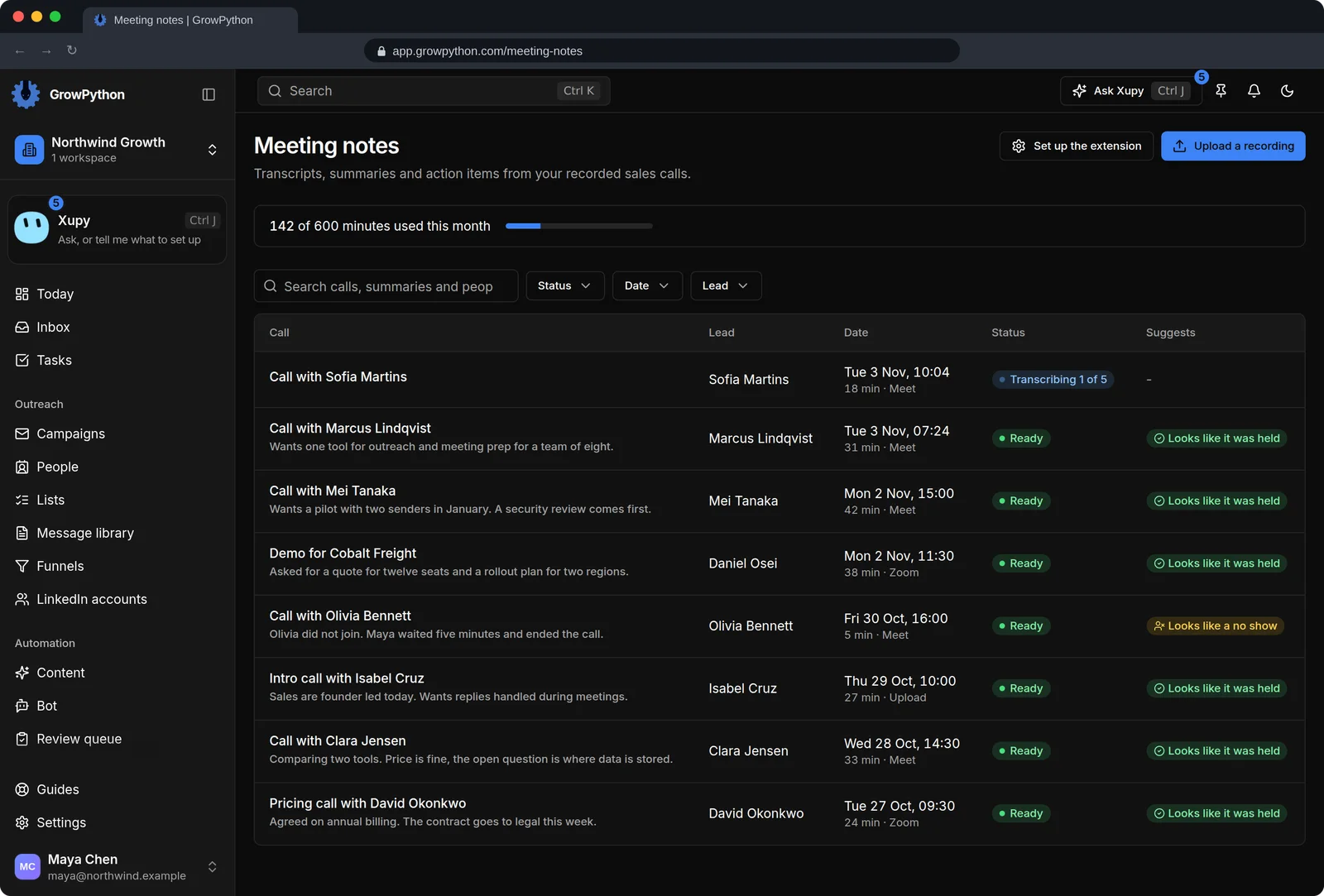
The list shows each call with the first line of its summary, the lead, the date, the length and where it came from, and whether the call looks like it was held or looks like a no show. Search it, or filter by status, date or lead.
08
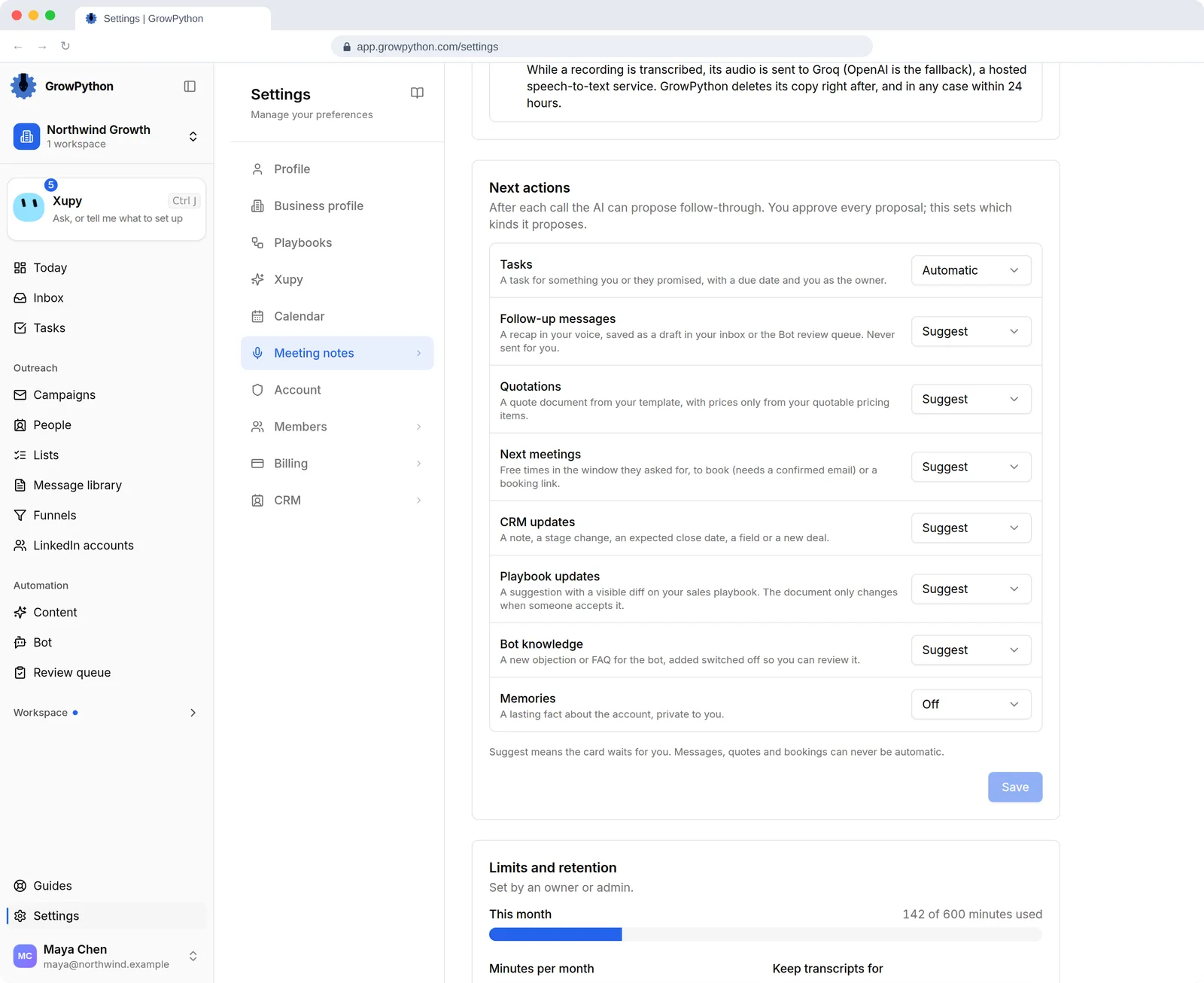
You choose what gets proposed
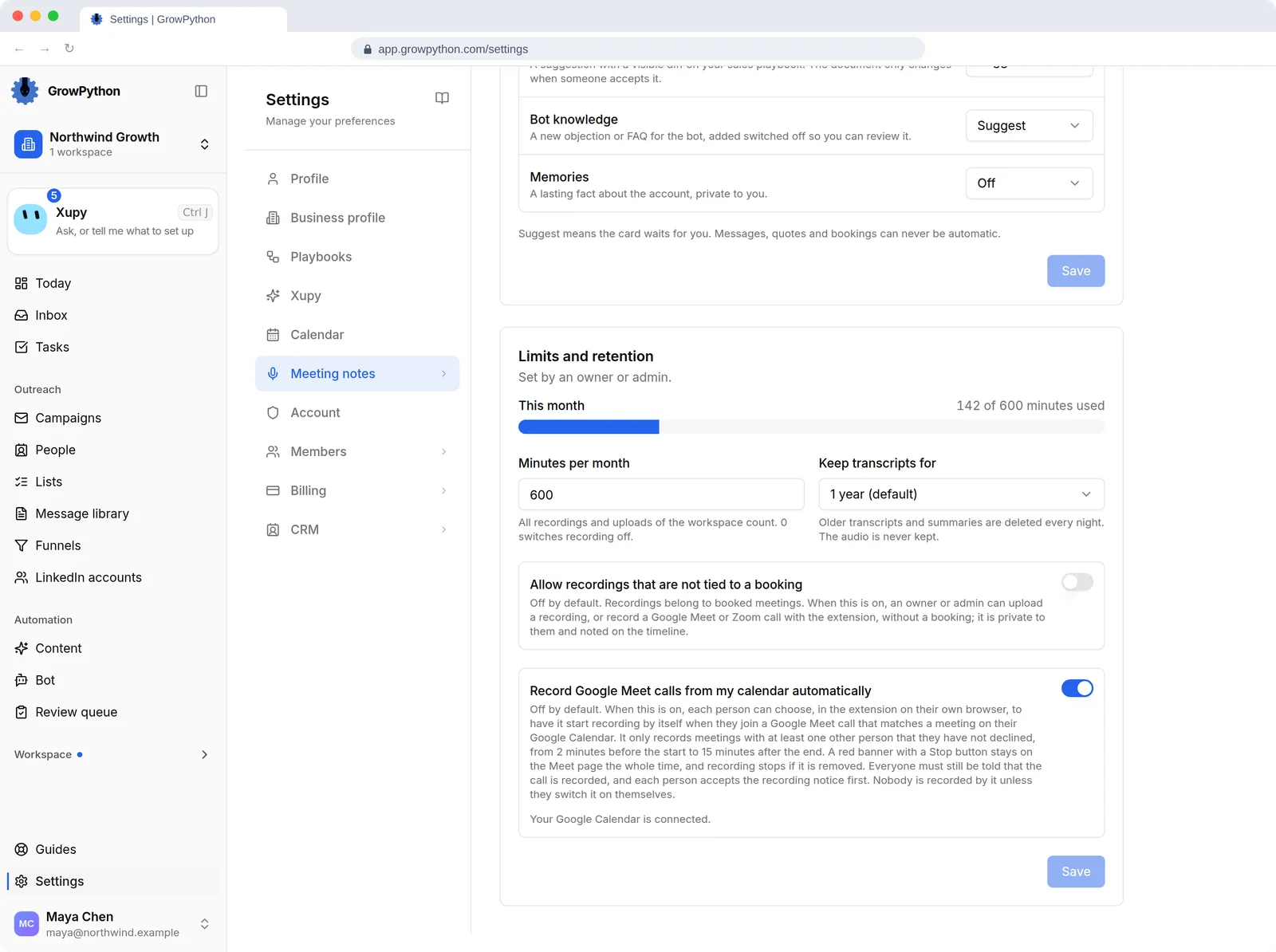
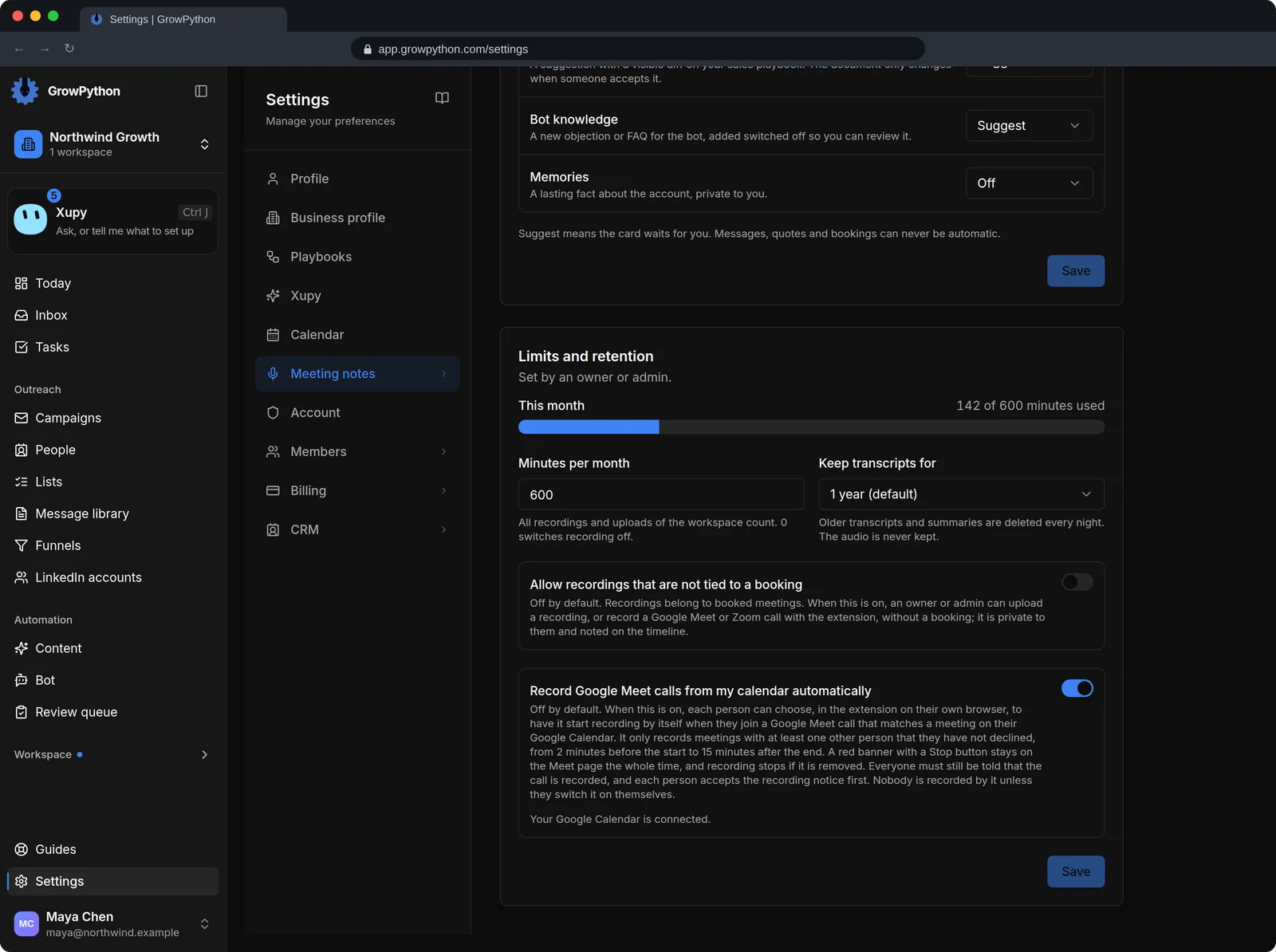
Each kind of next action can be switched off or set to Suggest. Only tasks can be set to Automatic. Messages, quotes and bookings can never be automatic.
09
Minutes and retention, set by an owner
An owner or admin sets the minutes per month for the workspace and how long transcripts are kept, from 30 days to until you delete them. One year is the default. The audio is deleted after it is transcribed, within 24 hours at the latest.